Apple Wireless Keyboard A1016 Battery Replacement
ID: 157268
Description:
Steps:
- Flip keyboard over so the bottom is facing you.
- Rotate the locking mechanism counterclockwise on both sides using a quarter or something of equivalent size.
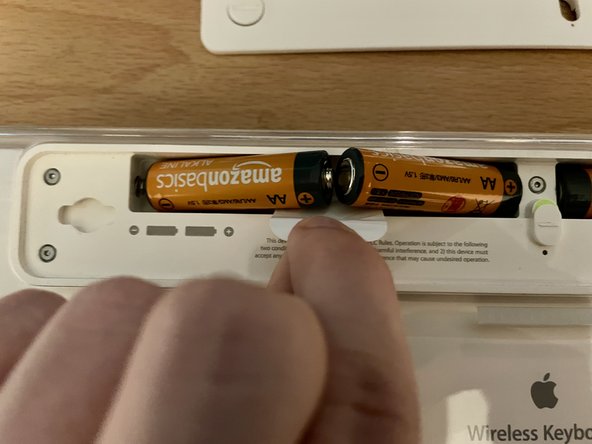
- Pull the white tab up and remove the old AA batteries on both sides.