laos MacBook Pro 15" Unibody Late 2011 Disassembly
ID: 157331
Description: Hi! This is a guide for disassembly your "old"...
Steps:
- 13.5 mm (14.1 mm) Phillips and 3 mm Phillips screw drivers.
- Remove these 10 screws 10 and try to be polite.
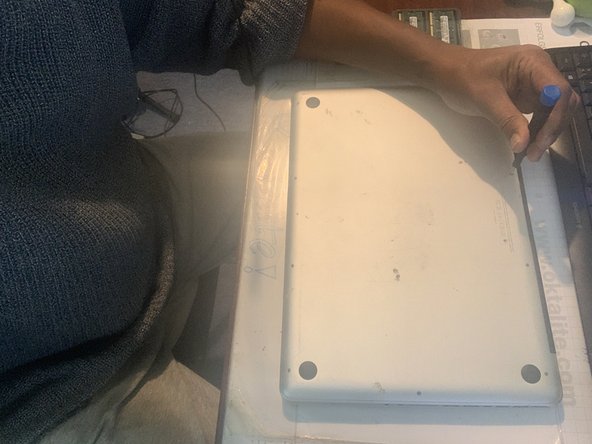
- Remove the lower case and set it aside
- Disconnect the battery connector.
- Remove the 2 Phillips screws securing the hard drive bracket.
- After lifting the retaining bracket out of the upper case take your HD out.
- Boot your "new" mac from the external HD by keeping the Option key down.