How to Use a Hair Dryer to Soften Adhesive
ID: 157348
Description: Follow these instructions to use a hair dryer...
Steps:
- Before you begin, make sure you have a plan in the event of a fire. If you have a swollen battery, take appropriate precautions.
- Keep the hair dryer switched off and unplugged when not in use.
- Avoid using extension cords to power your hair dryer. Since hair dryers require a high current draw, cheaper or old extension cords pose a greater fire risk.
- Avoid heating a battery directly. If you're heating adhesive near or underneath a battery, make sure you've completely discharged the battery before applying heat.
- The next four steps show how to use the hair dryer to soften strong adhesives, such as screen and frame adhesives.
- Place your device on a clean, heat resistant surface or mat.
- Keep flammable materials away from your work area.
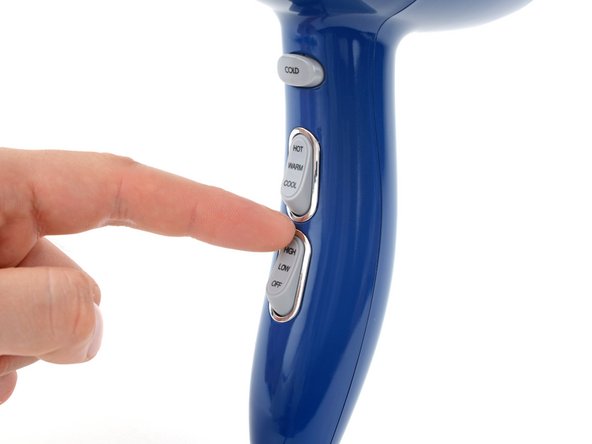
- Set the temperature of your hair dryer to its hottest setting.
- If your hair dryer also has fan speed control:
- Set the fan setting to low for small parts, such as cables or tape.
- Set the fan setting to high for large surfaces, such as screens or back covers.
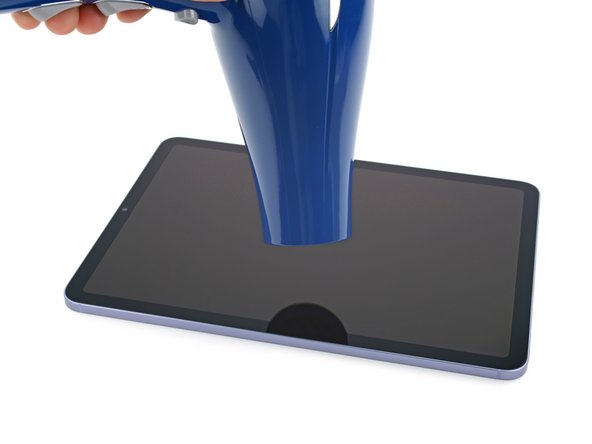
- Position the nozzle of your hair dryer 2–3 inches above the device.
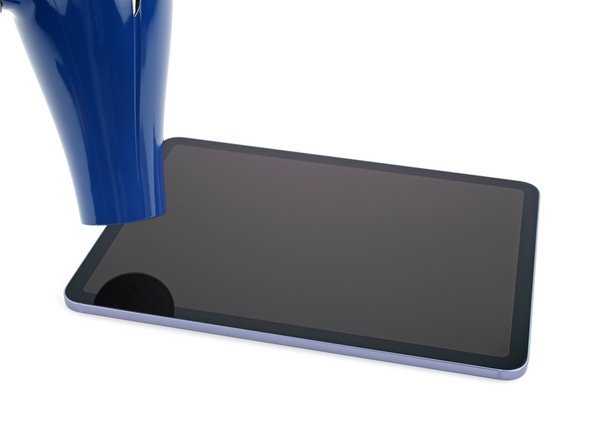
- Move the hair dryer along the surface of your device.
- Never leave your hair dryer in one spot for an extended period of time—keep it moving at all times.
- Heat the surface until it's just too hot to touch, or as directed by the repair guide.
- If you’re heating an OLED screen, don’t heat it over 176 °F (80 °C) or you may damage the OLED screen.
- If you’re heating the adhesive underneath the battery, make sure the battery doesn’t go over 150 °F (66 °C) or you may damage the battery.
- Make sure to turn off your hair dryer before setting it down to continue the repair.
- Keep your hair dryer in motion while heating smaller surfaces by moving it in circles above the device.
- Some components, such as large screens, require multiple cycles of heating and slicing. Take your time and apply more heat if the component feels stuck.
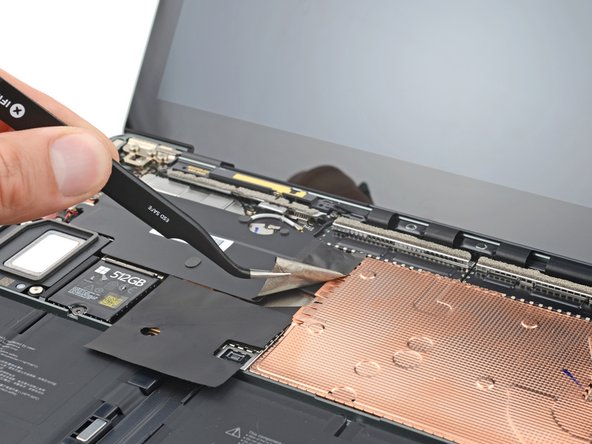
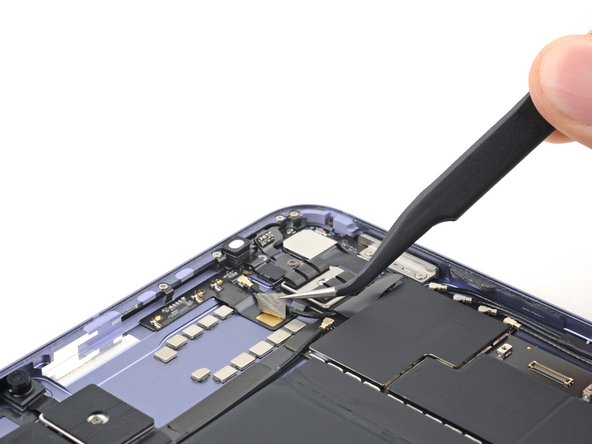
- This step shows how to use your hair dryer to loosen protective tape and stickers.
- Position the nozzle of your hair dryer 2–3 inches above the device and set the fan setting to "Low".
- Apply heat in small circles over the tape or sticker for 30 seconds.
- Peel the tape from the device.
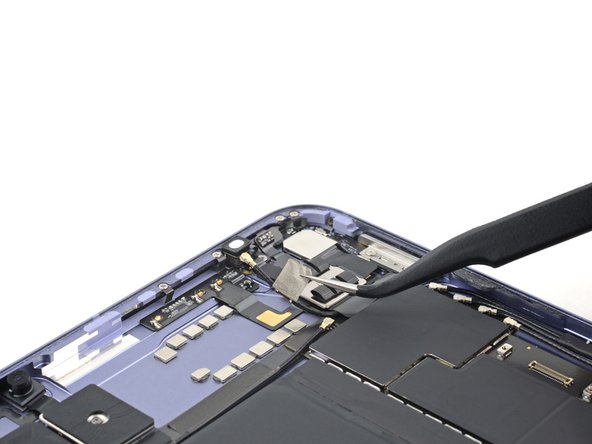
- This step shows how to use your hair dryer to loosen cables adhered to your device.
- Position the nozzle of your hair dryer 2–3 inches above the device and set the fan setting to "Low".
- Apply heat in small circles over the cable for 30 seconds.
- Peel the cable from the device.
- Before continuing your repair, turn off your hair dryer and unplug it.