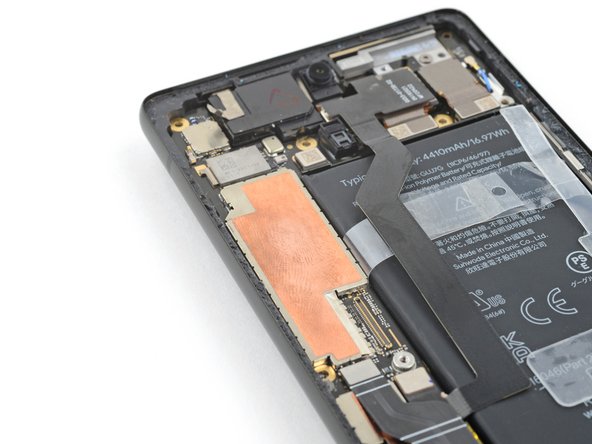
How to Apply Thermal Paste to Phones
ID: 157417
Description: Use this guide to re-apply thermal paste to...
Steps:
- Look for existing thermal paste above or below the motherboard.
- Thermal paste is often gray, but can be any color. It's opaque and thick, with a wet texture. Older thermal paste is drier.
- Use the flat end of a spudger to scrape away large pieces of old thermal paste from your phone's motherboard.
- Don't use sharp or metal tools. They can scratch the motherboard surface or puncture the battery in an accident.
- Scrape away large pieces of thermal paste from the frame or cover.
- Apply a few drops of highly-concentrated isopropyl alcohol (over 90%) to any remaining thermal paste residue.
- Wipe away the residue using a coffee filter or lint-free cloth.
- Clean the cover or frame using isopropyl alcohol and a coffee filter or lint-free cloth.
- Apply a small bead of thermal paste to the motherboard in the same location as the old thermal paste.
- Unlike full-size processors found in computers with heatsinks, phones need very little thermal paste.
- Return to your phone's guide to continue reassembly.
- When you compress the thermal paste, it will evenly distribute and form a thermal bond with the processor.