Nokia G22 Back Cover Removal
ID: 157420
Description: This is a prerequisite-only guide! This guide...
Steps:
- Insert a SIM eject tool, bit, or a straightened paper clip into the small hole on the SIM card tray on the upper left edge of the phone.
- Press firmly to eject the tray.
- Remove the SIM card tray.
- When installing either a SIM card or a microSD card, make sure they're in the correct orientation and sitting completely flush with the edges of the tray before reinserting the tray into the phone.
- The back cover of the phone is held in place by plastic clips.
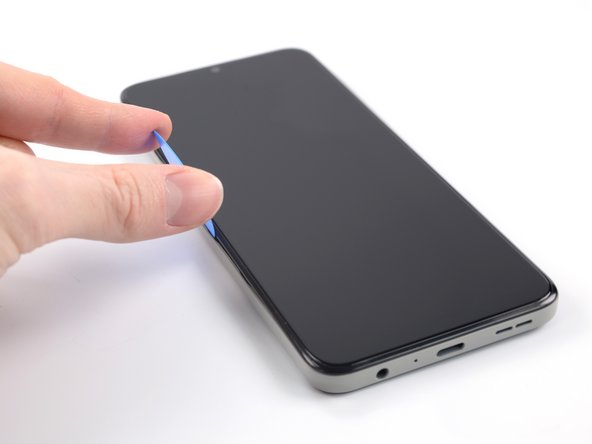
- Insert an opening pick under the small notch in the SIM card tray slot.
- Position the opening pick at a steep downward angle between the back cover and the screen assembly.
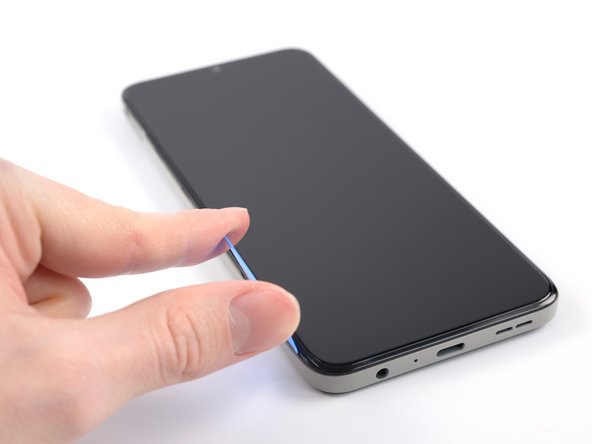
- Slide the opening pick down the left edge of the phone to release the plastic clips.
- Turn the opening pick around the corner and continue to slide it along the bottom edge to release the plastic clips.
- Slide the opening pick up the right edge to continue releasing the plastic clips.
- Slide the opening pick along the top edge to release the remaining plastic clips.
- Don't try to fully remove the back cover just yet, as it's still connected to the phone.
- With the phone laying screen-side down, carefully lift the right edge of the back cover, opening it like a book.
- Take care not to strain or tear the attached fingerprint reader cable during this procedure.
- Lay the back cover next to the phone.
- Use a Phillips screwdriver to remove the 3.8 mm‑long screw securing the fingerprint reader bracket.
- Use a pair of tweezers or your fingers to remove the fingerprint reader bracket.
- Take care not to puncture the battery with your tool—a punctured or bent battery may leak dangerous chemicals or cause a fire.
- During reassembly, make sure to align the fingerprint reader bracket correctly and push the small metal edge back into its recess under the motherboard cover.
- Use the flat end of a spudger to disconnect the fingerprint reader by prying the connector straight up from its socket.
- To re-attach press connectors like this one, carefully align and press down on one side until it clicks into place, then repeat on the other side. Do not press down on the middle. If the connector is misaligned, the pins can bend and cause permanent damage.
- Remove the back cover.