Dell Inspiron 5675 CMOS Battery Replacement
ID: 157463
Description: This guide shows you how to replace the CMOS...
Steps:
- Ensure the PC is a dell inspiron 5675.
- Unscrew the two screws on the side panel using your screwdriver.
- Pull out the side panel using the handle.
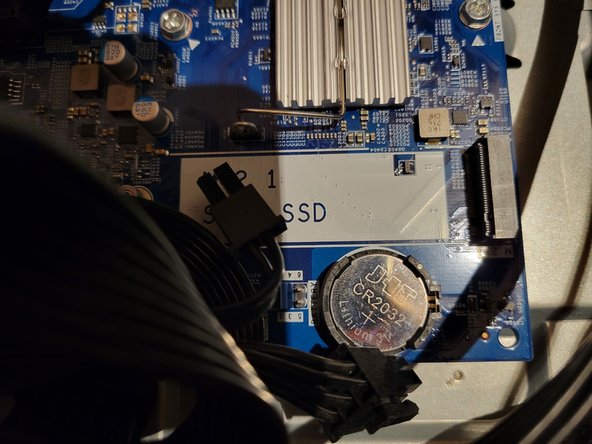
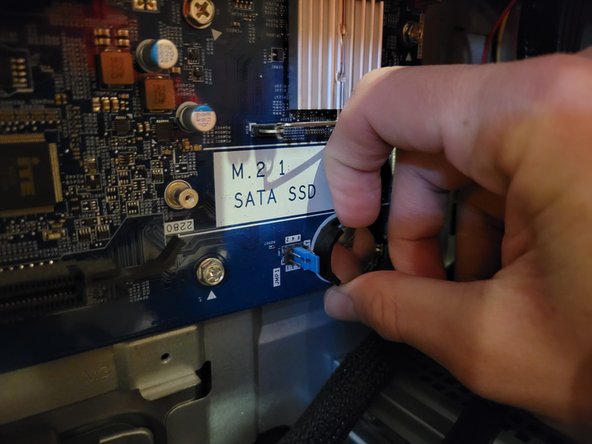
- The CMOS battery is located on the motherboard, just below the M.2 SATA SSD slot. Use your thumb and nail to pull out the battery from its slot.
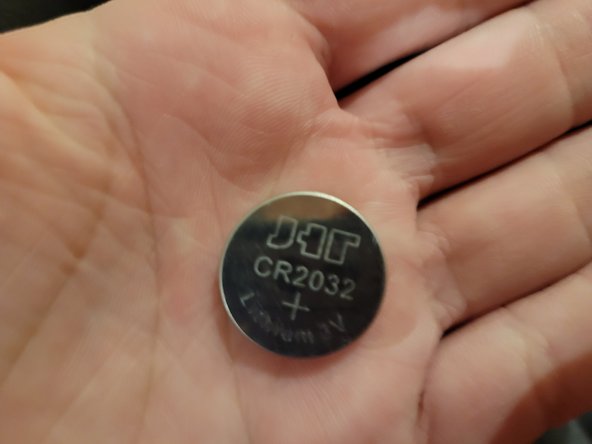
- After it's removed, grab the replacement battery.
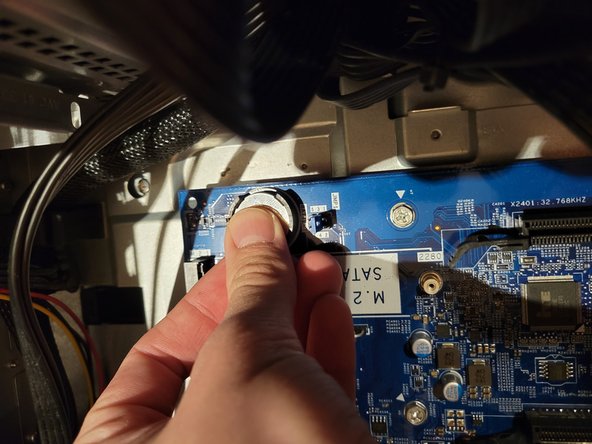
- Slide half the battery in the slot and use your thumb to push it down.
- Once you hear a click or see its in place, it has been replaced.
- Grab the side panel and make sure the hooks match with their corresponding slots.
- Push the side panel forward and screw the two screws back. (refer to step 2)
- Replacement has been complete.