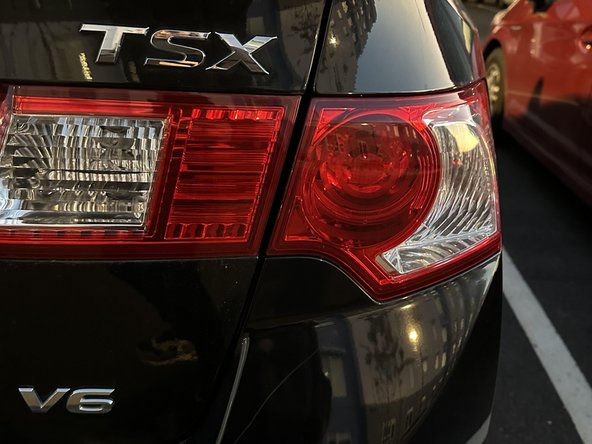
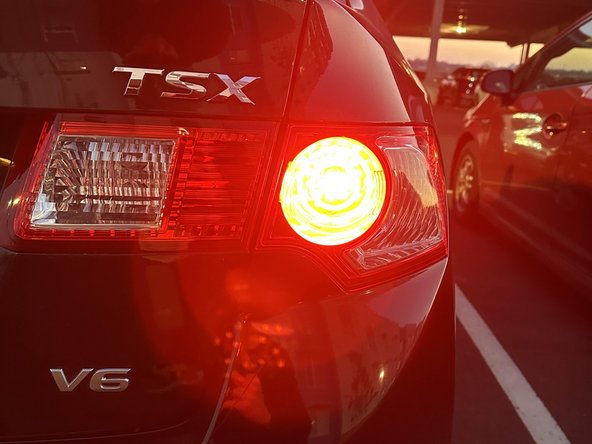
2009-2014 Acura TSX Brake Light Replacement
ID: 157794
Description: This guide will show you how to easily replace...
Steps:
- Open the trunk of your car and and remove all items.
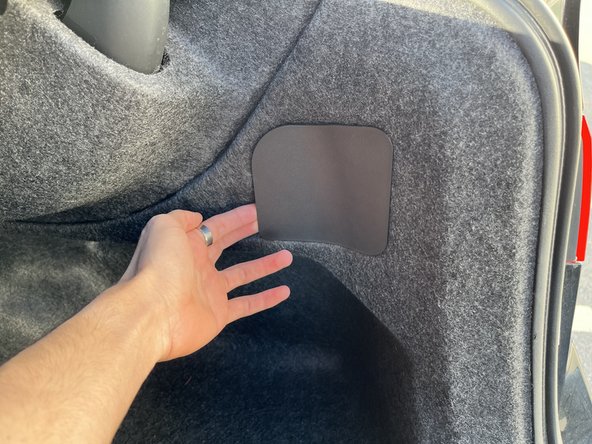
- Use your hands or a spudger to remove the plastic panel from the interior lining.
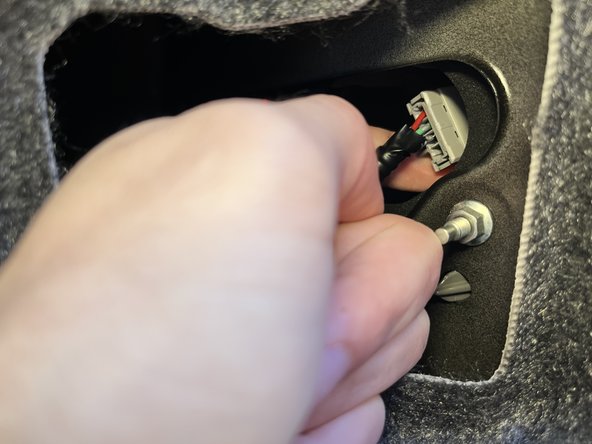
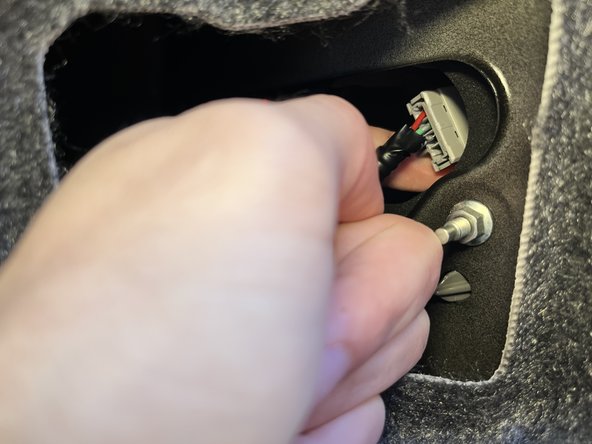
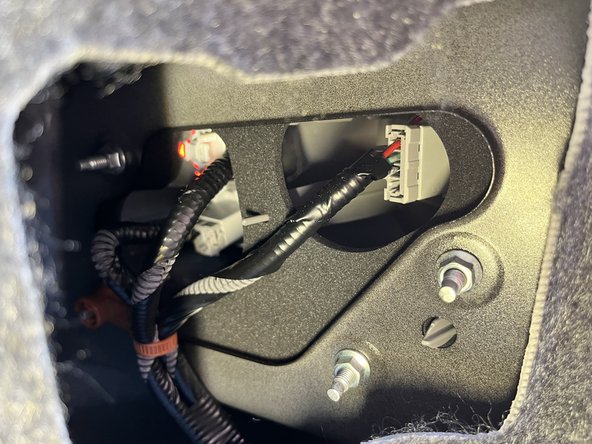
- Twist the grey rectangular plug counterclockwise until you hear a click.
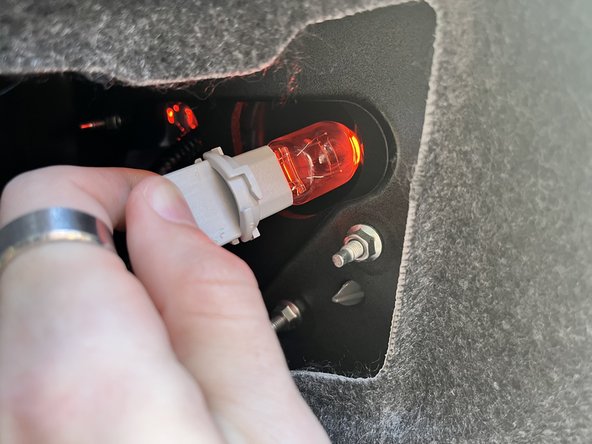
- Pull the plug with the light attached from the socket.
- Put on gloves because any oil or dirt on the bulb will cause heat to concentrate on that spot and lower the life of the bulb significantly.
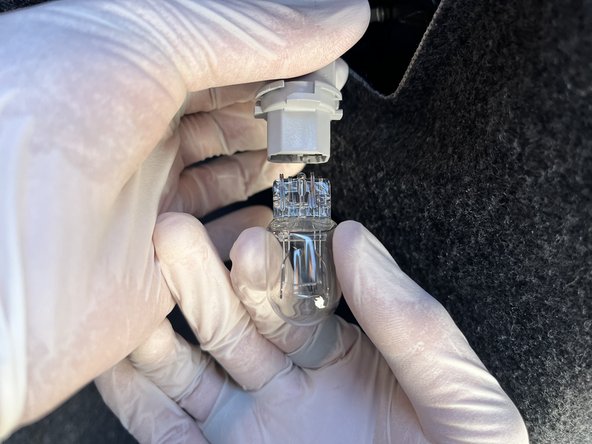
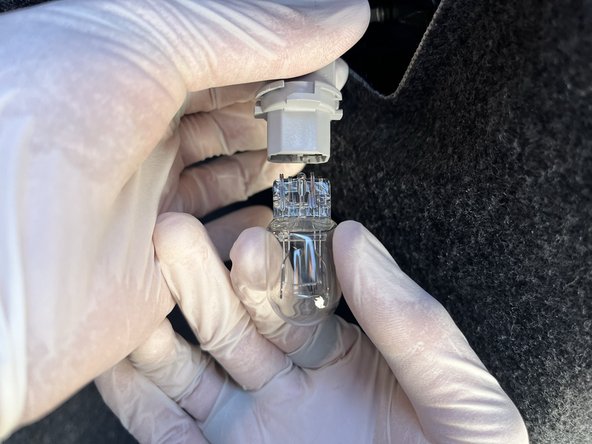
- With gloves, carefully remove the bulb from the socket.
- Take the replacement light bulb and carefully insert it into the socket with gentle pressure until it clicks.
- Insert the plug with the new bulb back into the socket at a 45 degree angle to the left.
- Twist the plug clockwise until you hear a click.
- Replace the plastic panel to cover the light sockets.
- Turn on the vehicle and test the breaks to ensure the bulb is working properly.
- If light does not turn on, check if the brake light bulb is properly plugged in to the grey socket or you may need to try a different bulb.