Angry Miao Xmas Key Switch Replacement
ID: 157811
Description: After a long time of use, the Angry Miao Xmas...
Steps:
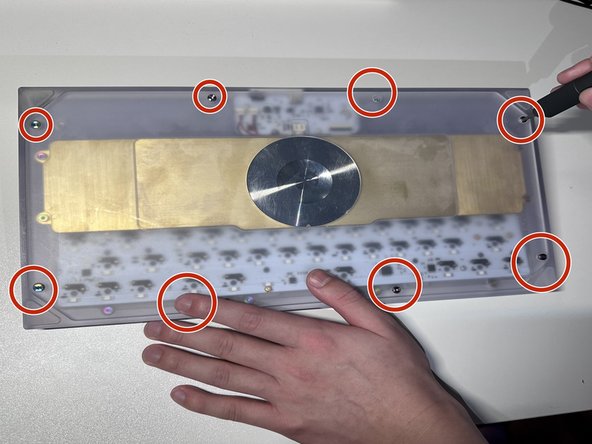
- Facing the keyboard downwards, remove eight 26 mm screws holding the keyboard together.
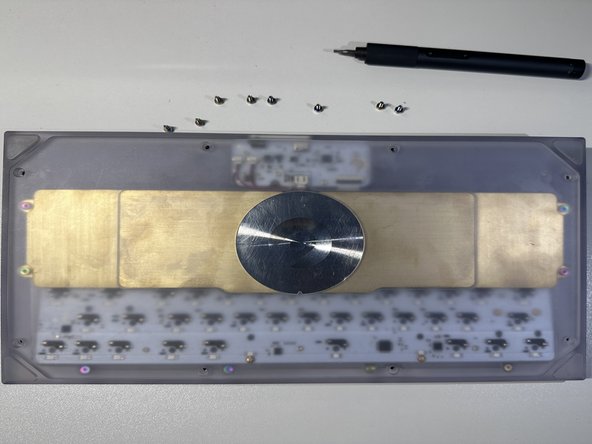
- Rotate the screws in a counterclockwise motion to unscrew.
- Remove the 4 screws of the brass weight in the same counterclockwise motion as done in previous steps.
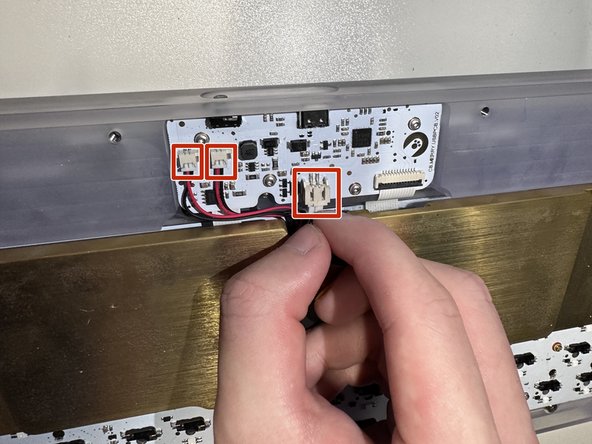
- Carefully disconnect the brass battery from the top housing by removing the 3 cables.
- When flipped upside down, the back of keyboard will look like this.
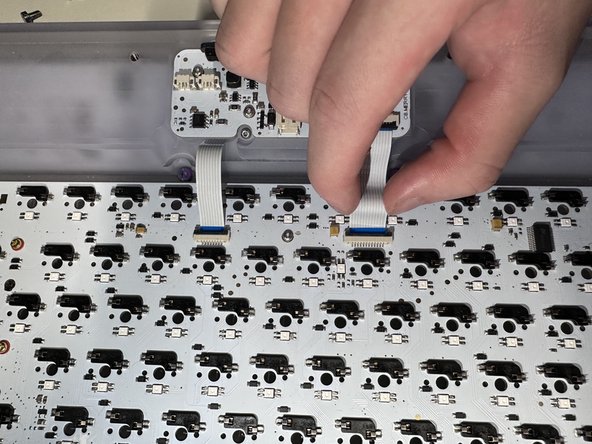
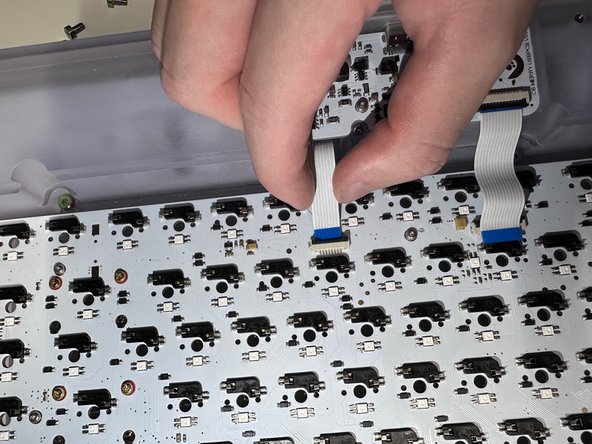
- Remove the brass weight, then disconnect the keyboard PCB by removing the 2 ribbons from the latch holding it down.
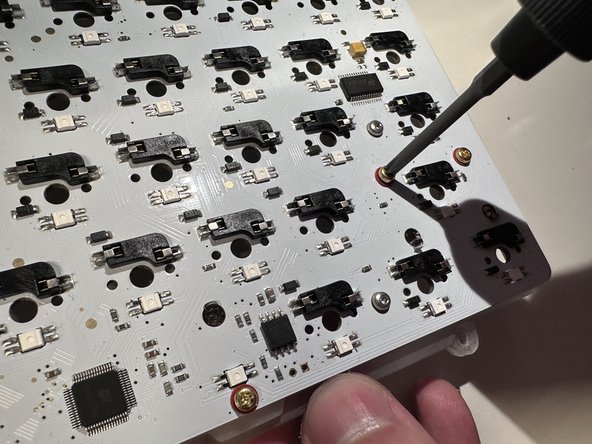
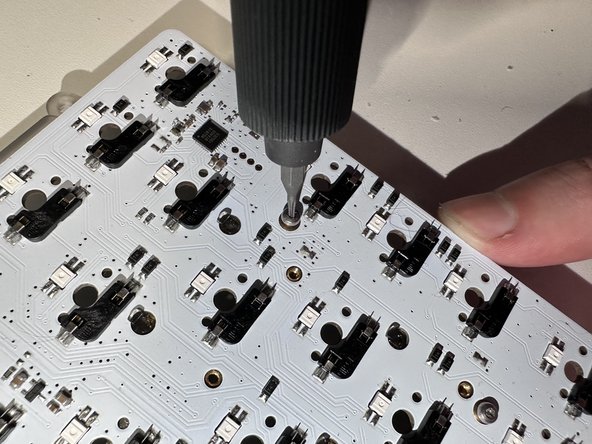
- Remove the 2 screws attached on top and take PCB kit out.
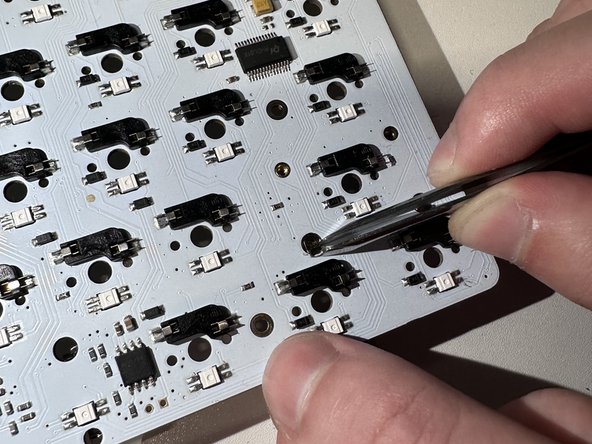
- Remove the rest of the screws in the same way which will separate the plate, mute mount, and PCB.
- Clean the PCB.
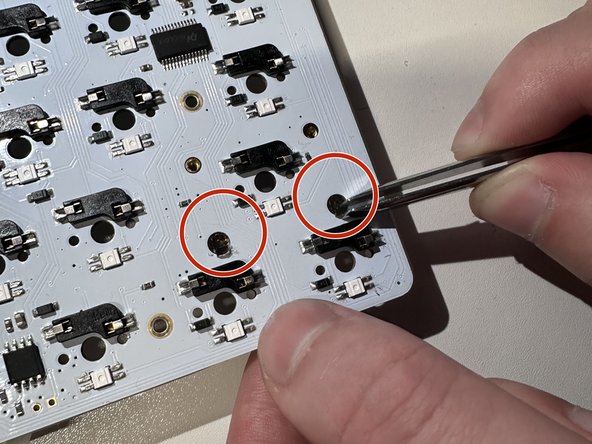
- Pull out the cover by using tweezers.
- Install the new key switches by pressing on the PCB.