Ibanez Guitar Neck and Bridge Pickups Replacement
ID: 158149
Description: Replacing the neck and bridge pickups on an...
Steps:
- Turn the tuning pegs in a counterclockwise direction to loosen the strings.
- Pull the strings from the tuning pegs and thread them out the back of the guitar.
- Use a soft cloth or a guitar cleaning kit to wipe down the body, neck, and fretboard.
- Use the screwdriver to loosen each screw on the pickguard.
- Remove knobs and pickup selector switch.
- These knobs can be very tough to remove. If you feel like you may damage them by forcing them off, just leave them on.
- Remove the old pickups from the guitar body.
- Desolder connections from both red and green wire bundles.
- There should be three separate wires per bundle that need to be individually removed.
- For soldering help, visit this guide.
- Solder the new pickup wires to your control board.
- Place your new pickups in the guitar body.
- We highly recommend having a manual pertaining to your specific pickups. It will show you where each specific wire needs to be attached.
- Use the screwdriver to reinstall pickguard screws.
- Re-attach pickup selector and knobs.
- Not all screw locations are visible in the image. Make sure to use all of them.
- Thread your new strings through the back of the guitar, up to the tuning pegs, and tighten the strings.
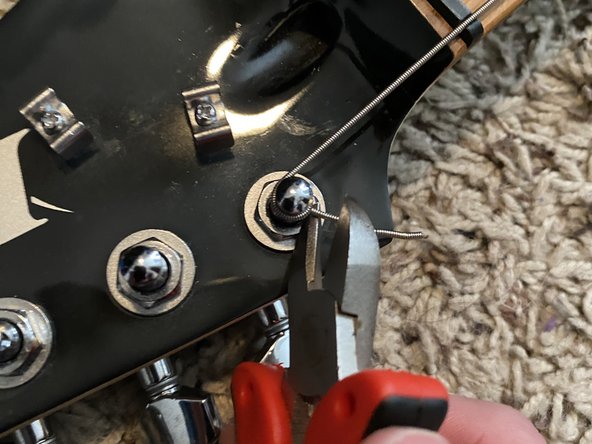
- Use the wire cutters to trim excess string from the ends.