Sony ICD-UX570 Battery Replacement
ID: 158172
Description: How to open the Sony ICD-UX570 to swap out the...
Steps:
- Wedge a thin and pointy tool (I used a knife) under the screw cover and pry it open.
- 2x Phillips #0
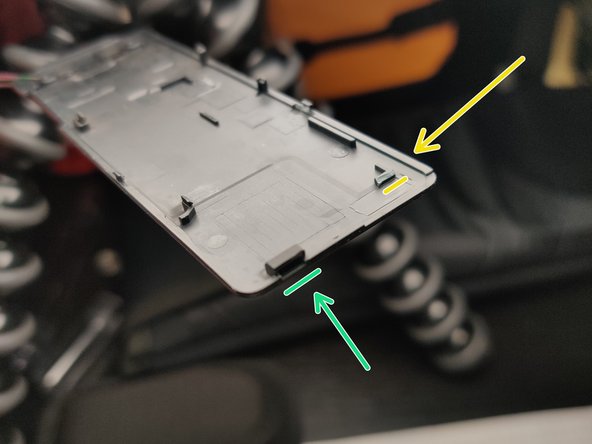
- I broke the yellow clip, I don't know if it's possible to keep it intact.
- The green bit holds a metal tooth from the main case: at that point pull the back cover towards the top of the recorder.
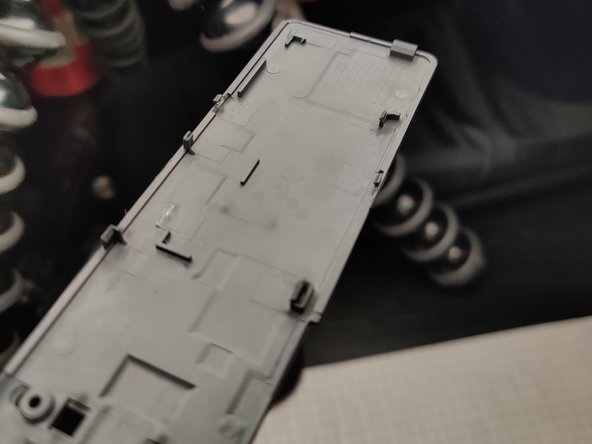
- Using a thin pry tool undo the back cover clips.
- Start at the top and work your way around.
- On the side with the USB connector slider there's a strong clip, I suspect at that point you have to pull up towards the top of the recorder. I broke off mine trying but it doesn't show once closed.
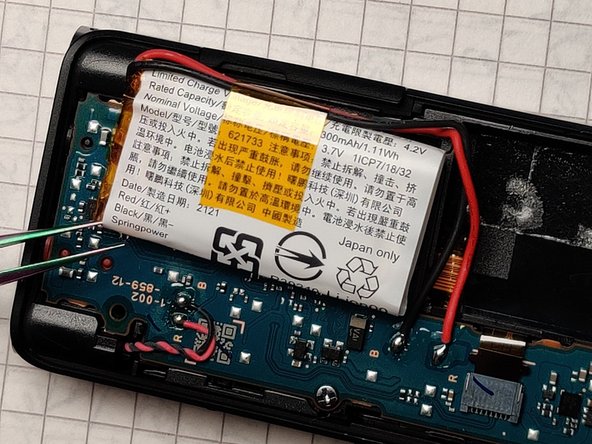
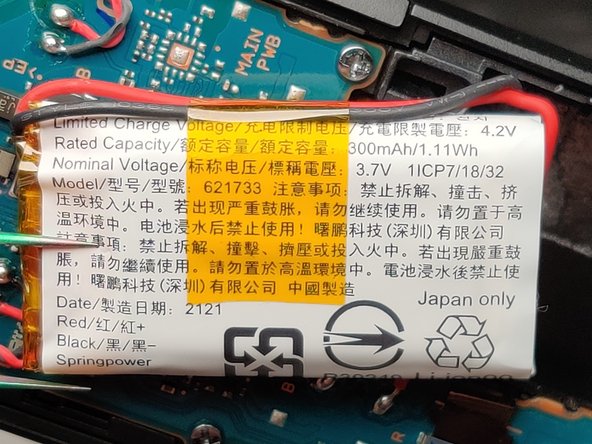
- Pull up the battery with a pry tool, making sure not to pierce it. It's held down with a bit of double sided tape.
- Desolder the wires and install the new battery.