Motorola Moto 360 3rd Gen Charging Coil Replacement
ID: 160131
Description: If your Motorola Moto 360 3rd Gen smartwatch...
Steps:
- Use a T4 Torx screwdriver to remove the four 4.2 mm screws securing the lower case.
- Gently pry the case open with a halberd spudger if the case will not release after removing the bolts.
- Do not remove the lower case completely yet; this could damage cables connected to the lower case.
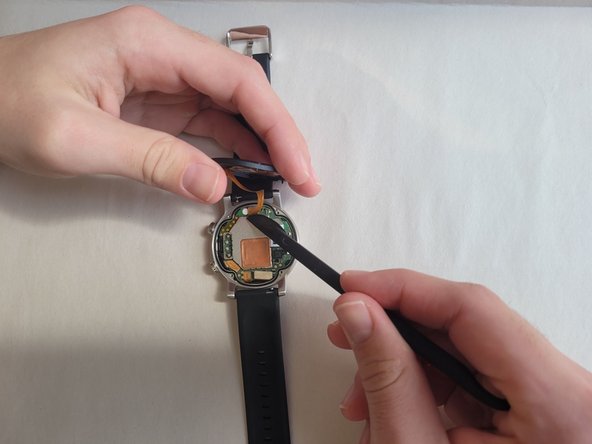
- Raise the cover without straining the connected ribbon cable.
- Disconnect the ribbon cable from the motherboard with a halberd spudger.
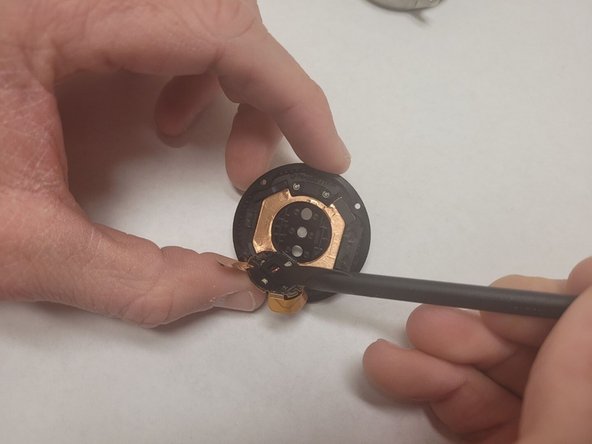
- Gently wedge a spudger underneath the charging coil ribbon.
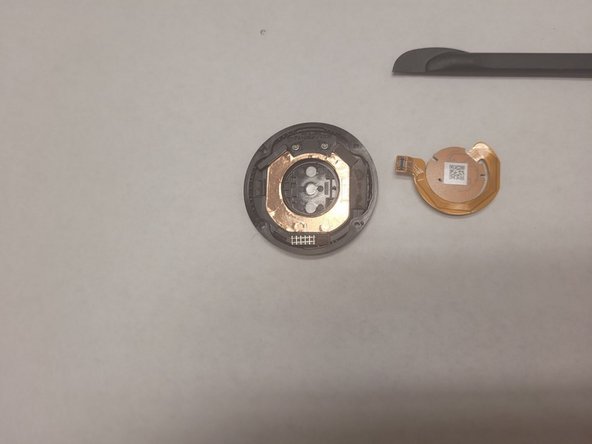
- Carefully pry the charging coil up and remove it from the assembly.
- Place the new charging coil in the same orientation as the one previously removed.
- Attach the charging coil ribbon cable to the watch motherboard.