EchoMaster MRC-WLP43 Camera Replacement
ID: 160214
Description: If your monitor and display is working, but...
Steps:
- Unscrew the two silver 1.4 mm Phillips #1 screws connecting the metal bar to the camera.
- Don't lose your screws!
- Take the two tabs off the sides of the camera by unscrewing the four 1.2 mm Phillips #1 screws connected.
- Don't loose your screws!
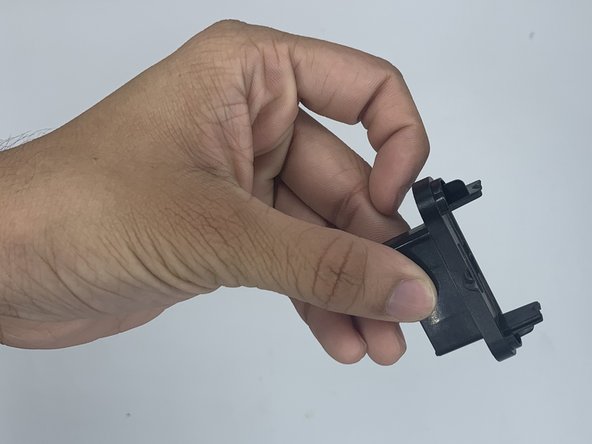
- When the screws are out, pop the two tabs off the sides.
- Then you can pull off the back panel. You will then be left with the camera and wires. To install the new camera simply retrace these steps.