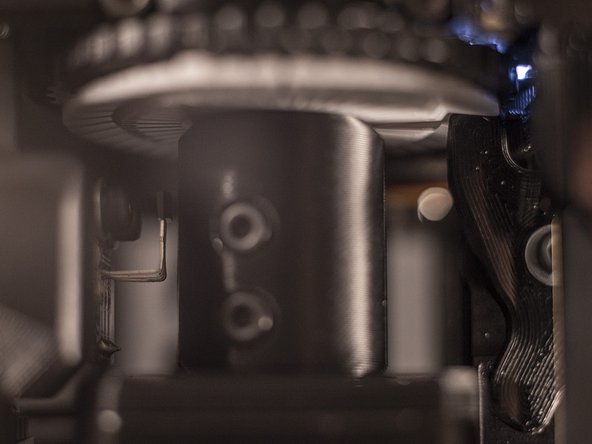
How to fix alignment on an E-TKT Label Printer
ID: 160215
Description: The E-TKT printer uses a daisy wheel mechanism...
Steps:
- Reboot the device.
- After the splash screen the machine will home by rotating until the magnet meets the hall sensor.
- Check the letter
Jposition in the top window: If the letter is visually centered (second image), then you can skip ahead to to Step 3. - Turn off the device to avoid short circuiting the leads of the hall sensor.
- Use blunt tweezers to finely adjust the hall sensor position along the tangential (cyan) axis as shown in the image:
- If
Jis too much to the right, push the hall sensor toward the centre of the device (yellow arrow). - If
Jis too much to the left, pull the hall sensor towards yourself (magenta arrow). - Make sure to keep the same distance on the transversal (red) axis.
- Enter the web interface and click on
SETUP. - Now press the
TEST-button to the right side ofALIGN. - The machine will now slowly and lightly press the carousel letter, as shown in the second image.
- Adjust the
ALIGN-value until the press is fully centered on the character being pressed. - The align value ranges from 1 to 9, with 5 being the default (middle) value.