NuVision Duo 11 Camera Replacement
ID: 160234
Description: A faulty camera can lead to distorted or poor...
Steps:
- Place the flat end of a nylon spudger in the gap between the cover and the rest of the device.
- Slide the spudger down each side until you hear numerous clicks.
- Remove the back panel from the tablet.
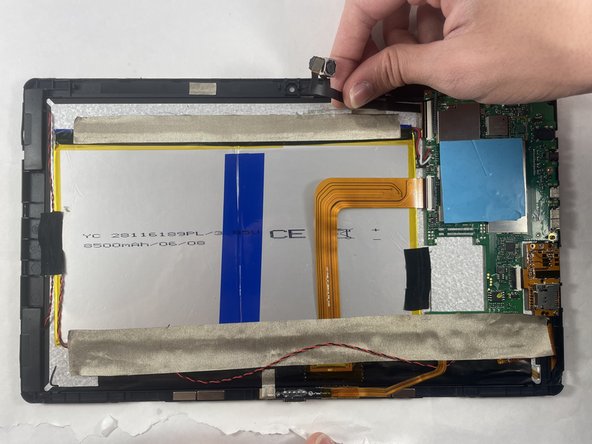
- Disconnect the ribbon cable from its retaining flap.
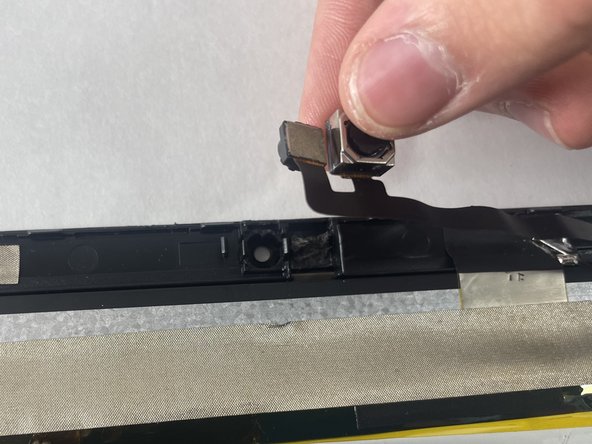
- Lift the camera out of the tablet.
- The camera may be glued into place, so use caution when removing it.