Motorola Moto 360 3rd Gen Multi-Action Button Replacement
ID: 160335
Description: If your Motorola Moto 360 3rd Gen smartwatch...
Steps:
- Use a T4 Torx screwdriver to remove the four 4.2 mm screws securing the lower case.
- Gently pry the case open with a halberd spudger if the case will not release after removing the bolts.
- Do not remove the lower case completely yet; this could damage cables connected to the lower case.
- Raise the cover without straining the connected ribbon cable.
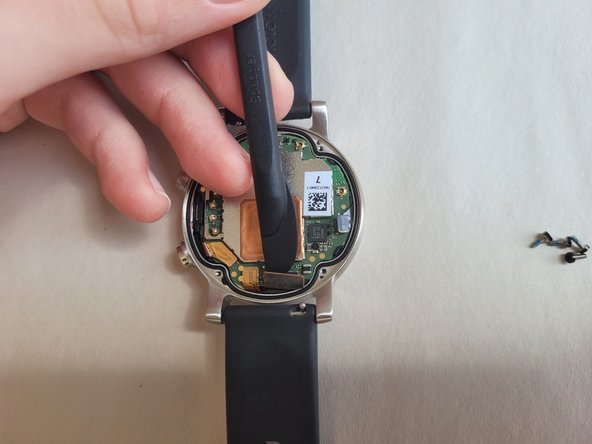
- Disconnect the ribbon cable from the motherboard with a halberd spudger.
- Disconnect the right (small, black head) and bottom right (wide, orange head) ribbon cables.
- No need to disconnect the left or bottom left ribbons.
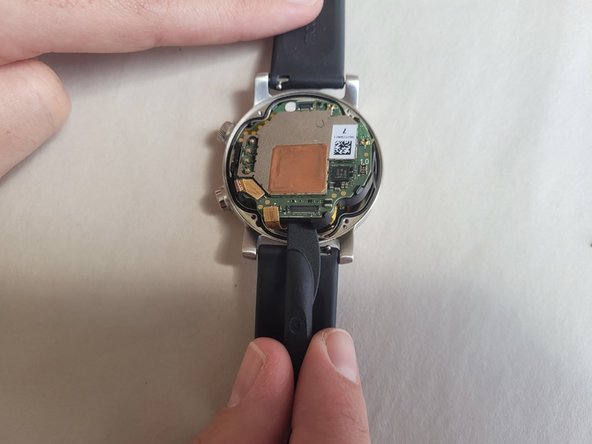
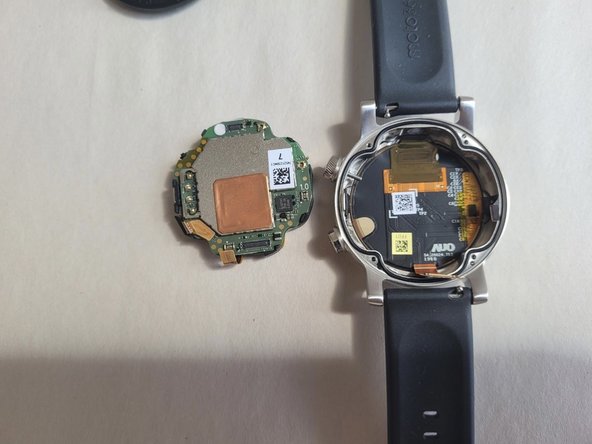
- Gently remove the motherboard using a halberd spudger.
- The best area to pry is at the bottom of the motherboard, right under one of the ribbons that was just disconnected.
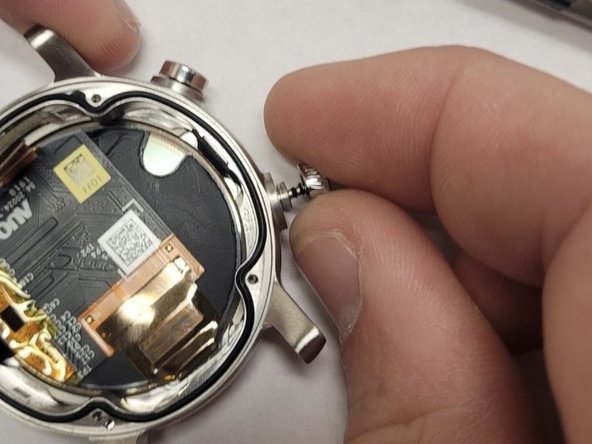
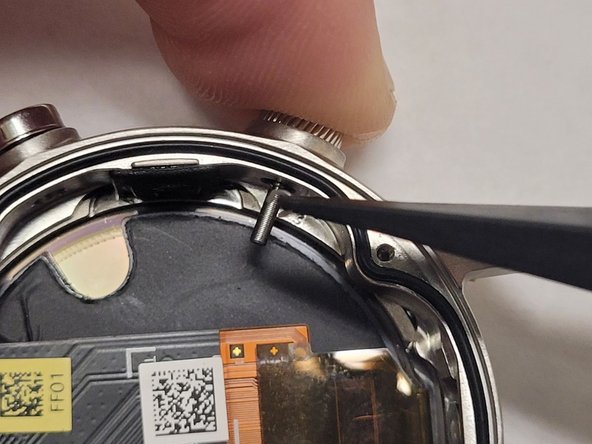
- While pushing the Multi-Action Button inwards, use tweezers to remove the c-clamp holding the button in place.
- The c-clamp is a very tiny object, be cautious of losing it.
- Remove the Multi-Action Button.
- Insert the new Multi-Action Button in place of the older Multi-Action Button.
- Attach the c-clamp back around the Multi-Action Button while it is being pushed inwards.