Beboncool Wireless Switch Pro Controller Motherboard Replacement
ID: 160369
Description: This guide describes the process of removing...
Steps:
- Use a Phillips #0 screwdriver to remove the seven 5 mm screws from the back of the controller.
- Gently separate the top and bottom halves of the controller.
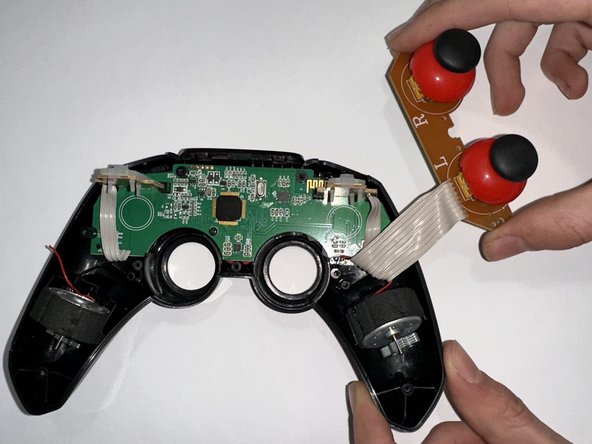
- Use a Phillips #0 screwdriver to remove the two 5 mm screws holding the joystick motherboard in place.
- Carefully move the bumper buttons out of the way.
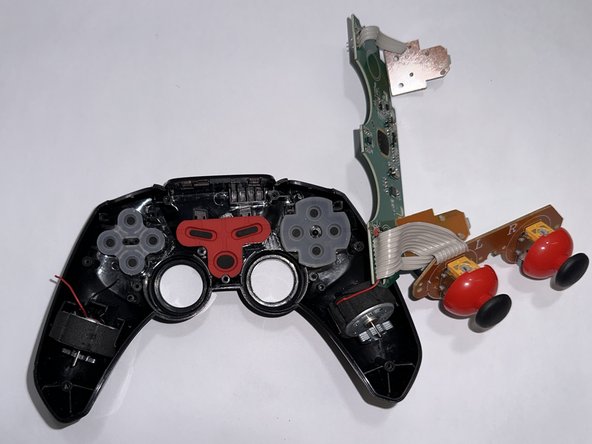
- Use a Phillips #0 screwdriver to remove the 5 mm screw holding the motherboard in place.
- Remove the motherboard.