Rosewill NEON M62 Cable Replacement
ID: 160436
Description: This guide explains how to replace the USB...
Steps:
- Place the mouse so the bottom is facing upwards.
- Remove the plastic skates.
- These are not shown in the picture since they were missing from the device.
- Remove the two 5 mm screws with a Phillips #00 screwdriver.
- Use the opening tool along the side of the mouse to open up it.
- This may take multiple attempts to do so; be patient and careful not to break the mouse.
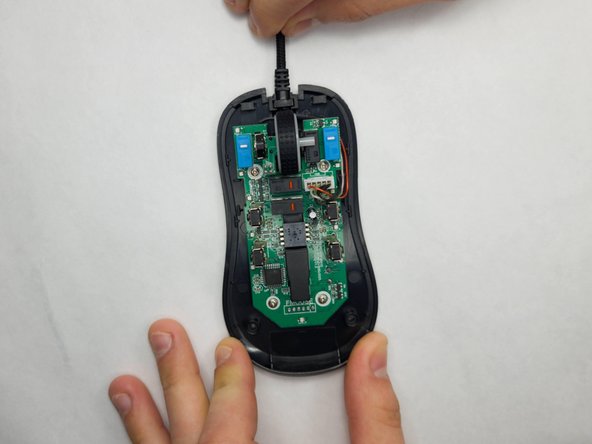
- Loosen the top and bottom half of the mouse with the opening tool, and slowly pull up the bottom half of the mouse.
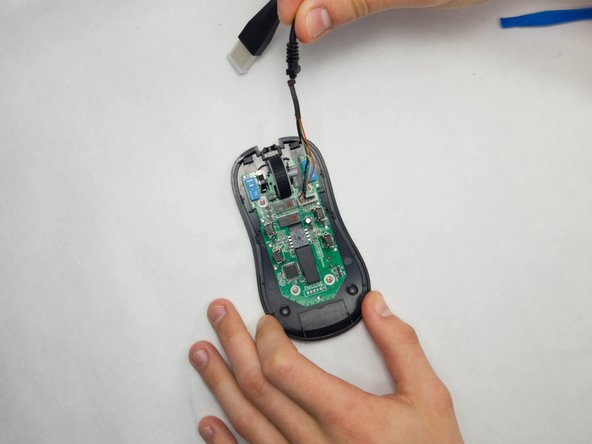
- Gently pull the cable toward yourself and around the right side, being careful not to damage the wires.
- Carefully, using your fingers or tweezers, pull the white connecter up.
- Do not pull by the wires.