HP 15-ef Rubber Feet Replacement
ID: 160473
Description: Use this guide to remove or replace one or both...
Steps:
- Flip your laptop over so the rubber feet are facing up.
- The rubber feet cover a total of six back cover screws.
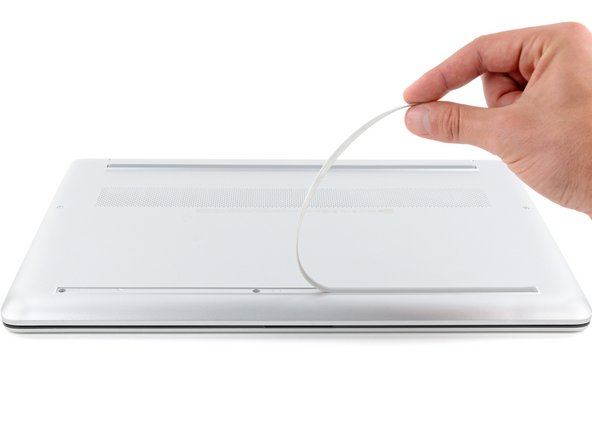
- Use an opening pick to peel up an end of the front rubber foot until you can grip it with your fingers.
- Make sure both the foot and its adhesive peel up together, as they need to be removed as one piece.
- Peel the front foot away from the back cover and remove it.
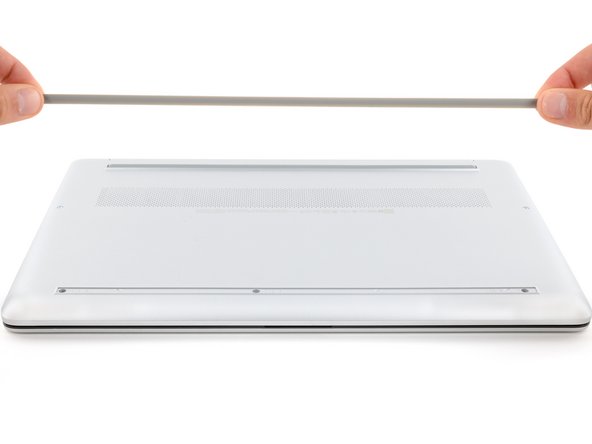
- Use an opening pick to peel up an end of the rear rubber foot until you can grip it with your fingers.
- Peel the rear foot away from the back cover and remove it.
- Note that the rubber feet are different:
- The rear foot is thicker, with a deeper recess.
- The front foot is thinner, with a shallower recess.
- During reassembly:
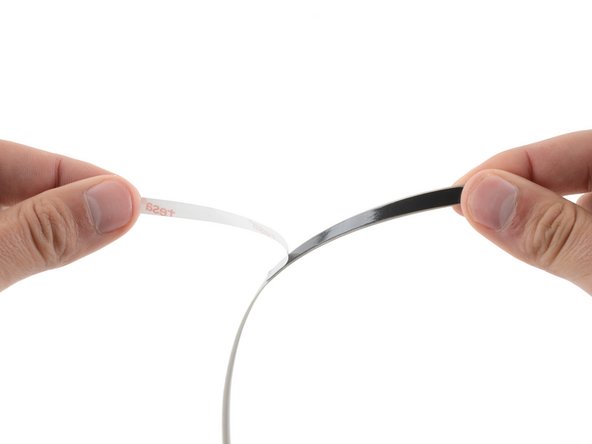
- If you're reusing the rubber feet, the leftover adhesive should be tacky enough to reuse.
- If the leftover adhesive isn't sticky enough or your replacement feet didn't come with adhesive, you can use double-sided tape such as Tesa Tape to secure the feet.
- Make sure the strips of tape aren't wider than 6 mm, otherwise they may not fit.
- To install a foot, remove its adhesive liner, lay the foot into its matching recess, and press down firmly along the entire length of the foot to secure it.