Ge Profile Refrigerator with Bottom Freezer Drawer Model PFSS9PKYASS Ice and Water Dispenser Replacement
ID: 161102
Description: One of the two arms on the plastic paddle that...
Steps:
- Unplug the refrigerator or turn off the breaker for the power circuit it is on.
- Remove the Philips screw.
- To pry off the control panel:
- Insert a flat head screw driver into the slot shown here, then pull the right side of the panel towards you and slightly upward.
- The clips at sides of the panel will release. The top of the control panel has a tab that fits into a slot in the door, as shown.
- Pull the wiring harness clip free from the control panel and put the panel aside.
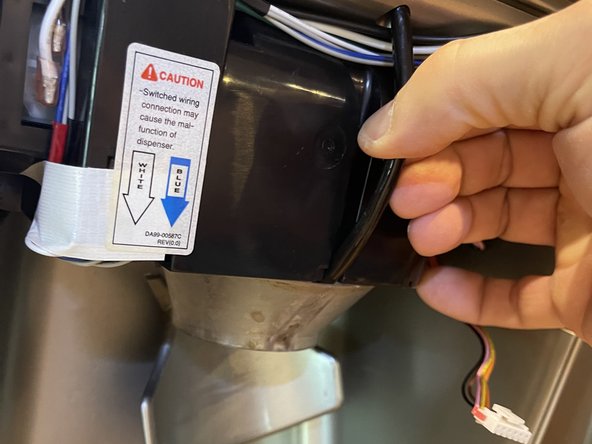
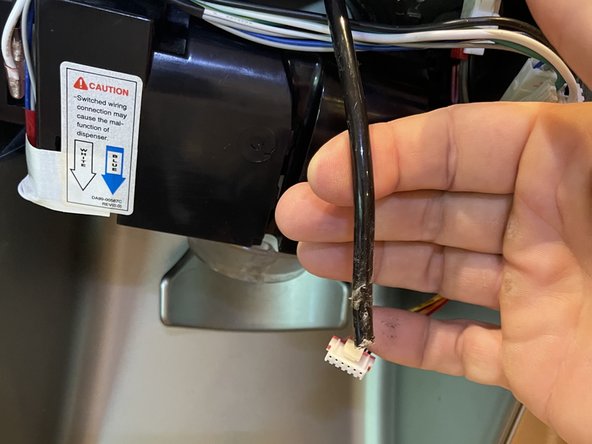
- Pull the water hose free of its slot in the unit and up and out of the dispenser cone.
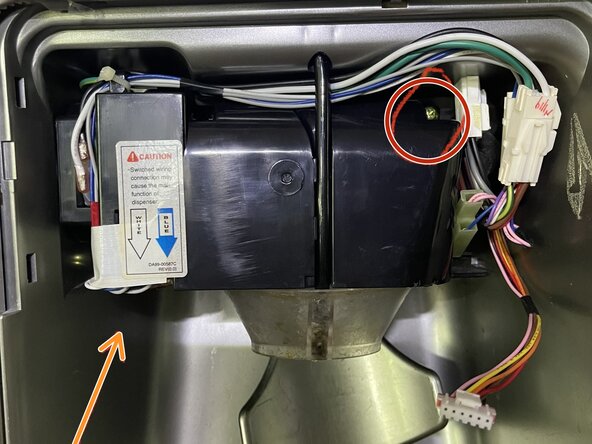
- Remove the two brass-colored Philips screws:
- Remove the brass-colored Philips screw in the top right.
- Remove the brass-colored Philips screw in the bottom left were the arrow indicates. (The screw is not visible in the photo.)
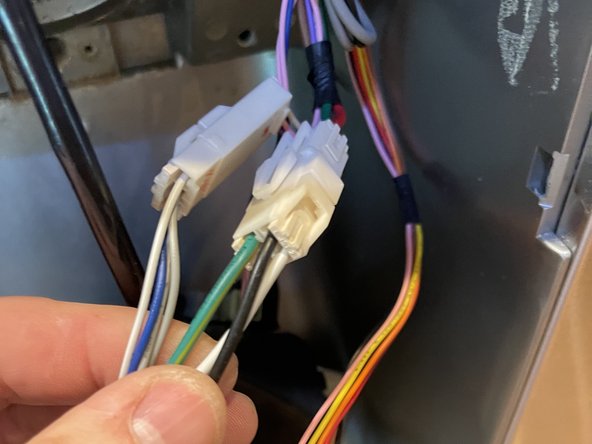
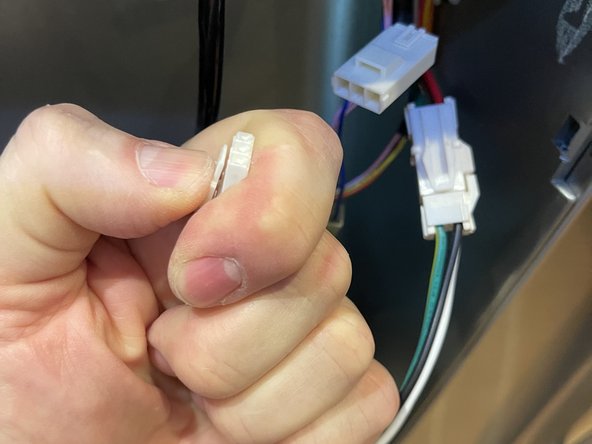
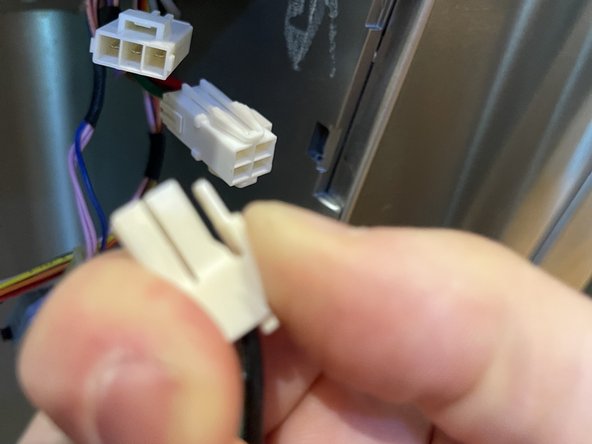
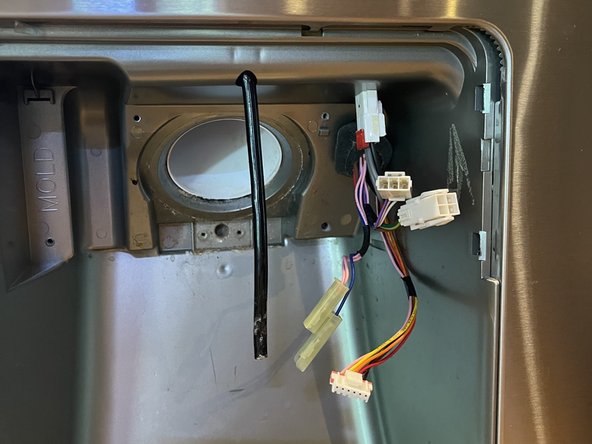
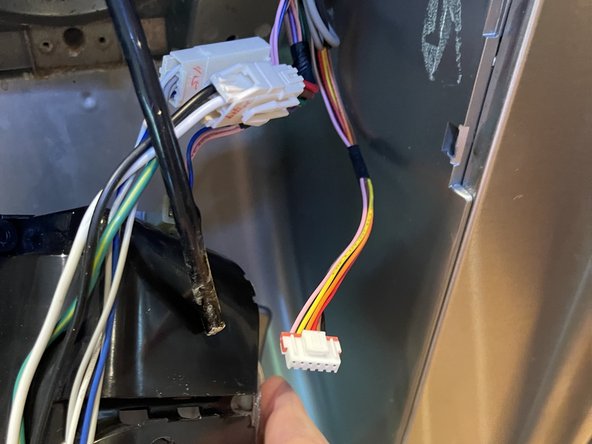
- The unit can now be pulled out of the door. Disconnect two wiring harnesses by squeezing down on the tabs that each one has. This will release the clips.
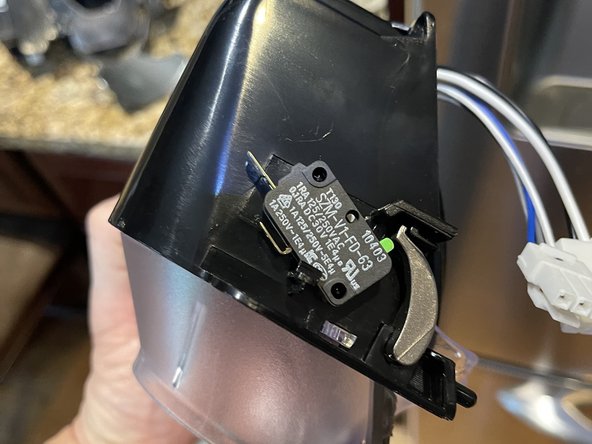
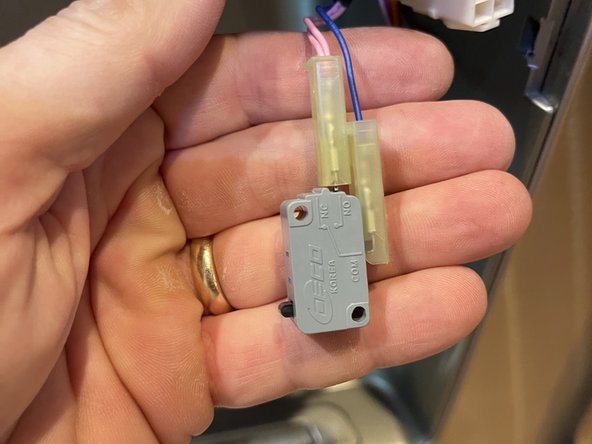
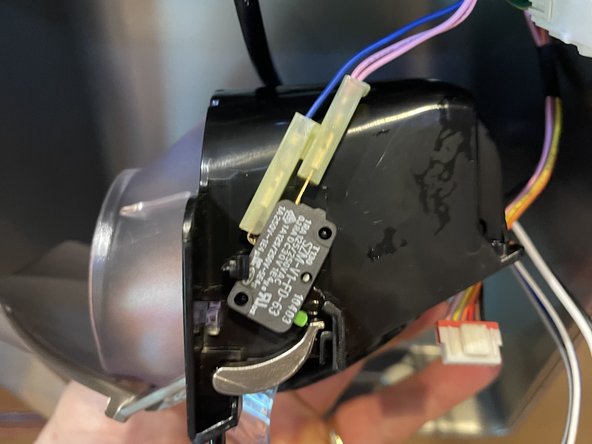
- On the right side of the unit is a switch that the paddle presses to activate ice or water flow. Its electric wires slide off. The switch on my old unit fell off the unit, perhaps because the old paddle arm was broken off. Photos show new unit and old switch with wires attached.
- Old unit should now be completely removed and set aside. Slide the paddle switch wires onto the new unit.
- Connect the two wiring harnesses to the new unit, then tuck the wiring harnesses behind the water hose.
- Press the water hose into its slot on the front of unit.
- Then feed the end of the water hose into the dispenser cone. Use a finger inside the cone to guide the hose into its slot down the front of the cone and into the circle holder at bottom.
- Before inserting the brass screws, the tab on the top left of the unit needs to be inserted into its slot to the left of the ice pipe.
- The tab, on the unit.
- The slot, to the left of the ice pipe.
- To attach the dispenser unit to the door:
- Tilt the top of the unit in to the door, aligning this tab with the slot in the door, and slide it up.
- Then press the unit into place.
- Check that the two screw holes are aligned and install the two brass-colored Philips screws.
- The control panel has a tab at top center. Insert this into the slot in the door located above the water hose, by tilting the top of the panel into place.
- Then press the panel into place on the two sides.
- Insert the Philips screw.