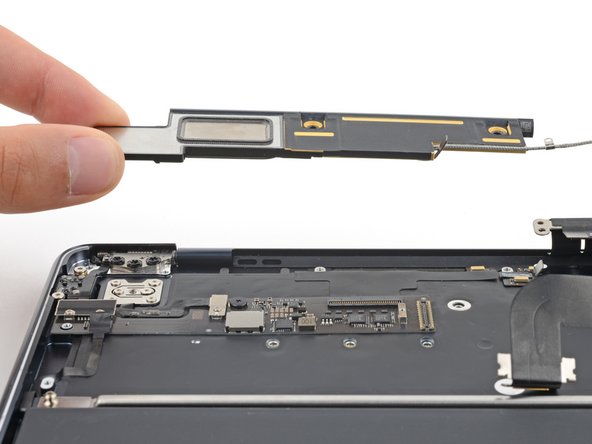
Right Speaker Removal After Logic Board
ID: 162776
Description: Prerequisite guide for removing the right...
Steps:
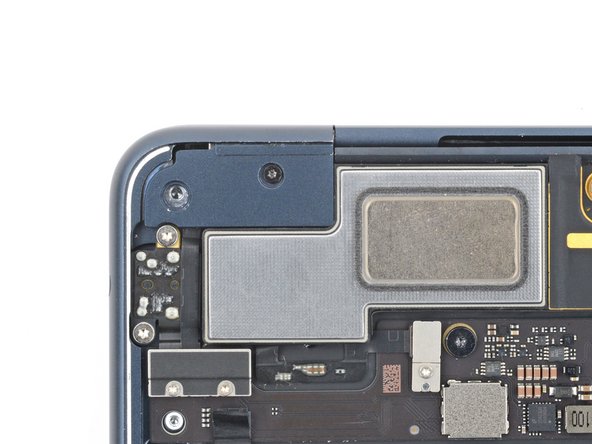
- Use a 3IP Torx Plus driver to remove the 2.6 mm screw securing the left hinge cover.
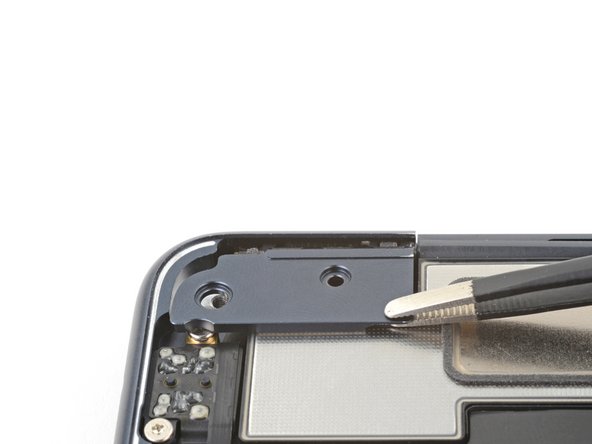
- Grip the left hinge cover with blunt nose tweezers.
- Pull the cover toward the bottom of the laptop and upward to free it from its recess.
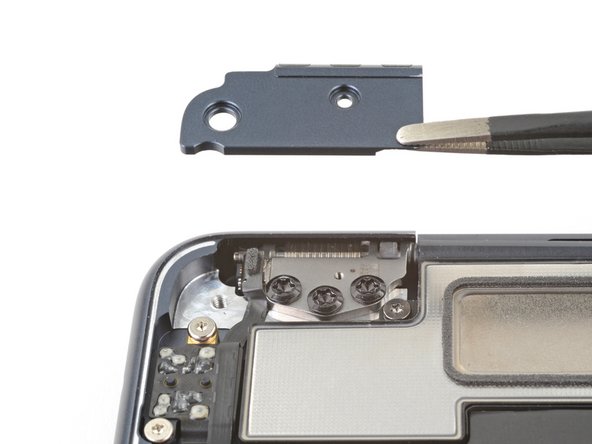
- Pull up and remove the hinge cover.
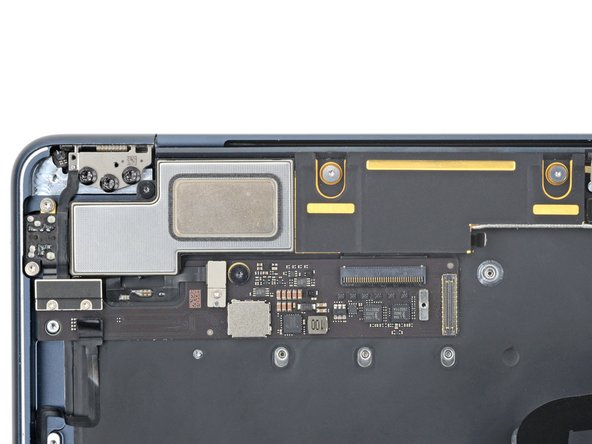
- The right speaker will be on your left-hand side when working on the MacBook, as it's laying upside down.
- Remove the three screws securing the right speaker:
- Two 5.6 mm 4IP Torx Plus screws
- One 3.5 mm T5 Torx screw
- Lift the right speaker straight up and remove it.