Scuf Instinct Pro Thumbstick Covers Replacement
ID: 163194
Description: Follow this guide to replace, change, or...
Steps:
- Unplug all cables from your controller before starting.
- Completely power off your controller.
- Magnets secure the faceplace to the midframe.
- Lift the top edge of the faceplate to release the magnets securing it.
- Remove the faceplate.
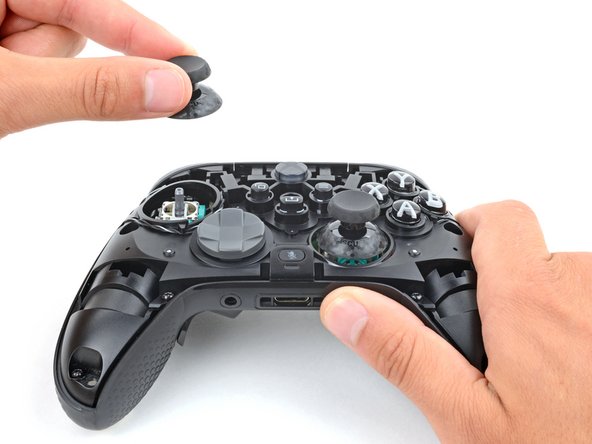
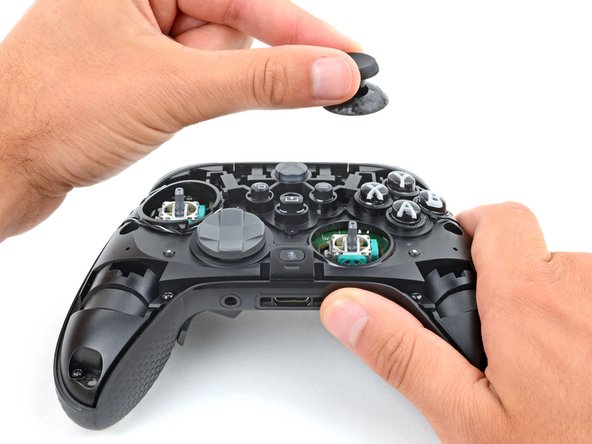
- Firmly secure the controller with one hand, and use your other hand to lift the thumbstick covers straight off their modules.
- This requires significant force. If you're having trouble, try wiggling the cover to help loosen it.
- To install a thumbstick cover:
- Place and rotate the cover on its module until it slides into place.
- Firmly press down on the cover until it snaps into place or bottoms out.