iFixit Digital Multimeter Outer Cover Replacement
ID: 163235
Description: This guide shows how to remove and replace the...
Steps:
- Turn off your multimeter.
- Disconnect the probes from your multimeter.
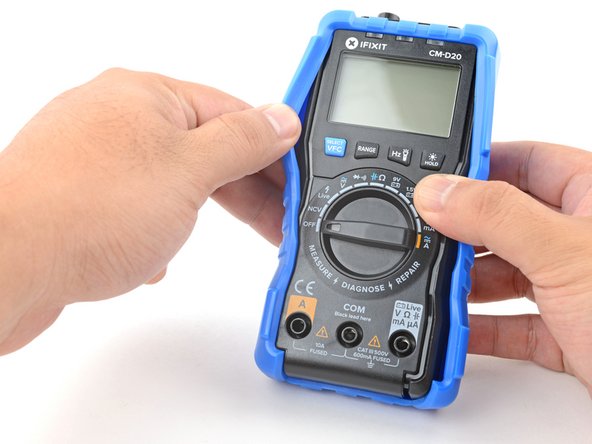
- Use your fingers to pull and loosen the cover lip out of its groove along the right edge of the multimeter.
- Pry and loosen the cover from the bottom right corner of the multimeter.
- Repeat the procedure to loosen the cover from the left edge of the multimeter.
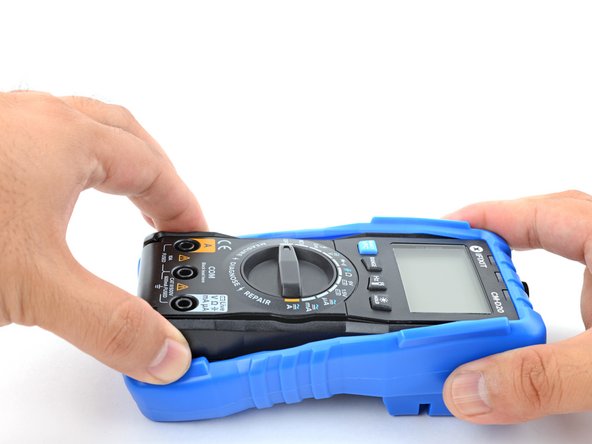
- Pull the bottom of the cover away from the multimeter to loosen it.
- Grasp the sides of the cover near the top to hold it in place.
- Grasp the bottom edge of the multimeter and pull it out at a shallow angle to remove it from the cover.
- During reassembly, follow this guide to properly clip the cover back in place.