Royal Kludge Rk96 Keyboard Switch Replacement
ID: 163300
Description: There are many reasons for breaking keyboard...
Steps:
- The Royal Kludge RK96 is a mechanical keyboard with fully adjustable features. Before starting the repairing process, verify that you have the appropriate replacement switch that fits the ones already on the keyboard.
- To prevent any electric mishaps, unplug your keyboard from the computer or any other device. Be sure that you securely unhook any USB or other connectivity ports.
- To totally turn off your keyboard for a safe operation, use the toggle switch provided on the underside of the keyboard.
- Remove the keycap off the switch that you wish to replace carefully using a flat tool or keycap remover.
- Place the tool beneath the keycap and carefully raise it.
- To prevent losing the keycap, preserve it securely.
- With a gentle brush or compressed air, clear the area surrounding the switch after the keycap is off.
- Be very cautious when cleaning to prevent harming other components.
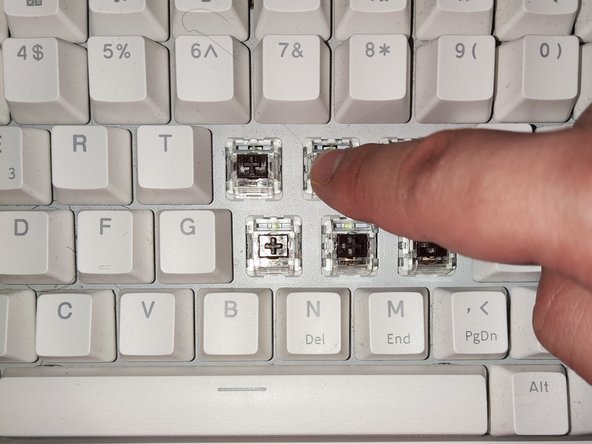
- Grab the switch using the switch puller then cautiously raise it up to unclip and remove it.
- Align the new switch and carefully press it into the socket.
- Remember to be mindful of the surrounding components of the keyboard.
- Plug in the keyboard to the PC.
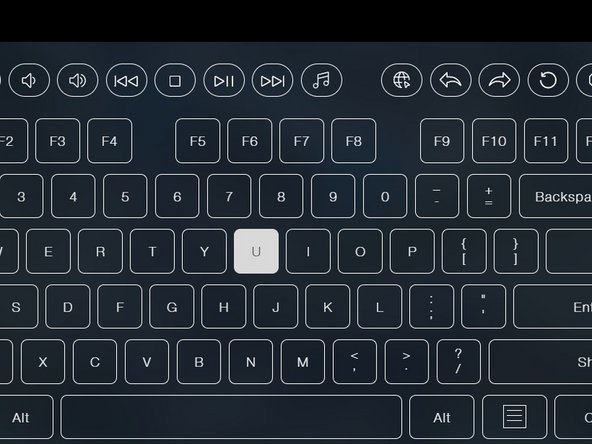
- Push the key that was changed gently to make sure it registers properly.
- Use any text editor such as Microsoft Word or keyboard-testing-specific software.
- Make sure the keycap is in line with the switch stem.
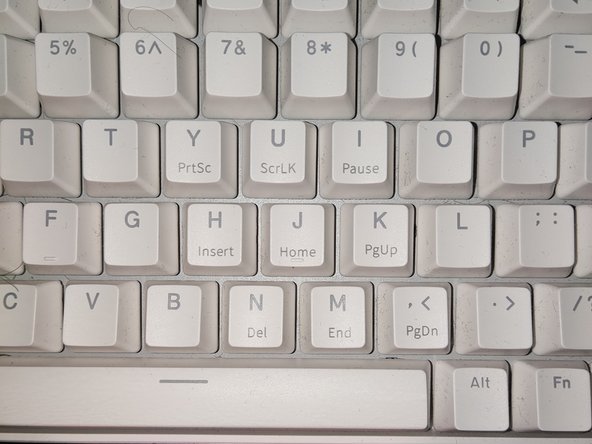
- Depress the keycap firmly until it locks into position.
- Make sure that the keycap is firmly positioned and fastened in line with all other keys.