How to Apply a New Graphite Sheet in Your Google Pixel Fold
ID: 163338
Description: This repair guide was authored by the iFixit...
Steps:
- Place the new graphite sheet over the logic board to check the proper orientation.
- The clear liner should face the logic board.
- Be careful during this step, as it's easy to stick the adhesive in the wrong spot. Take your time and work slowly.
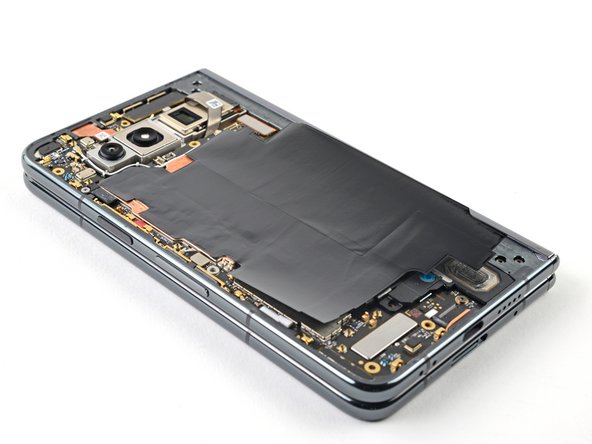
- Peel off the new graphite sheet from its clear liner and apply the sticky side to the logic board.
- Use the flat end of a spudger, or your fingers, to press down the adhesive and ensure a good seal.
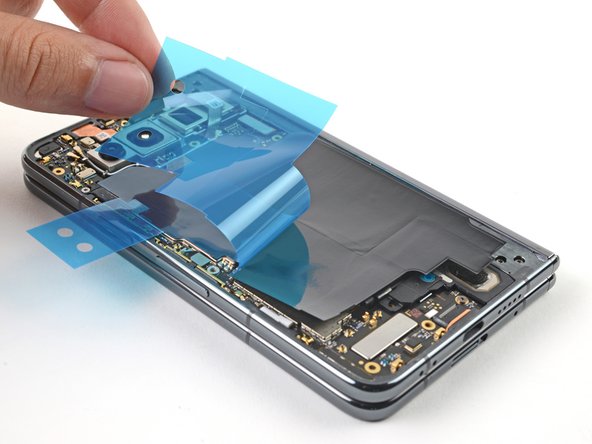
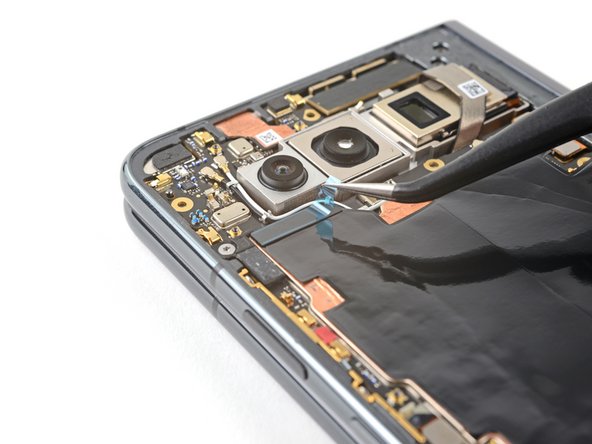
- Peel off both of the blue liners to expose the graphite sheet.
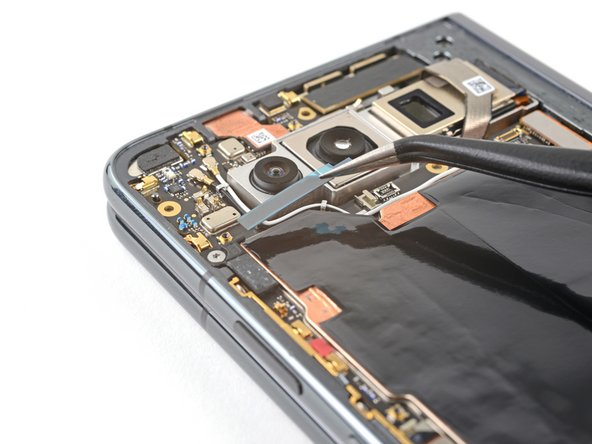
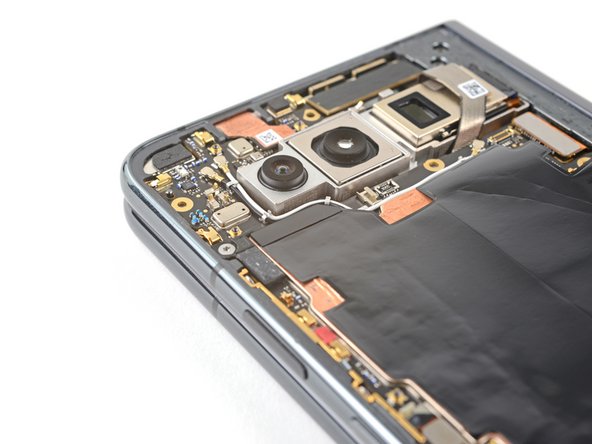
- Peel off the new thermal insulator from its clear liner and apply the sticky side to the top left corner of the graphite sheet.
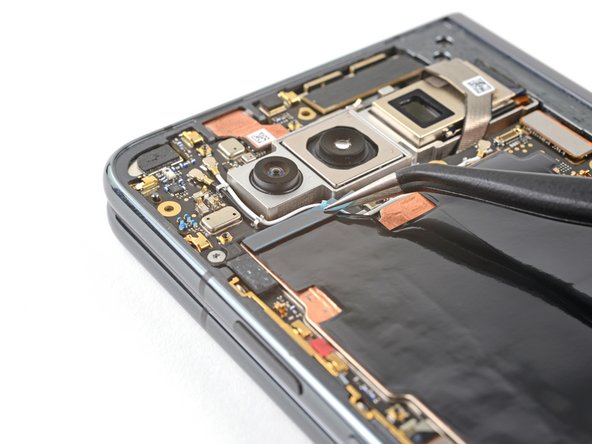
- Use the flat end of a spudger, or your fingers, to press down the thermal insulator and ensure a good seal.
- Grip the pull tab and peel off the blue liner to expose the thermal insulator.