How to Apply New Outer Screen Adhesive in Your Google Pixel Fold
ID: 163340
Description: This repair guide was authored by the iFixit...
Steps:
- If you're reusing the small top right adhesive, skip the steps including it.
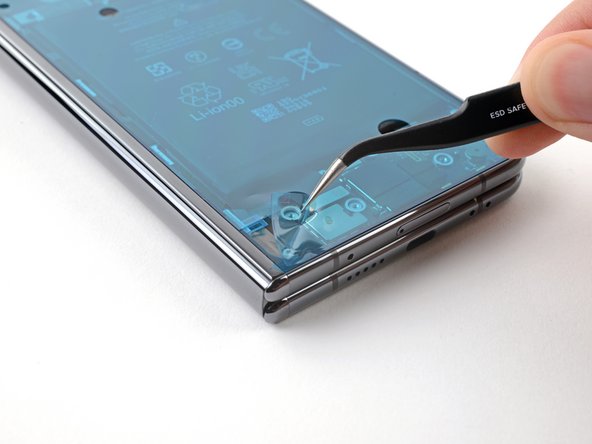
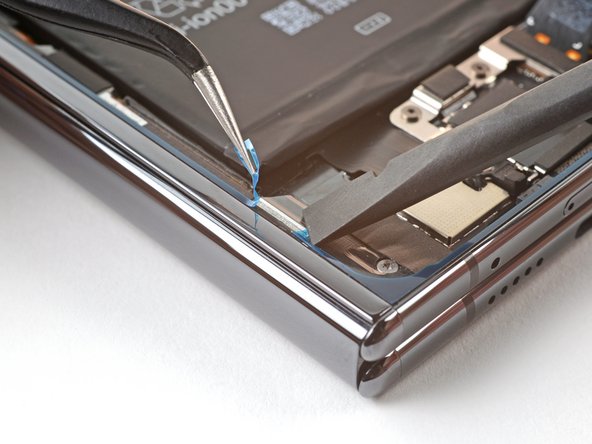
- Peel off the new small top right adhesive strip from its clear liner.
- Place the new adhesive on the top right bracket of the frame.
- Use a spudger, or your fingers, to press down the adhesive to adhere it.
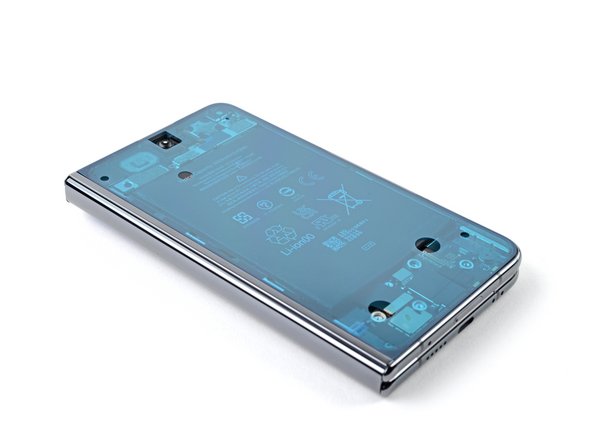
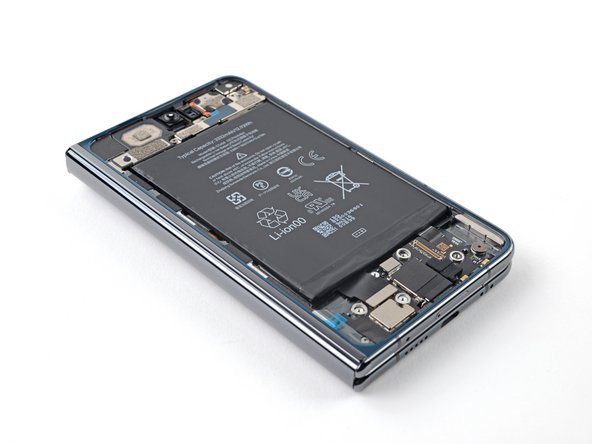
- Before removing any liners, check if the large perimeter adhesive matches the frame.
- The clear liner should face the frame.
- Look for cutouts in the liner to help orient the adhesive.
- Be careful during this step, as it's easy to stick the adhesive in the wrong spot. Take your time and work slowly.
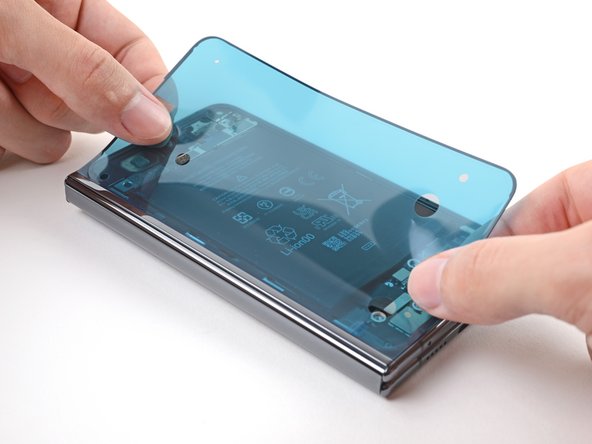
- Peel off the new adhesive strip from its clear liner.
- Align the adhesive over the frame, starting with the top left and bottom left edges.
- Place the adhesive over the perimeter of the frame.
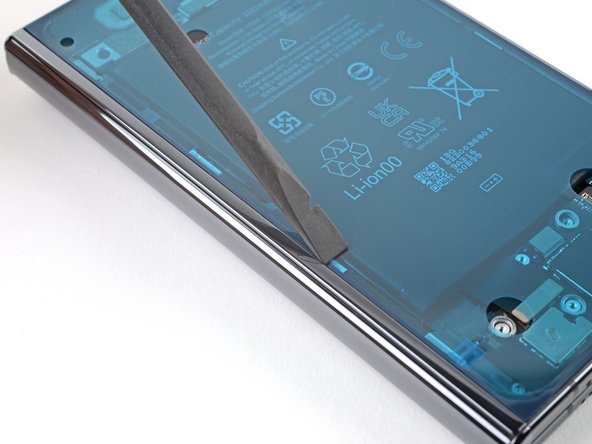
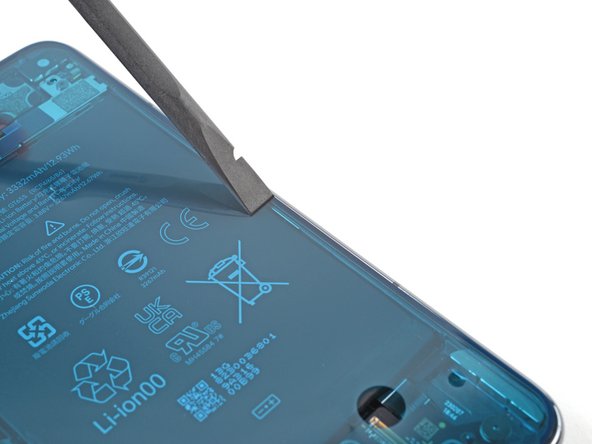
- Use flat end of a spudger, or your fingers, to press down the adhesive and adhere it to the frame.
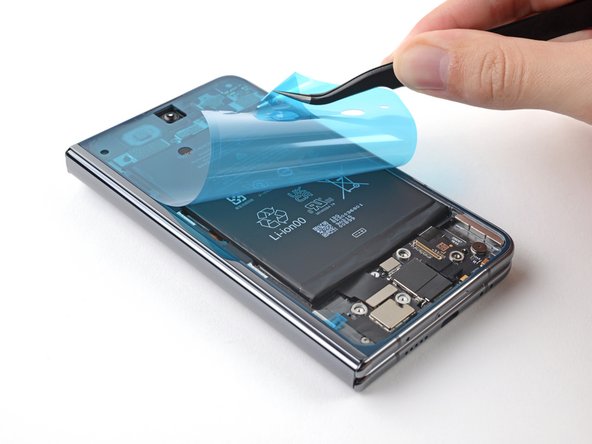
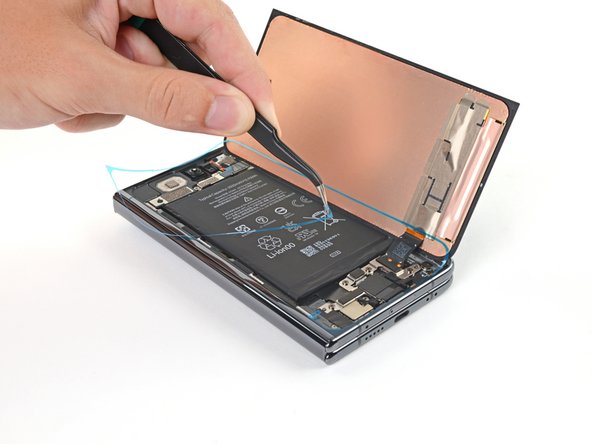
- Peel up the segmented tab at the bottom left corner of the large blue liner.
- Lift the tab and peel off the large blue liner to expose the secondary liner.
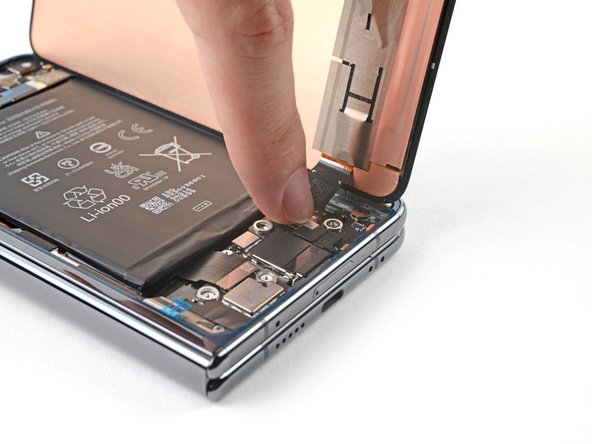
- Support the screen with your hand or prop it up on something sturdy.
- Reconnect the screen cable.
- Reconnect the flip battery cable.
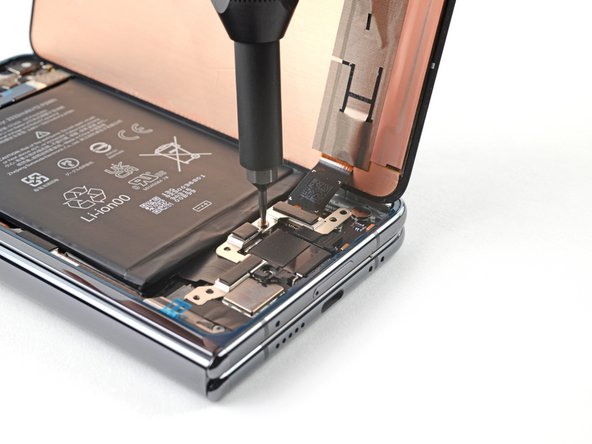
- Use a Torx Plus 3IP driver to refasten the bottom bracket.
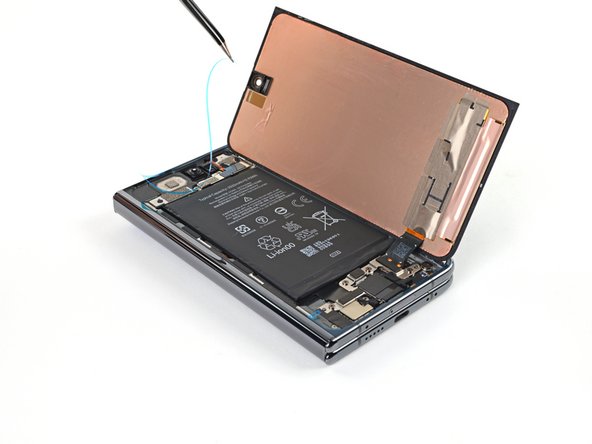
- Use tweezers, or your fingers, to peel up either one of the tabs at the top right corner of the secondary liner.
- If the adhesive starts separating, use a spudger to hold it down while peeling.
- Lift the tab and peel off the secondary liner to expose the top adhesive.
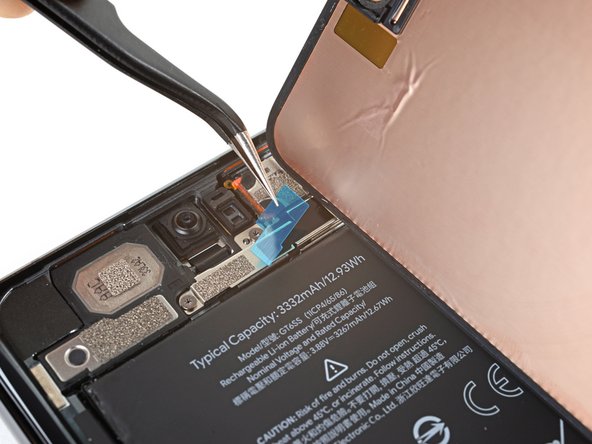
- Remove the blue liner from the top right adhesive strip.
- Align the screen over its cutout in the frame.
- Place a right edge of the screen on the frame, making sure there are no gaps or jutting adhesive.
- Place the left edge of the screen on the frame.
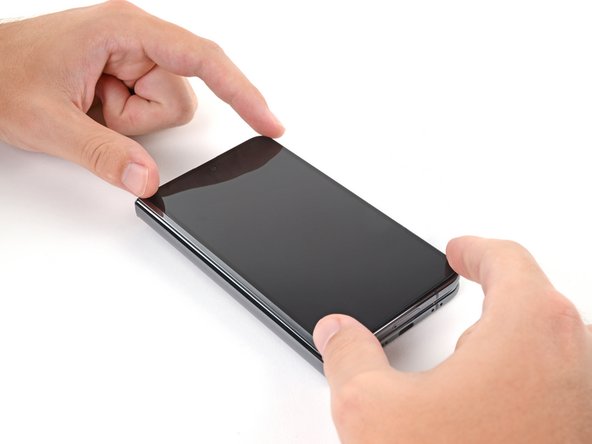
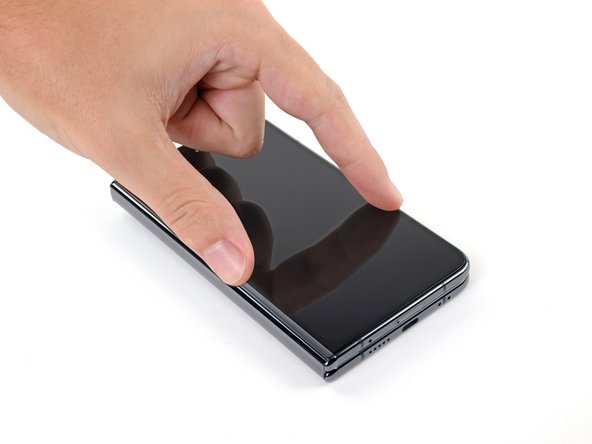
- Press down along the perimeter of the screen to adhere it to the frame.
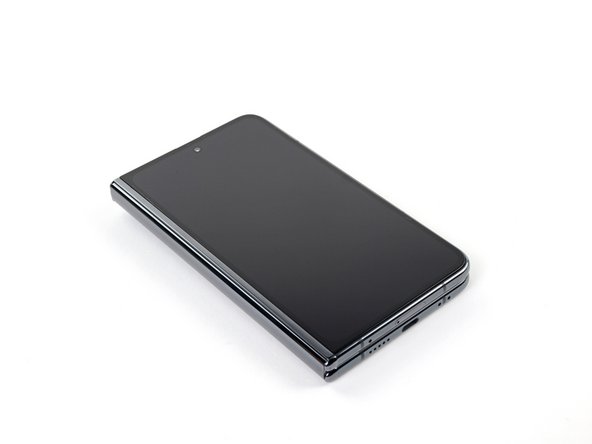
- Let the phone sit a few hours for the adhesive to cure.