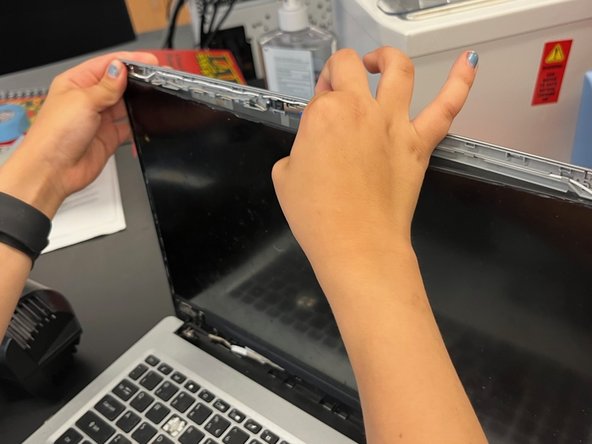
A515-45 Screen Replacement
ID: 163588
Description:
Steps:
- Remove the bezel
- If you followed this guide or there are accesible adhesive strips skip this step
- heat from back and front of screen
- Using a guitar pick remove screen
- while doing that use tweezers to remove adhesive strips
- unplug the connector
- Cover it with the clear stuff to protect it
- Un cover connector
- plug the new screnn in
- close the metal fing that keeps it in place
- Use the clear stuff to keep it in even more
- Turn on computer to see weather (don`t use in rain!) new screen works
- If it does continue
- Add adhesive strips(make them esaly acssesable)
- snap bezel back on