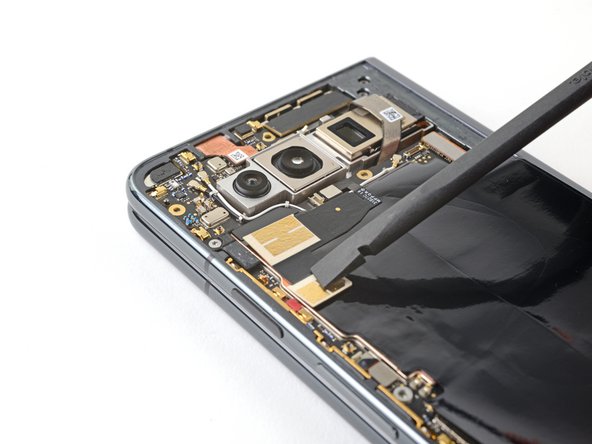
How to Apply New Ultra Wideband Antenna Adhesive in Your Google Pixel Fold
ID: 163610
Description: This repair guide was authored by the iFixit...
Steps:
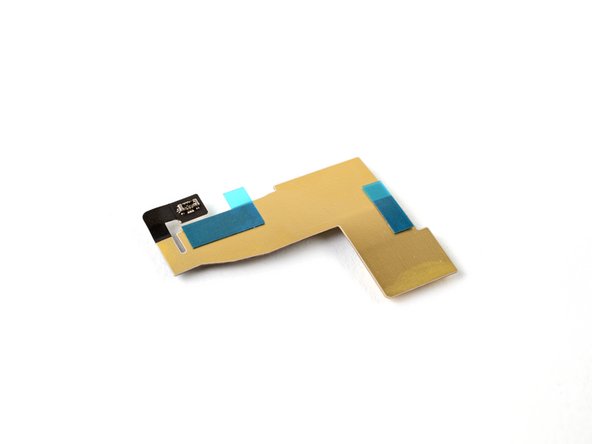
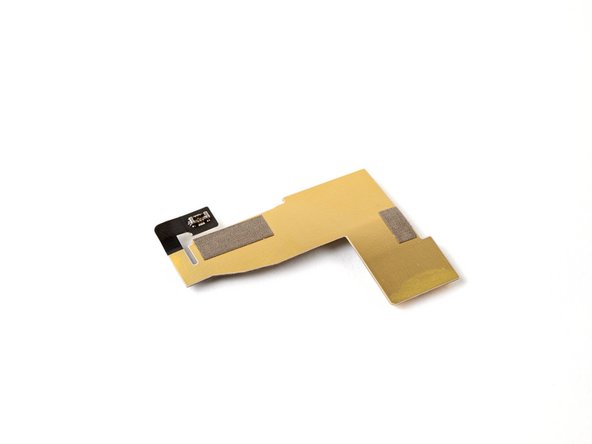
- Look at the bottom of the antenna and note where the adhesive is located.
- Your new adhesive doesn't have to align perfectly, but it should be close to the original locations.
- Use tweezers, or your fingers, to remove the old adhesive strips.
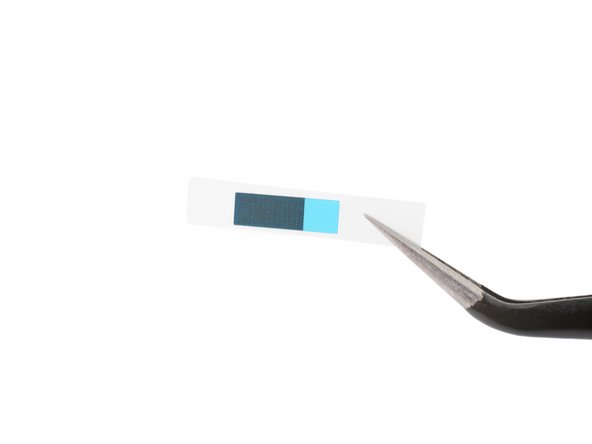
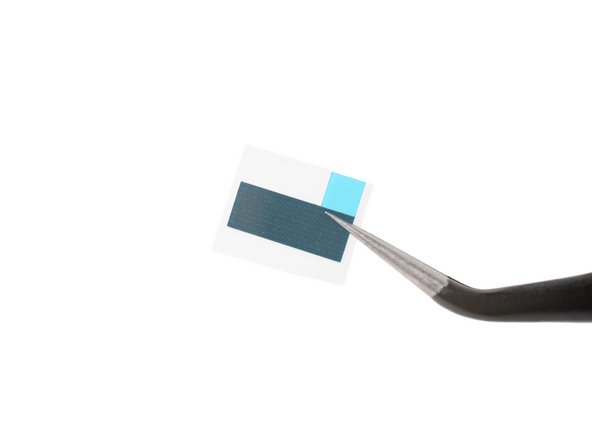
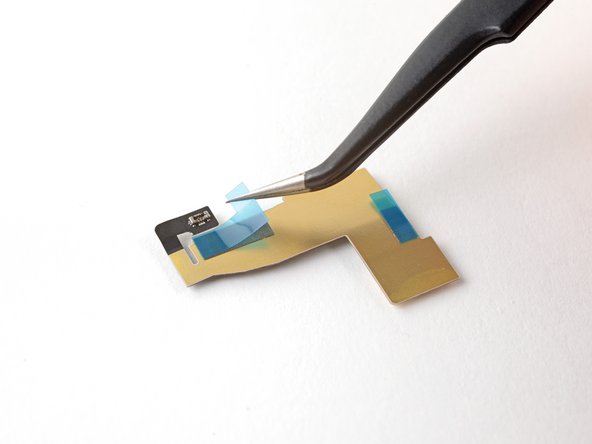
- Peel off the new adhesive strips from their clear liners.
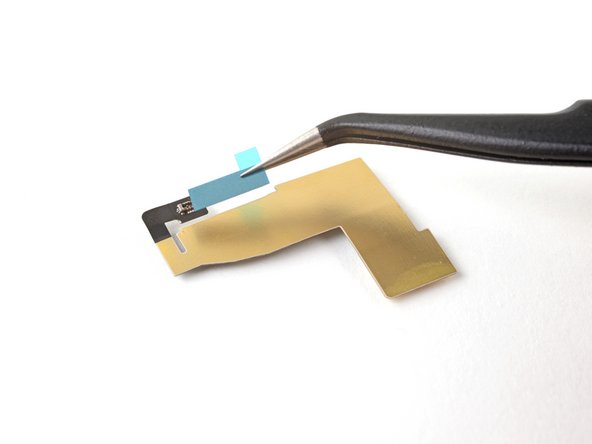
- Apply the adhesive strips to their respective spots on the antenna.
- Use a spudger, or your fingers, to press down the adhesive and adhere it to the antenna.
- Grip the pull tabs and peel off the blue liners to expose the adhesive.
- Reconnect the ultra wideband antenna press connector.
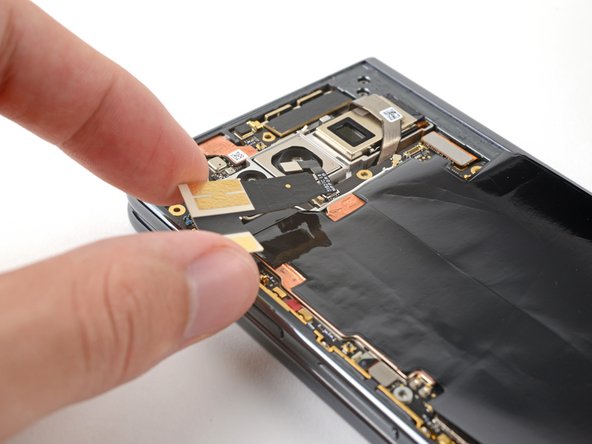
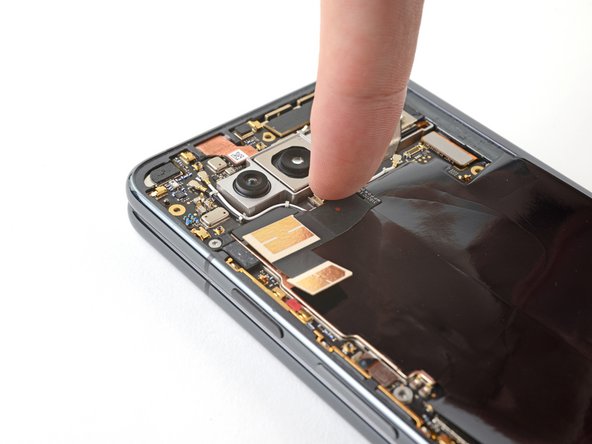
- Align the antenna so its top sits against the thermal insulator.
- Use a spudger, or your fingers, to press down the antenna and adhere it.