How to Apply New Bottom Speaker Adhesive in Your Google Pixel Fold
ID: 163618
Description: This repair guide was authored by the iFixit...
Steps:
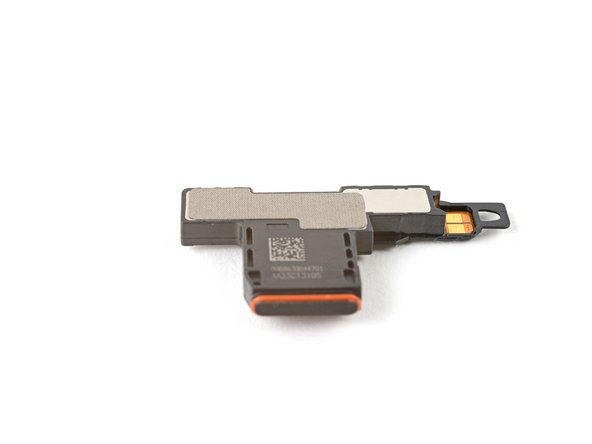
- Use tweezers, or your fingers, to peel off the adhesive strip from the bottom speaker.
- Peel off the new adhesive strip from its liner and apply the sticky side to the bottom speaker.
- Use a spudger, or your fingers, to press down the adhesive and ensure a good seal.
- Use tweezers, or your fingers, to pull off the tab and expose the top layer of adhesive.
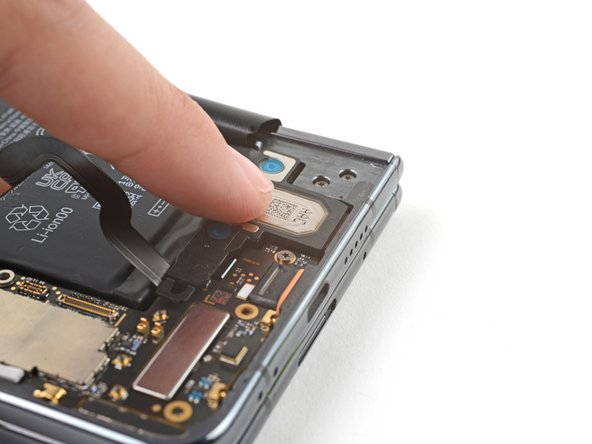
- Insert the bottom speaker at a shallow angle into its recess in the frame.
- Push the speaker towards the bottom edge of the phone until it sits flat in the frame.
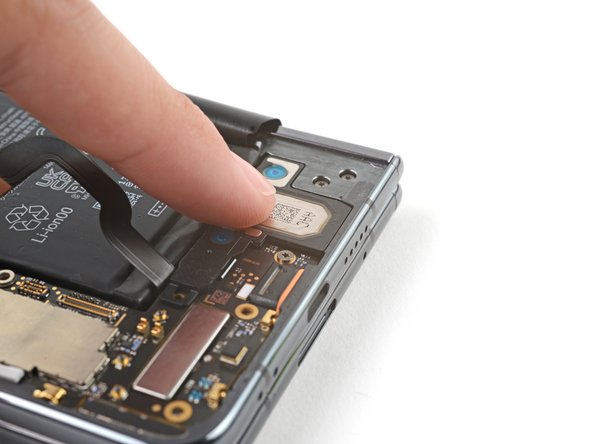
- Push down on the speaker to ensure a good seal in the adhesive.