How to Apply New Earpiece Speaker Adhesive in Your Google Pixel Fold
ID: 163638
Description: This repair guide was authored by the iFixit...
Steps:
- Use tweezers, or your fingers, to remove any chunks of adhesive from the frame.
- Apply a few drops of highly-concentrated isopropyl alcohol (over 90%) to the frame.
- Use the flat end of a spudger and tweezers to remove the remaining adhesive from the frame.
- Wipe any remaining adhesive residue with a lint-free or microfiber cloth.
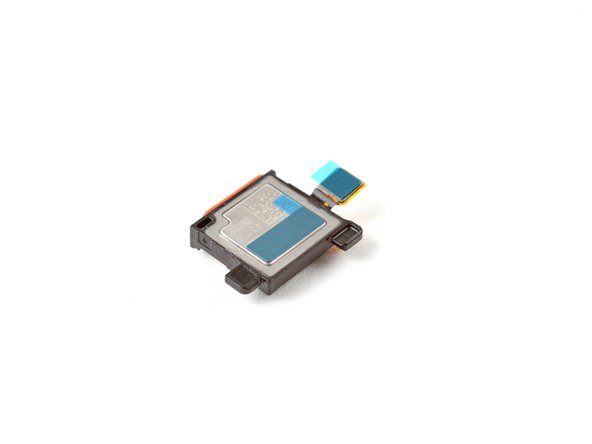
- Use tweezers, or your fingers, to remove any adhesive on the bottom of the earpiece speaker.
- Peel off the new adhesive strips from their clear liners.
- Apply the adhesive strips to their respective spots on the earpiece speaker.
- Use a spudger, or your fingers, to press down the adhesive and adhere it to the speaker.
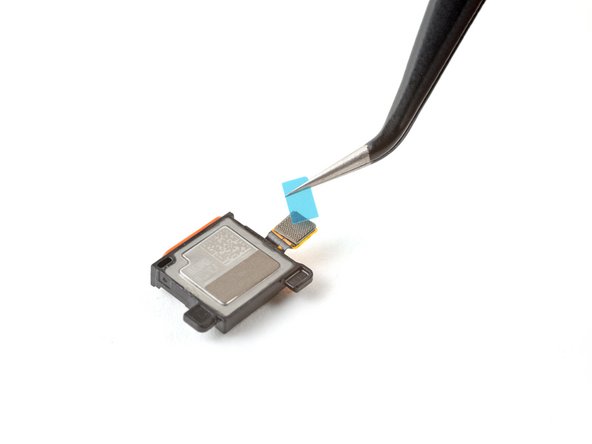
- Grip the pull tabs and peel off the blue liners to expose the adhesive.
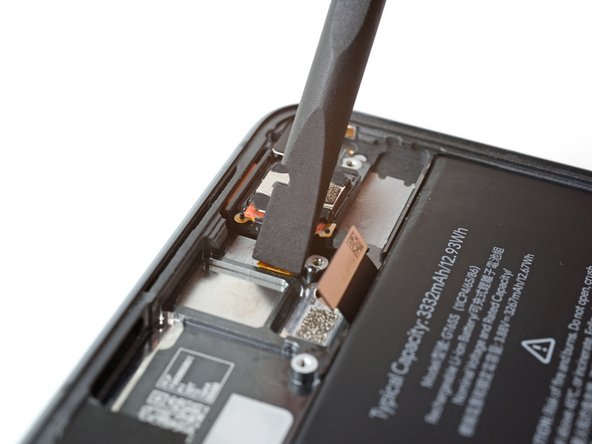
- Insert the earpiece speaker at a shallow angle into its recess in the frame.
- Push the speaker towards the top edge of the phone until it sits flat in the frame.
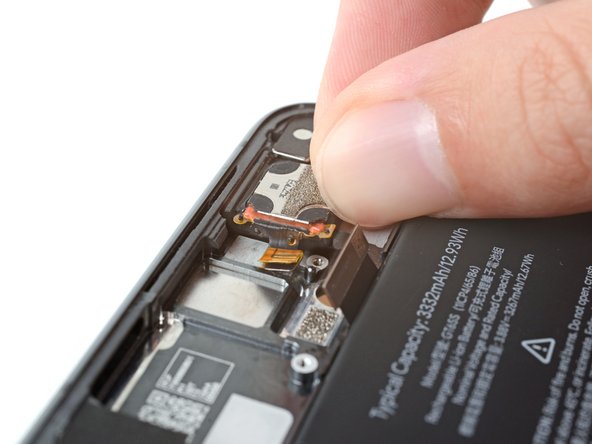
- Push down on the speaker and its cable to adhere it to the frame.