Xiaomi ROBOROCK S50200 laser unit repair
ID: 164853
Description: In this guide, I will show you how to replace...
Steps:
- Turn off the device by pressing and holding the power button.
- Open the cover upwards.
- Lift the dustbin upward to remove it.
- Insert the spudger from the side
- Release the clips by turning the spudger
- Lift the cover upwards
- These pictures show the front bumper already removed. This is not necessary for these instructions.
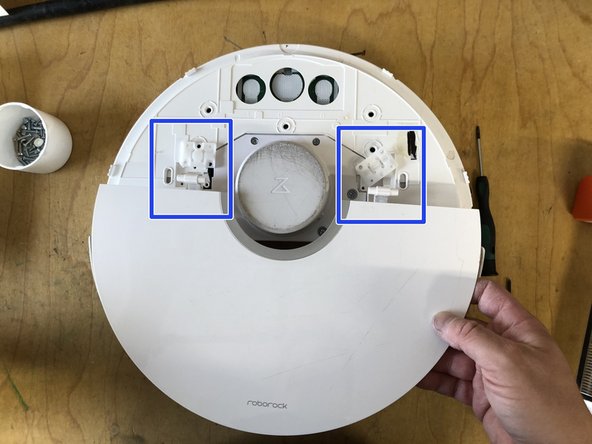
- Loosen the 6 screws for the hinges
- Lift and remove the hinges
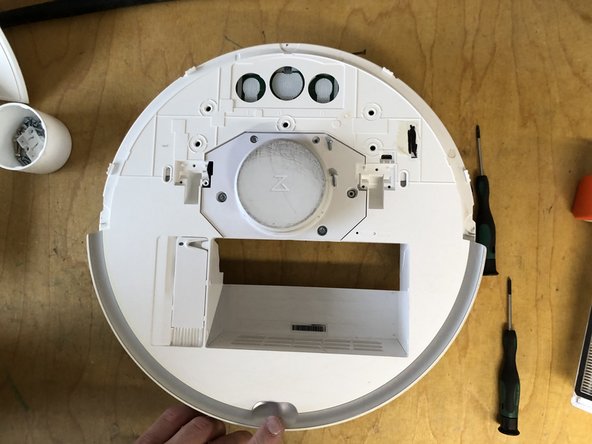
- Remove the flap upwards
- Remove the 5 screws for the cover
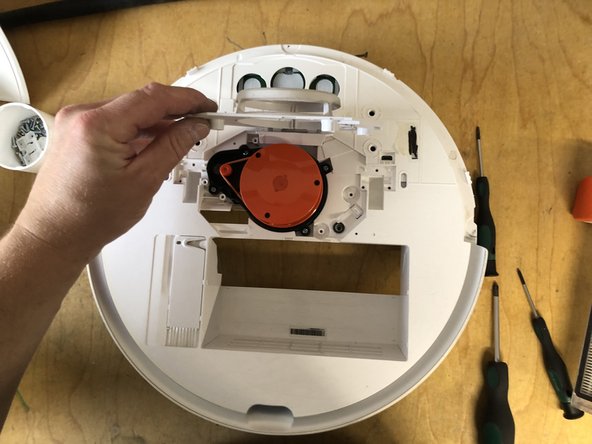
- Remove the cover upwards
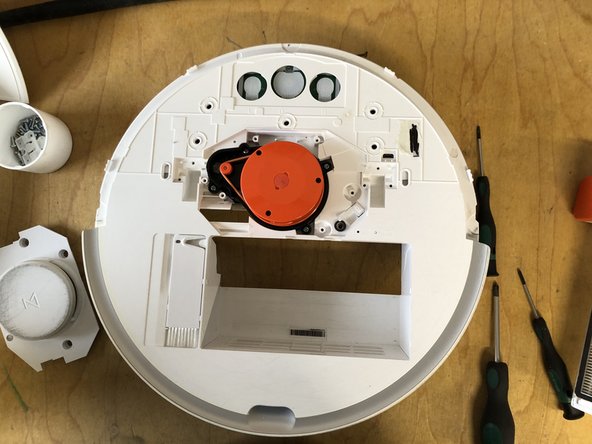
- Remove the 4 screws of the laser unit
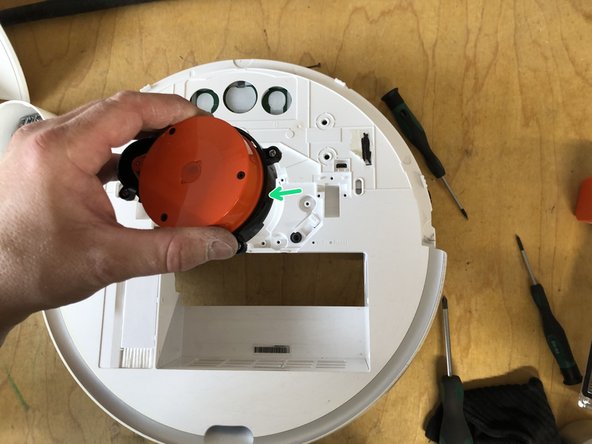
- Remove the unit upwards (unit is still plugged into the circuit board)