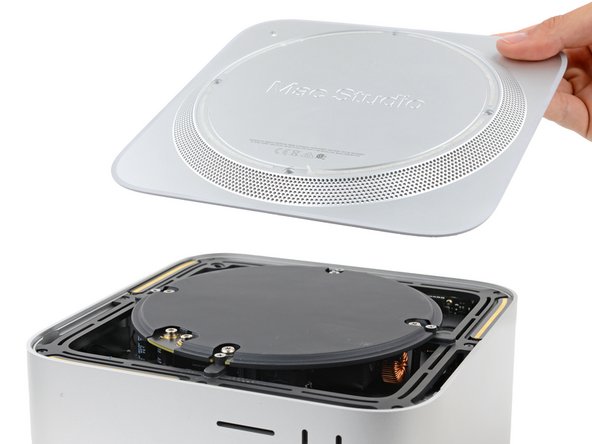
Mac Studio 2023 Bottom Cover Replacement
ID: 165048
Description: Use this guide to replace a damaged or worn-out...
Steps:
- Completely shut down your Mac Studio.
- Unplug all cables from your device.
- Flip your Mac Studio over and lay it down so the bottom faces up and the SD card slot and two front USB‑C ports are facing you.
- Adhesive strips secure the bottom cover screw pad.
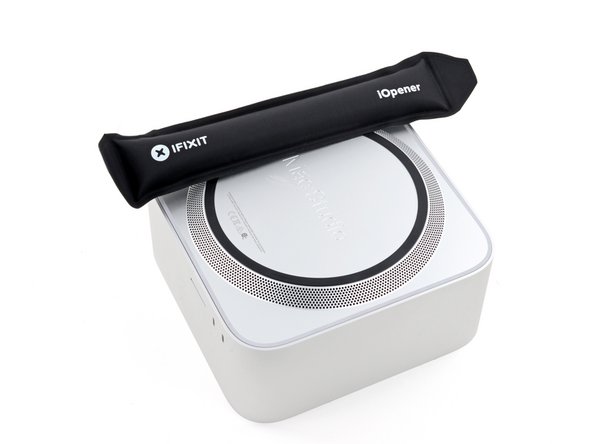
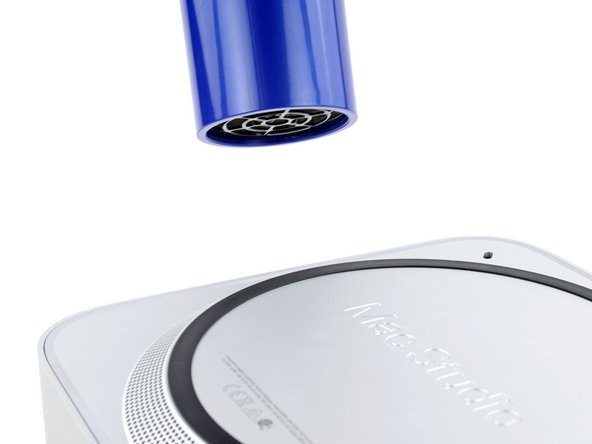
- Heat an iOpener and lay it over one of the bottom cover screws for two minutes to soften the adhesive near the screw—this is where you'll insert a spudger in the next step.
- You can also use a hair dryer or heat gun, but be careful as extreme heat will warp the pad.
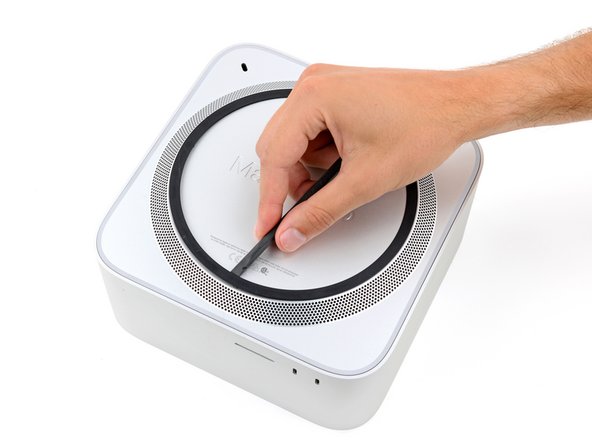
- Insert the point of a spudger under the pad's inner edge, near the screw you applied heat to in the previous step.
- This may take some force. If you're having trouble, apply more heat and try again.
- Use the spudger to lift the pad and separate the adhesive.
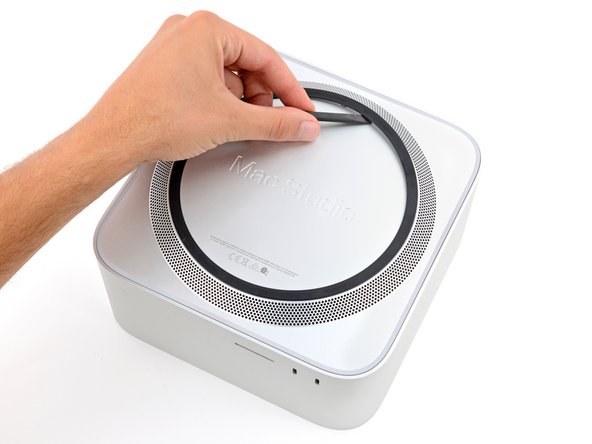
- Insert the flat end of a spudger under the pad.
- Slide the spudger under the entire pad to separate the remaining adhesive.
- Remove the bottom cover screw pad.
- During reassembly:
- If the adhesive strips are still sticky, you can reuse them.
- If you're applying new adhesive:
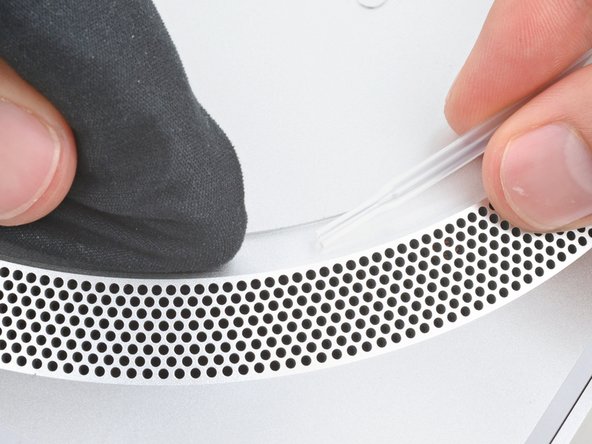
- Use the flat end of a spudger and your fingers to scrape up and remove the old adhesive strips.
- Use isopropyl alcohol and a microfiber cloth to remove the old adhesive residue.
- If you don't have replacement adhesive, you can use strips of thin, double-sided tape 2–3 mm wide.
- Apply the new adhesive strips to the bottom cover and remove their liners.
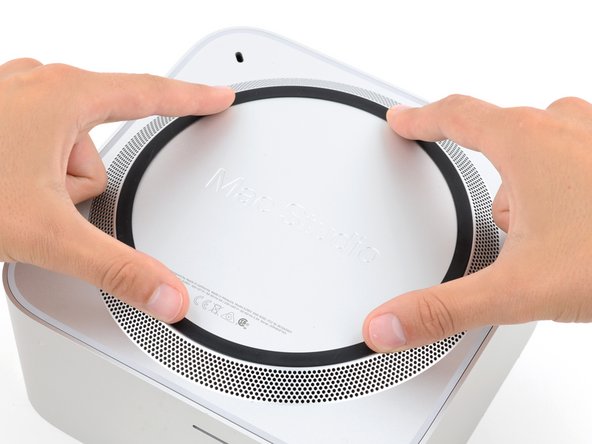
- Firmly press the bottom cover screw pad into its recess to secure it.
- While the Mac Studio uses Torx Plus screws, standard Torx bits work. Make sure to apply constant, downward force to prevent stripping.
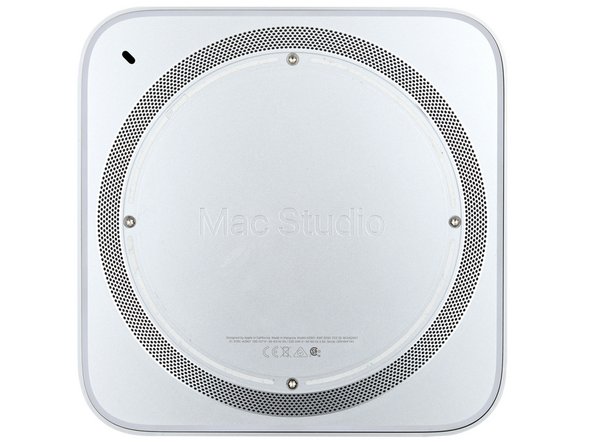
- Use a T10 Torx screwdriver to remove the four 8 mm‑long screws securing the bottom cover.
- Throughout this repair, keep track of each screw and make sure it goes back exactly where it came.
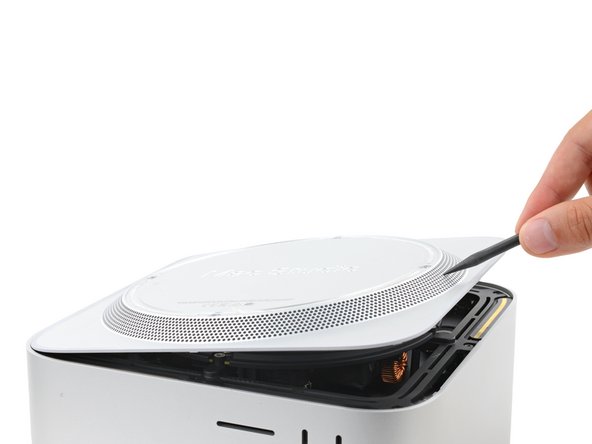
- Insert the point of a spudger in one of the bottom cover's ventilation holes and lift the cover until you can grab it with your fingers.
- Remove the bottom cover.
- To orient the bottom cover, align the Kensington lock cutout in the top left corner with the corresponding one on the internal frame.