Bissell SpotClean ProHeat 5207U Float Stack Replacement
ID: 167069
Description: Is your Bissell Spot Clean Pro Heat mixing the...
Steps:
- Ensure Bissell SpotClean ProHeat is unplugged.
- Position your hand vacuum so that you can see the text at the bottom saying "SpotClean ProHeat."
- Remove the dirty water tank. It is the tank on the right.
- The tank reads "dirty" on the bottom on the inner edge.
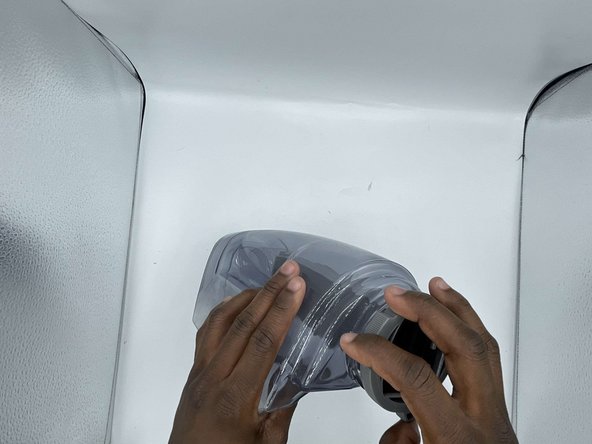
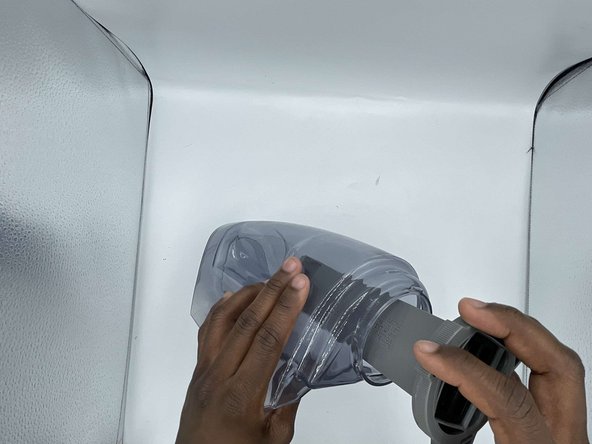
- Rotate the bottom of the float stack counterclockwise until the float stack comes lose.
- Remove the float stack from the tank.
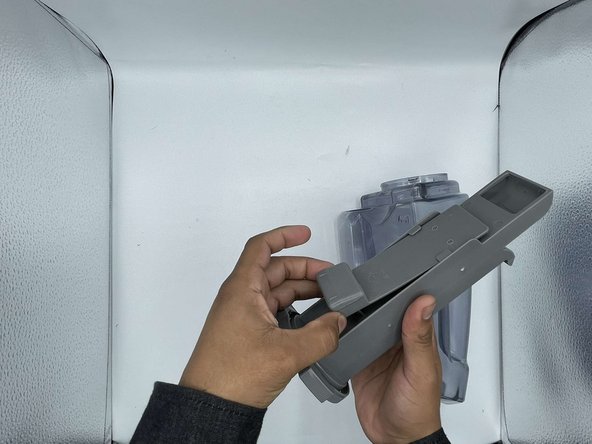
- Grab the float on the float Stack assembly
- Slide the float down towards the base.
- Remove float and clean any debris found.