Hoover Rogue 970 Dust Bin Replacement
ID: 167083
Description: This guide is for the Hoover Rogue 970 (Model...
Steps:
- Open the vacuum's top cover by using the pull tab.
- Press the center button on the dust bin to release the component.
- Remove the dust bin.
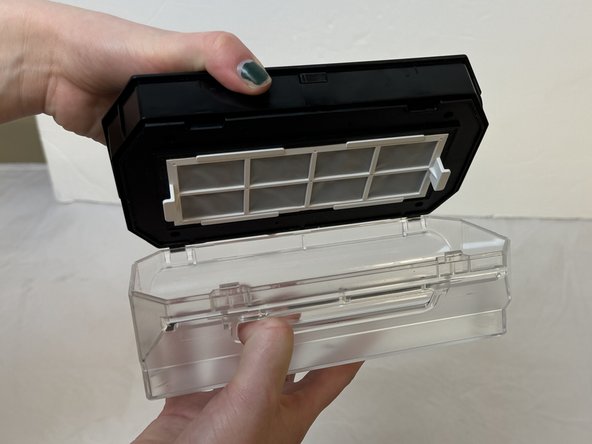
- Firmly grasp the top of the dust bin and the bottom of the dust bin to open the lid.
- Pull the top thumb up while firmly grasping the bottom of the component.
- Remove any debris.