Lenovo ThinkPad T480 SSD Replacement
ID: 167229
Description: This guide will show you how to replace the SSD...
Steps:
- Disable the battery, and unplug your device before you begin. Flip laptop over on its back.
- Push Clip 1 to the side. While holding Clip 2 to the side, push the battery out of the laptop.
- Remove all Phillip-head screws shown.
- The screws will not come out of the casing, so unscrew them all the way until they don’t go any higher.
- Pry up on the casing using a spudger or a flat-head screwdriver and remove the back.
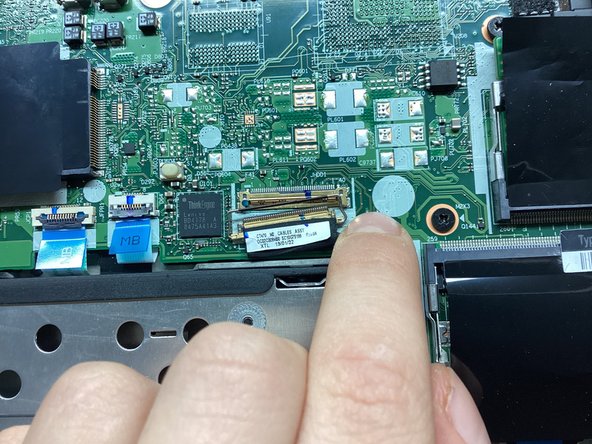
- Pry up on the little metal bar on the connector and pull the connector out of its socket.
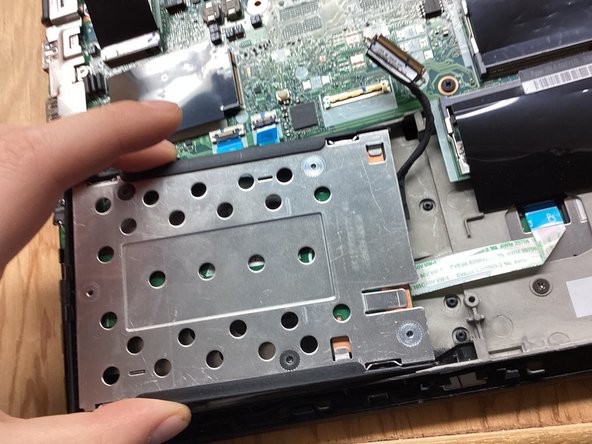
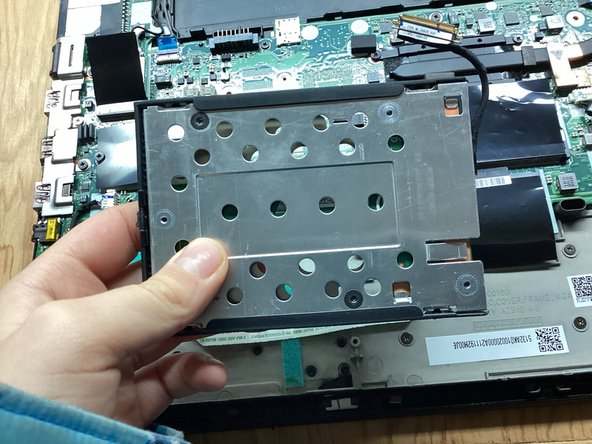
- Pry up on the left side of the SSD casing. Pull the casing to the left, and remove.
- Remove the following 4mm Phillip-head screws and remove the plate.
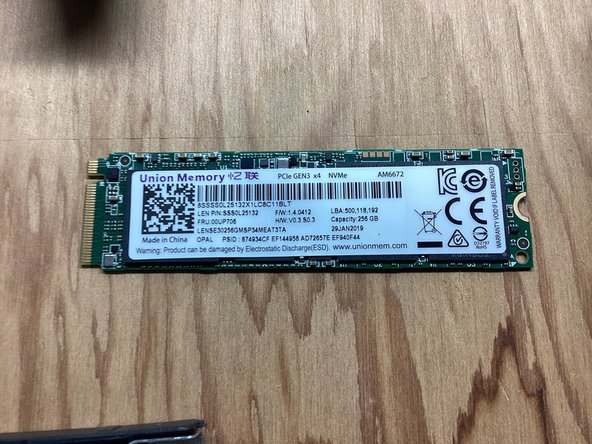
- Remove the 4mm Phillip-head screw and pull the SSD out of its socket.