Cobra MR HH350 FLT Button Replacement
ID: 167259
Description: This guide will teach you how to remove and...
Steps:
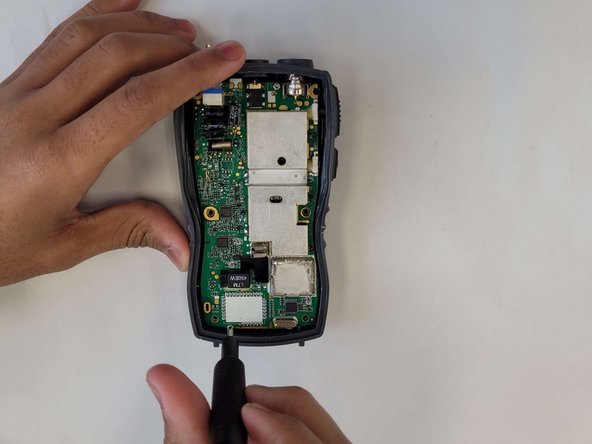
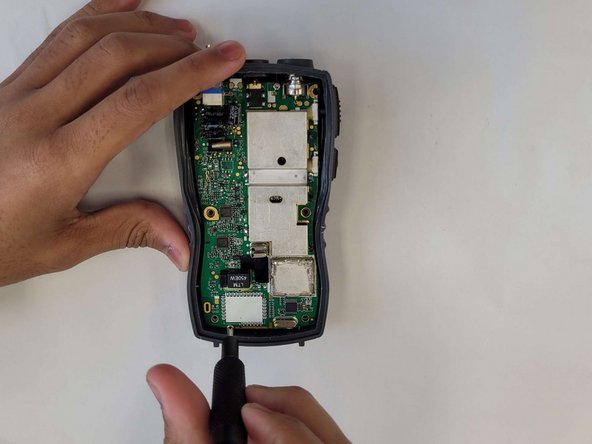
- Remove the 11mm screw at the bottom of the radio with a #4 flathead screwdriver.
- Remove the battery from the radio.
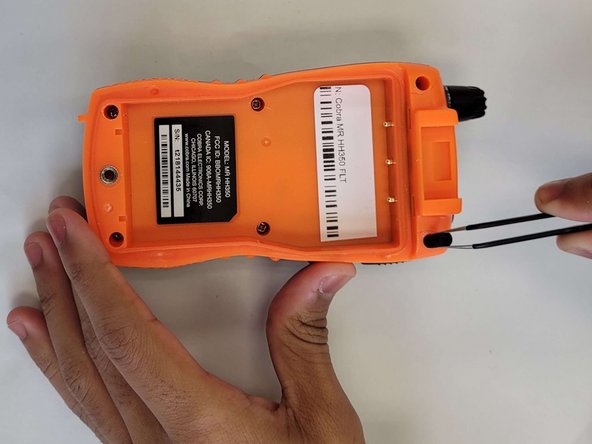
- Remove the 6 rubber stoppers using tweezers to reveal screws.
- Remove the 6 10mm screws that were behind the rubber stoppers with a #0 Phillips screwdriver.
- Remove the cover to expose the motherboard.
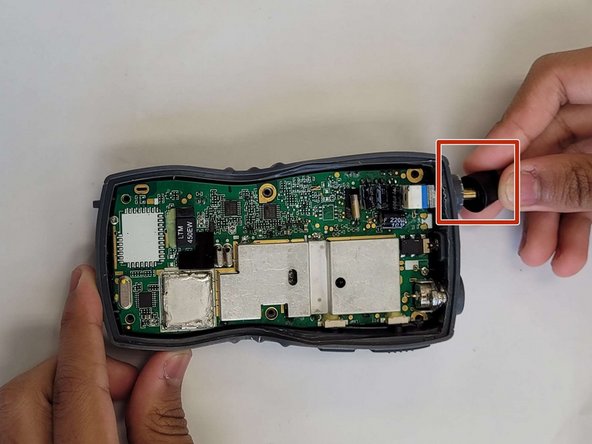
- Pull off the power nob at the top of the radio.
- Remove the 2 6mm screws on the motherboard with a #0 Phillips screwdriver.
- Remove the motherboard.
- Remove the screw at the bottom of the radio.
- Remove the battery from the radio.
- Remove the 6 rubber stoppers using tweezers to reveal screws.
- Remove the screws that were behind the rubber stoppers.
- Remove the cover to expose the motherboard.
- Pull off the power nob at the top of the radio.
- Remove the 2 screws on the motherboard.
- Remove the motherboard.
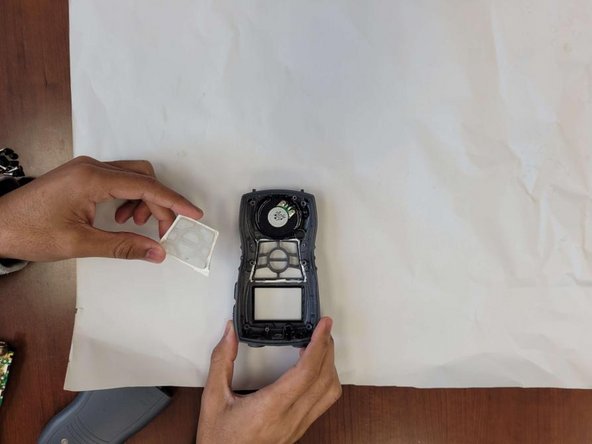
- Remove the plastic piece and the rubber button assembly.