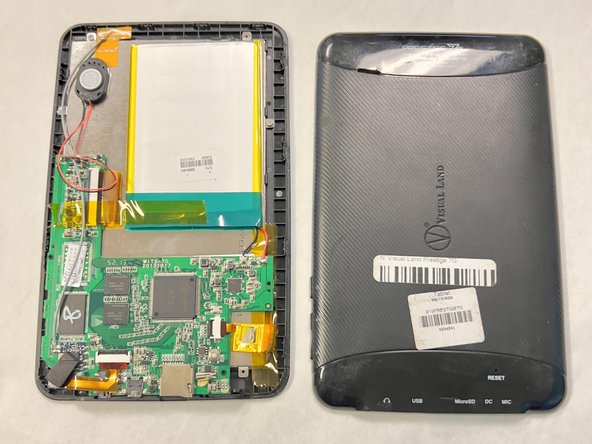
Visual Land Prestige 7G Backplate Replacement
ID: 167279
Description: This is a guide to help assist anyone who may...
Steps:
- Lay your device face-down.
- Use a Phillips #000 screwdriver to remove the two 4 mm screws next to the AUX port and microphone.
- Pry open the back-plate using a Jimmy.
- Do this by inserting the tool into the fine thin line between the back-plate and screen at each corner of the device.
- Lift off the backplate using your hand.
- If the backplate is stuck, repeat the previous step to ensure all the edges are free.