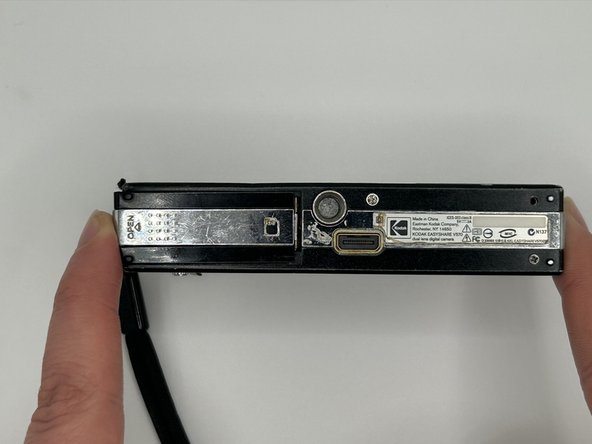
Kodak EasyShare V570 Battery Replacement
ID: 167281
Description: If your Kodak EasyShare V570 is not able to...
Steps:
- Turn off your camera before beginning the replacement.
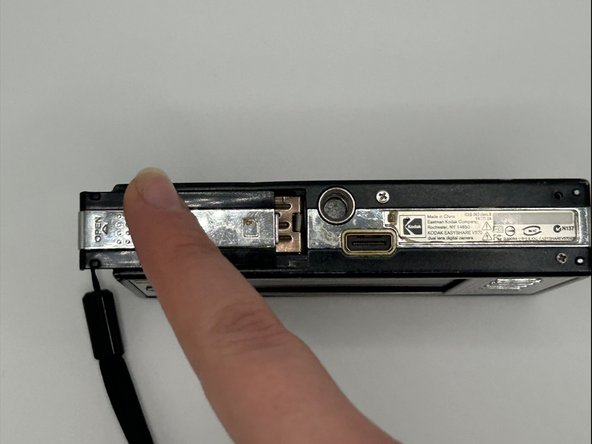
- Take a finger or two and slide back the compartment where the battery will be and lift it up.
- Be careful when pulling back the brown tap it can be a little tricky.
- Push back the brown tab with your finger.
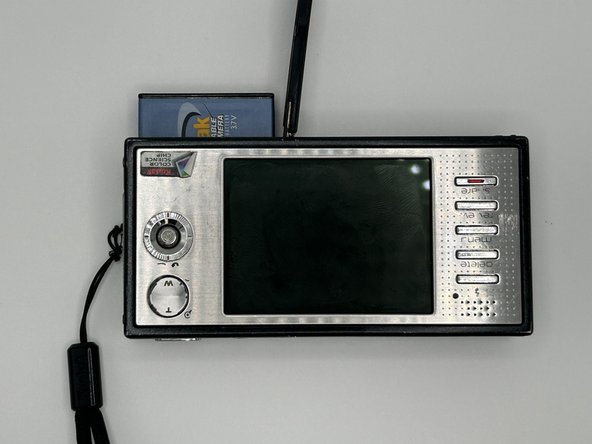
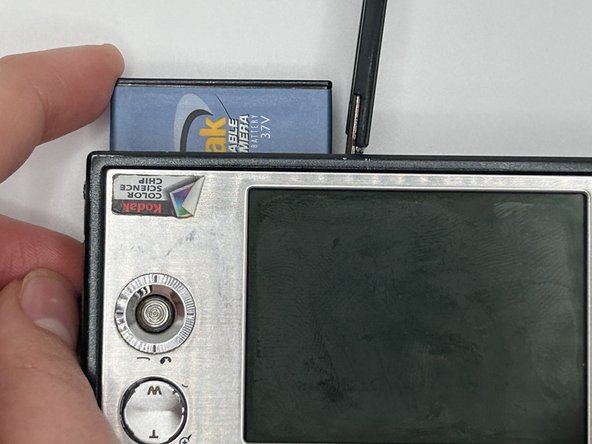
- Take out the old battery from its compartment with 2 fingers
- If it doesn't come out that way turn the camera towards you and let it slide out onto your hand.
- Insert the new battery by pulling down the brown mark.
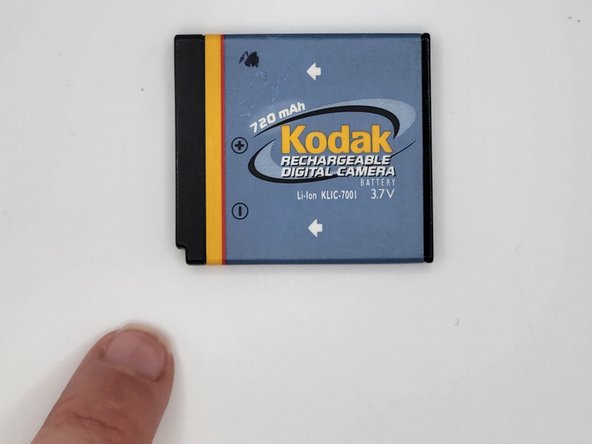
- Grab the new battery and insert it into the battery compartment
- Please do not use force while inserting the new battery.
- Make sure that the battery has its corner facing down and inwards at the camera.
- Be careful to not use too much force.
- Lightly push the cover down and slide it inward.