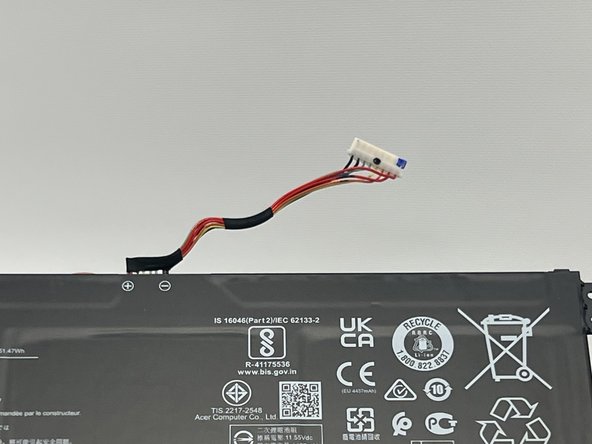
Acer Aspire 5 A515-46-R3UB Battery Replacement
ID: 167284
Description: This guide shows you how to replace the battery...
Steps:
- Use a JIS #1 screwdriver to remove eleven 6.7 mm screws from the bottom cover.
- Use an opening tool and picks to pry the bottom cover from the laptop.
- Work your way around the perimeter of the bottom cover, releasing any clips before you remove the bottom case.
- Remove the bottom case.
- Remove the two pieces of tape from the battery and the battery connector.
- Save the tape for reassembly.
- Use the plastic opening tool to carefully push on each side of the connector and remove it from the socket.
- Lift up the battery and remove it from the bottom case of the laptop.