Hitachi CP-X2511 Battery Replacement
ID: 167314
Description: Is your Hitachi CP-X2511 not turning on or...
Steps:
- First remove the the seven black screws at the bottom of the projector. There should be three on the left side, three on the right side, and one at the very front.
- Step two remove the two stainless steel screws from the back of the device, then gently lift on the outer casing to remove.
- Unscrew the black wire from the mother board (red circle) and unplug the seven cables out of the mother board (orange square).
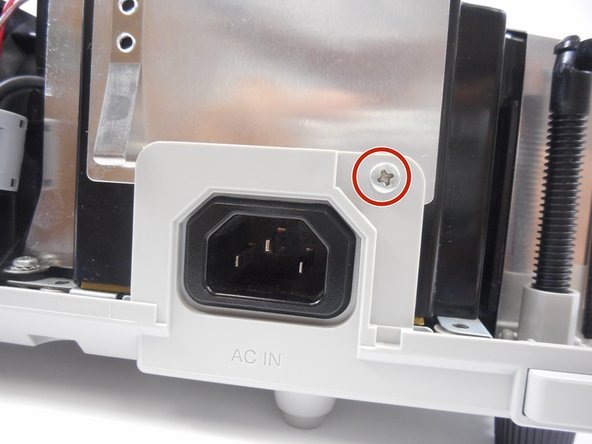
- Now unscrew the nickel screw located by the front of the lens and then the other one by the power cord port.
- Pull the battery and fan out of the projector and replace the whole thing.