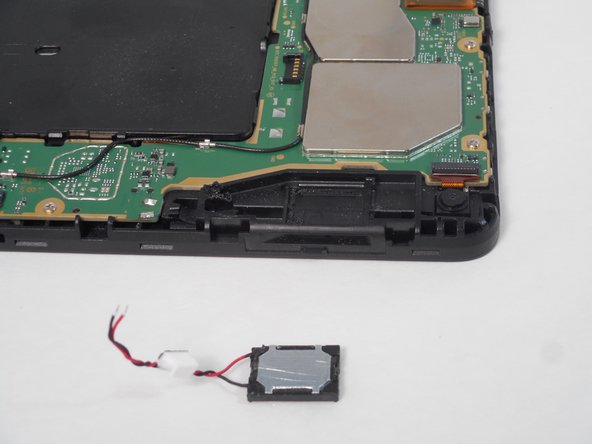
Amazon Fire HD 8 12th Gen Speakers Replacement
ID: 167318
Description: If your Amazon Fire HD 8 12th Generation is...
Steps:
- Remove the device from any electrical source and make sure it is powered off.
- Put picks around the corner and move them along the edge to pry the case off.
- Once there is separation between the case and the screen, place a pick in between the screen and on the corner of the back case.
- With the corners lifted, take the opening tool and pry each corner off.
- Repeat this for the corner diagonal from the initial corner.
- Once both corners are pried off, gently take the back case off the device.
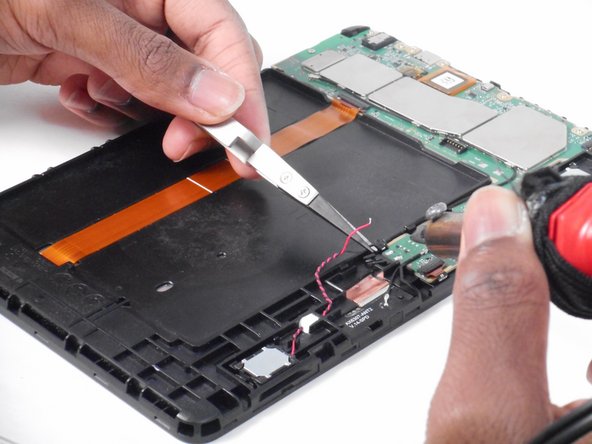
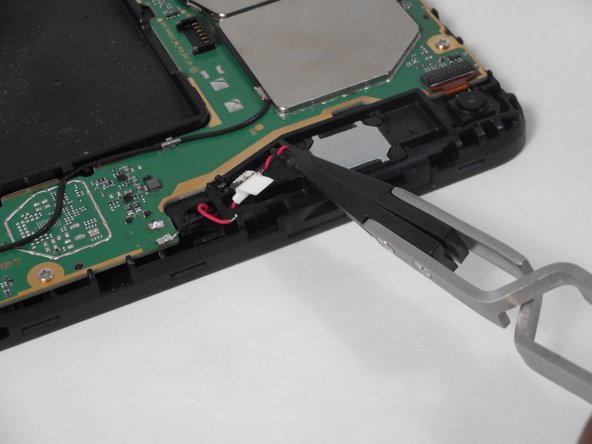
- Disconnect the red and black wires connected to the motherboard.
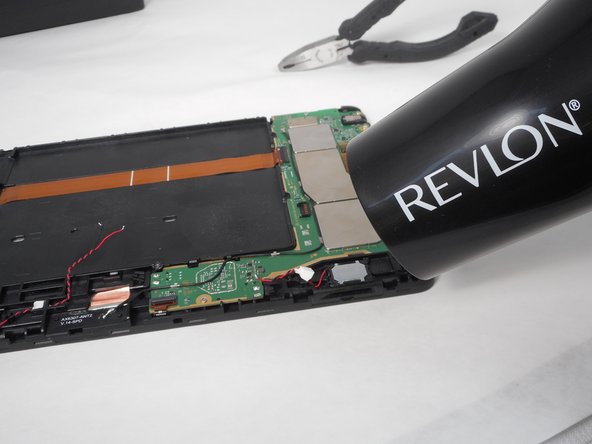
- Heat glue up to loosen the black and red wires, then lift and remove black and red wires.
- Be careful of hot metals/parts and hot tools.
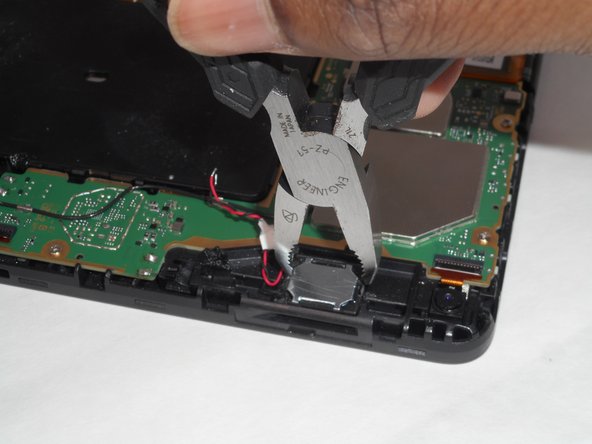
- Get metal speaker parts hot as well and lift the metal speaker up.
- Do this for the other set of speakers and repeat the steps again.
- Be careful of hot tools and hot parts.