HP Chromebook x360 14c-ca0053 Lower Case Replacement
ID: 167332
Description: This guide outlines how to remove the back...
Steps:
- Use tweezers to apply light pressure on the outer sides of the 2 small screw covers located near the bottom of the device.
- Rotate the covers until they pop up out of the screw socket enough to remove them with tweezers.
- Use a Phillips #1 screwdriver to remove the two 3.5 mm screws.
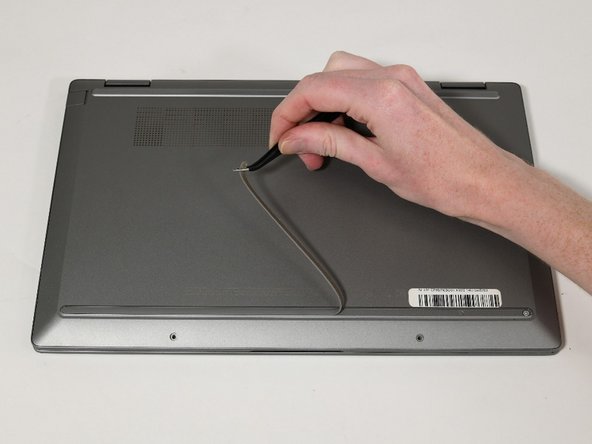
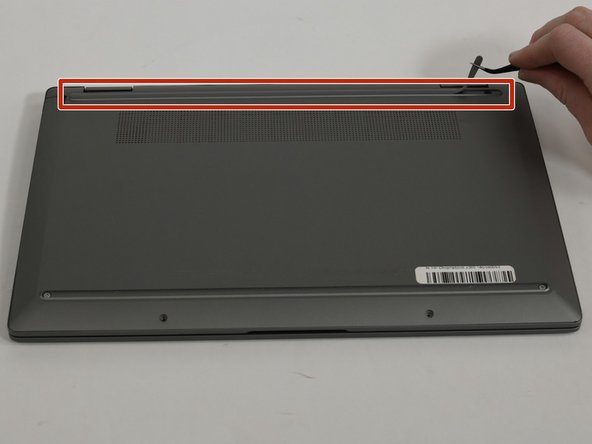
- Use tweezers to peel back the feet on the top and bottom of the Chromebook to reveal four additional screws.
- Use a Phillips #1 screwdriver to remove the 4 7 mm screws located at each corner of the device under the grips.
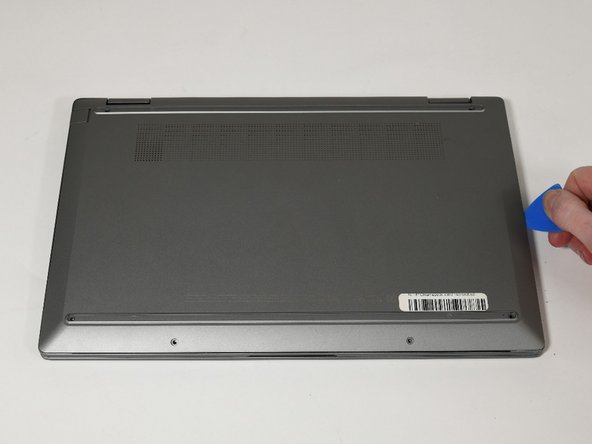
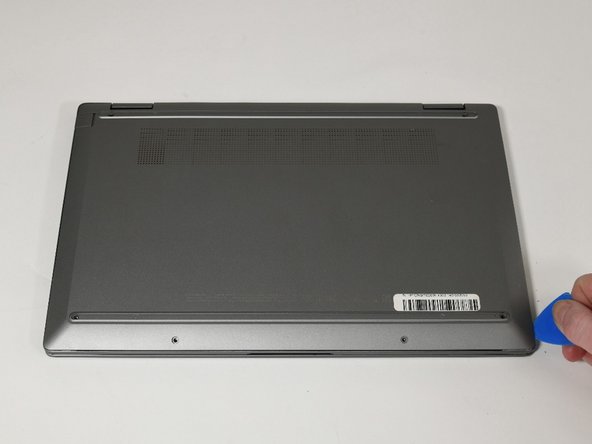
- Insert an opening pick between lower case and chassis.
- Separate the lower case from the frame by sliding the opening pick along the perimeter until the case releases.
- Lift the lower case up and off.