Beyerdynamic MMX100 Volume Controller Repair
ID: 167333
Description: This guide will illustrate how to desolder the...
Steps:
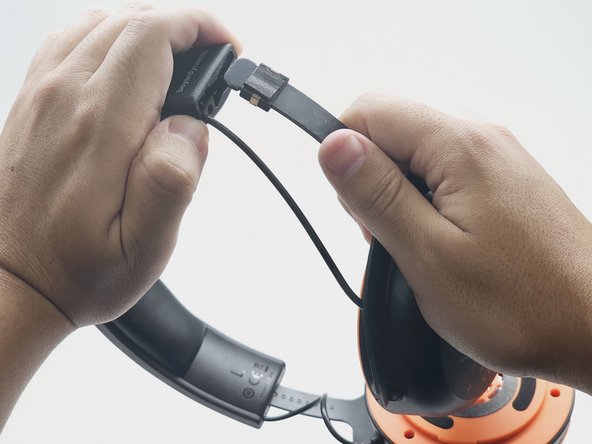
- Twist the left speaker cushion towards you, and pull off the headset.
- Using the 2.0mm Phillips-Head screwdriver, unscrew the two 0.6mm screws at the end of the left side headband.
- Hold open the top part of the headband. Slide out the left earphone.
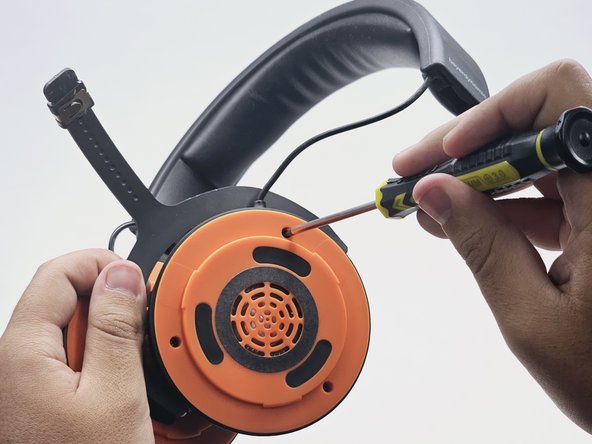
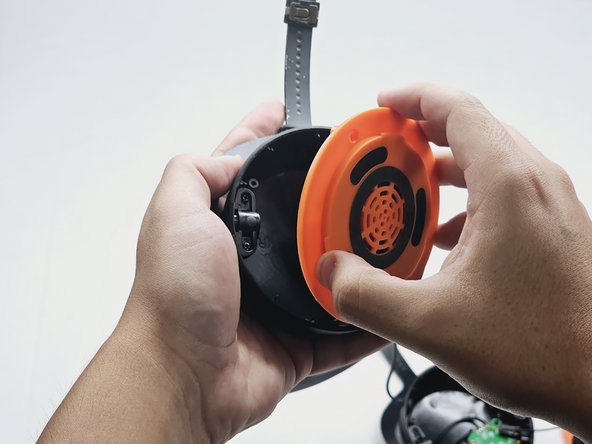
- Using the 3.0mm Phillips-Head Screwdriver, unscrew the three 0.7 mm screws on the left speaker cover.
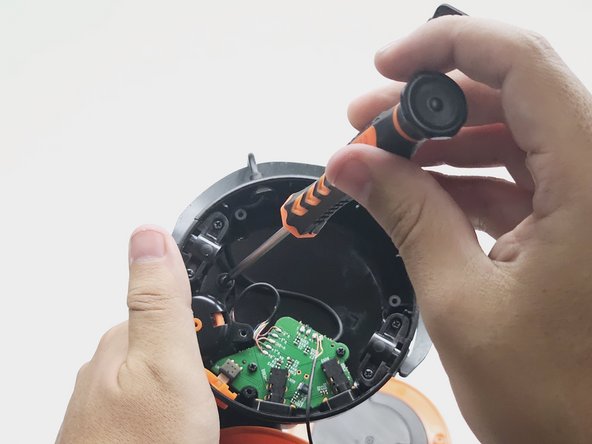
- Using the 2.0mm Phillips-Head Screwdriver, unscrew the two 0.5mm screws on the volume control component.
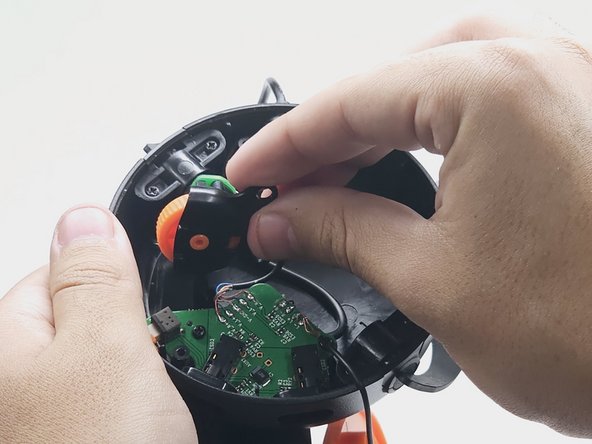
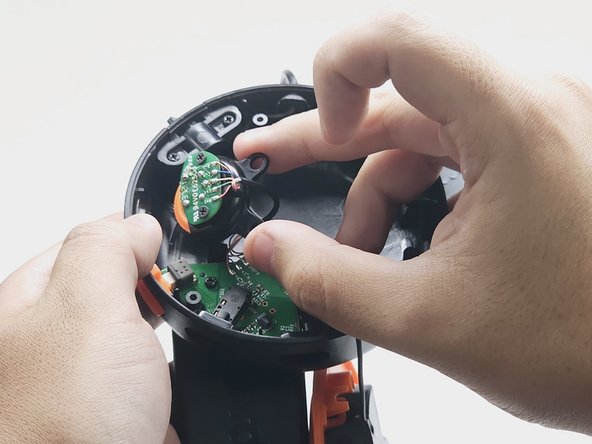
- Take out, and flip over, the volume control component.
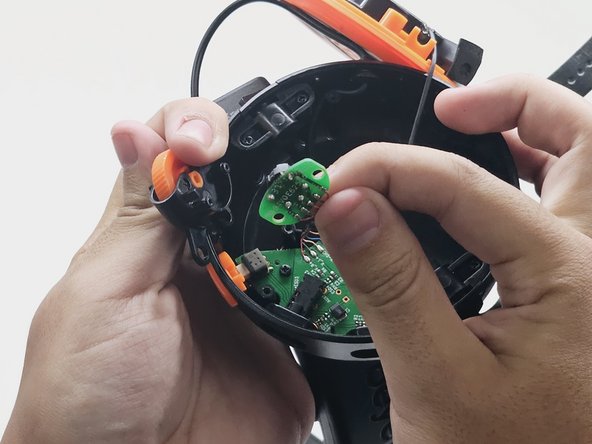
- Using the 2.0mm Phillips-Head Screwdriver, unscrew the two 0.3mm screws on the board. Then, take off the volume wheel.
- Hazardous situation which, if not avoided, could result in minor or moderate injury.
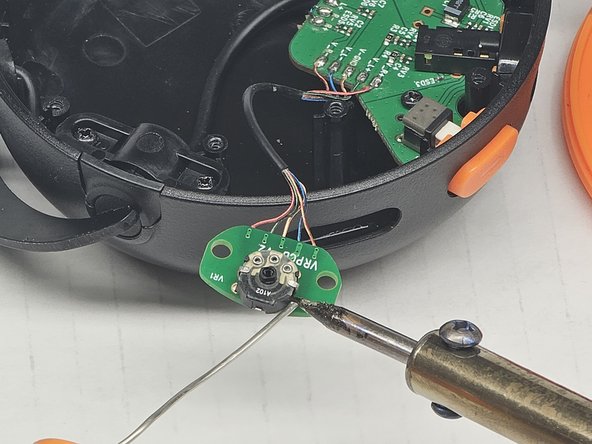
- Using a soldering iron, desolder the damaged wires and the prongs on either side of the board.