ORFELD EV-660-S222 Battery LED Board Replacement
ID: 167385
Description: If the LEDs for the battery life indicator on...
Steps:
- Separate the dust cover and the motor from the vacuum body by pressing the eject button.
- Place the vacuum on its side, with the screws facing towards you.
- Remove the 11.5 mm screws using a Phillips #1 screwdriver.
- Using tweezers, remove the sticker connecting the two halves.
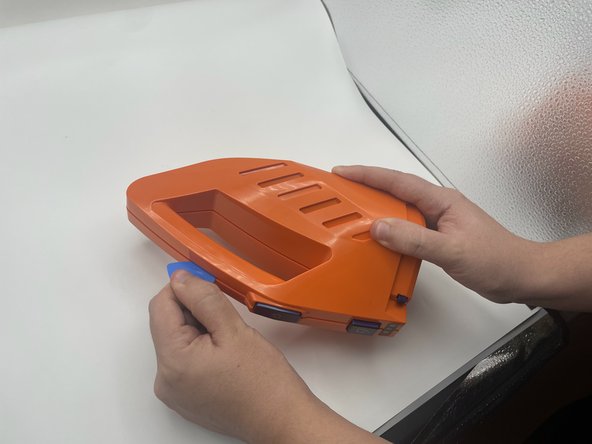
- Use the opening pick to gently separate the top half and the bottom half of the vacuum.
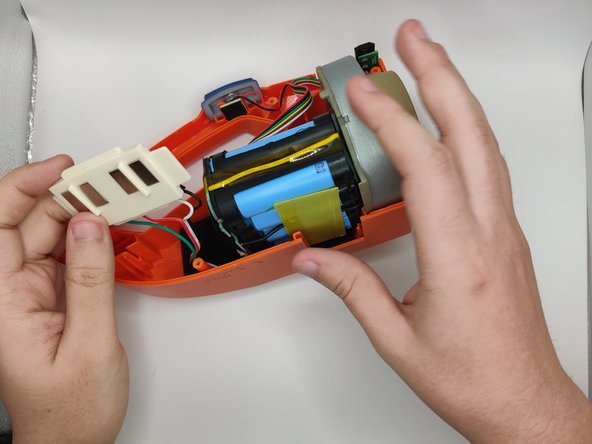
- Press the blue buttons near the sides of the battery LEDs to remove the top half.
- Slide out the charging port.
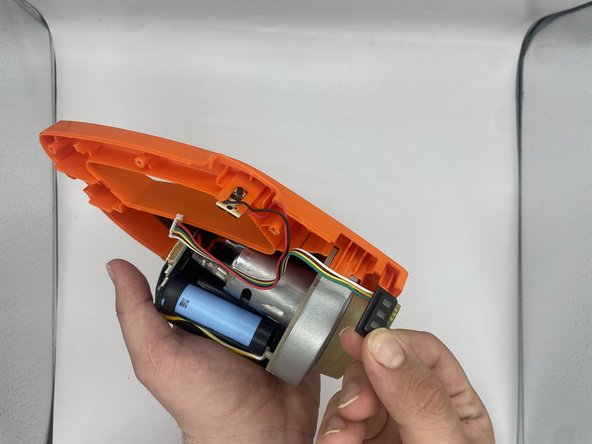
- Lift the battery slightly to reveal the pin connectors.
- Gently disconnect the six-pin connector that connects to the power button and battery LEDs.
- Slide out the battery LEDs from the compartment.
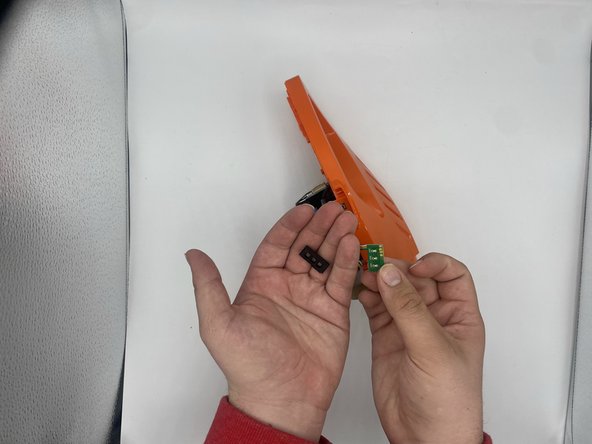
- Remove the plastic LED cover from the LED board.
- Desolder the LED board from the wires.