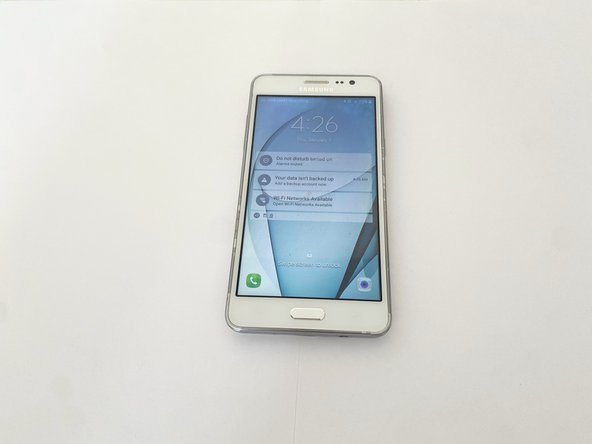
Waterlogged Samsung Galaxy Grand Prime
ID: 167730
Description: Welcome to our comprehensive guide on rescuing ...
Steps:
- Power off your waterlogged Samsung Galaxy Grand Prime to prevent potential damage to the running circuitry
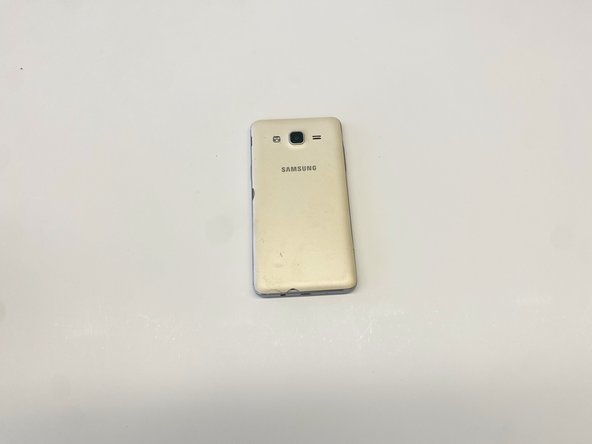
- Place the phone with its screen facing the work surface
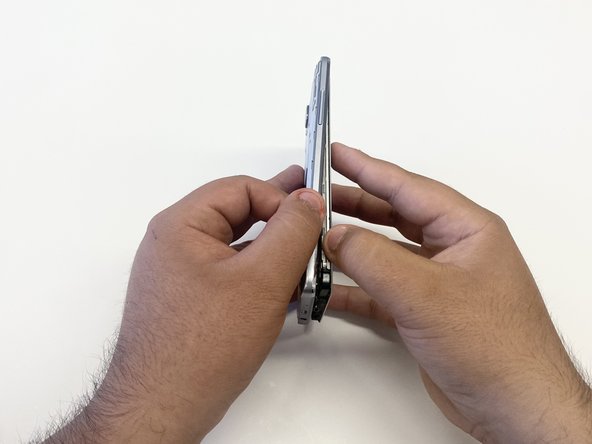
- Position the primary back panel towards you
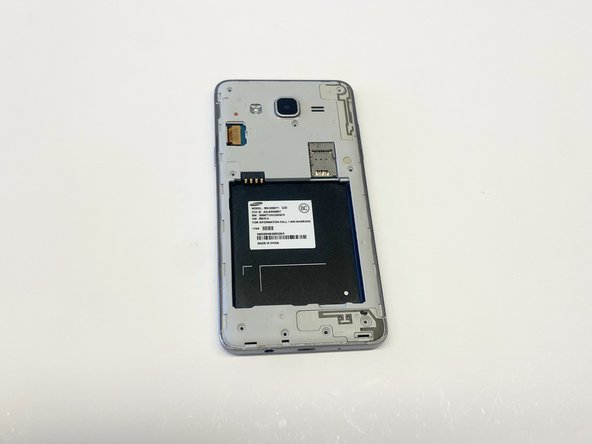
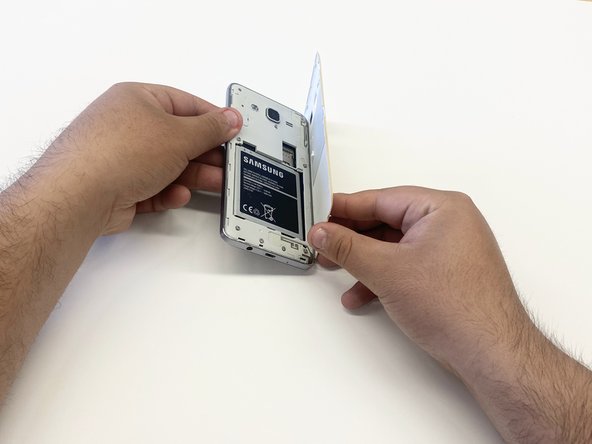
- Detach the primary back panel to expose the battery in the secondary back panel
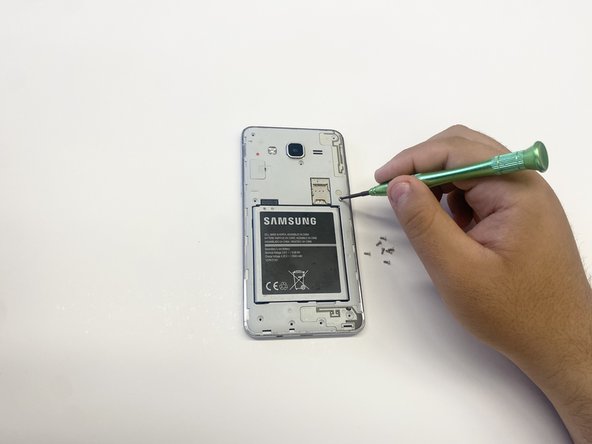
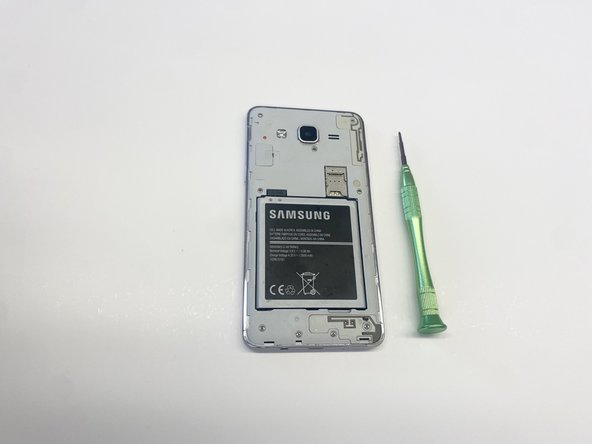
- Using a 1.5x25 millimeter Phillips head screwdriver, remove the nine 4mm screws to gain access to the inner circuitry.
- Put the screws to the side in order to avoid misplacement
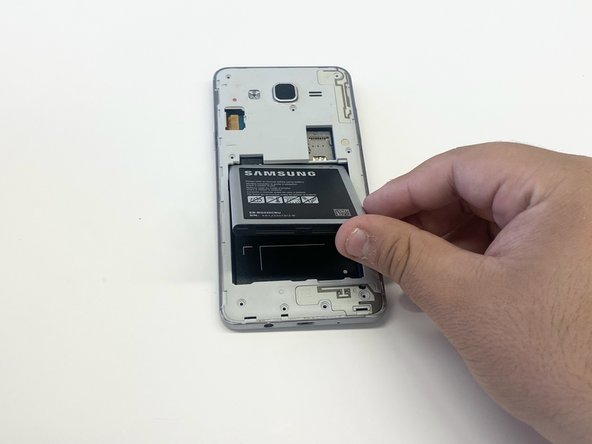
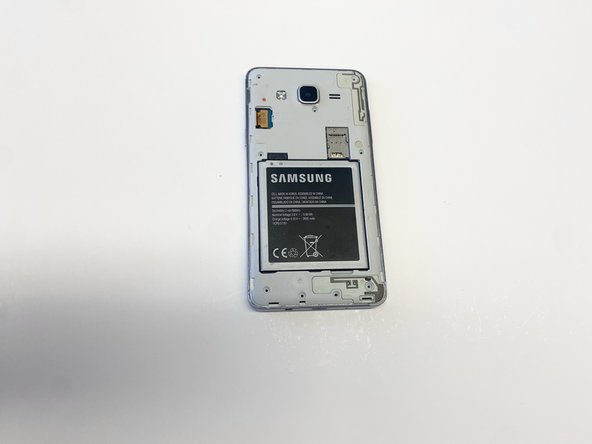
- Remove the battery to prevent damage during the process
- Gently peel up the battery and set it aside
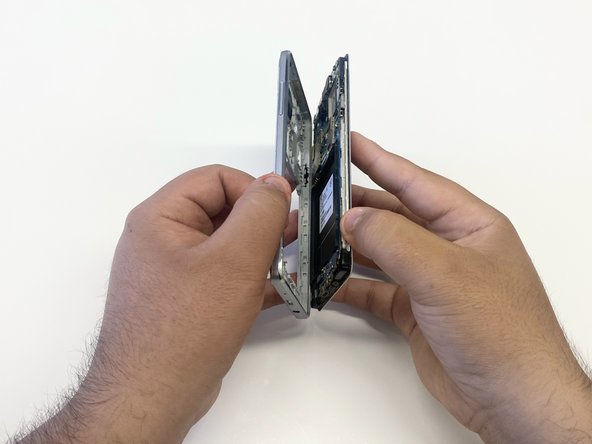
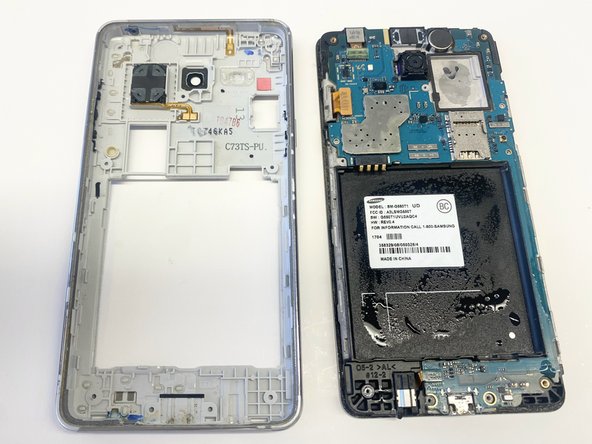
- Carefully peel away the screen display from the secondary back panel
- Use a hair dryer if needed to soften adhesive
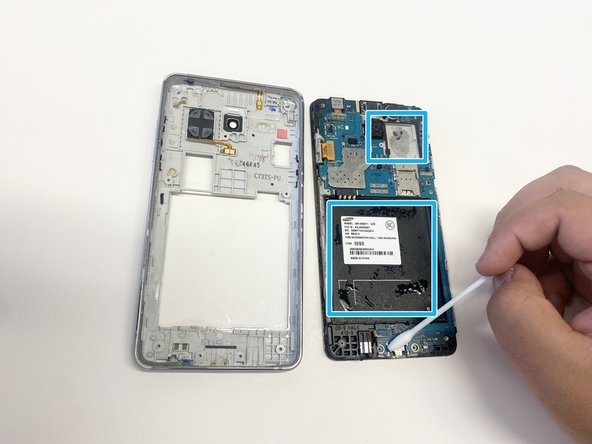
- Address areas of concern in the main frame with a small towel or cotton swab
- Submerging both parts in a container of desiccants like silica gel for a period of time can also be another option
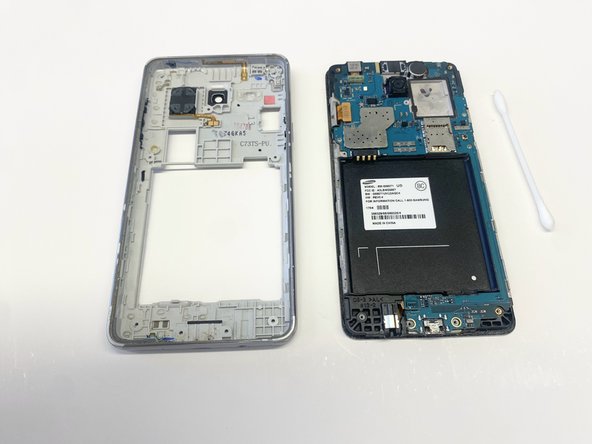
- Make sure that there is no remaining liquid
- Reassemble the phone, starting with the screen and secondary back panel
- Press in on every side until the frame clicks into place
- Retrieve the battery set aside in step 4
- Orient it correctly so the phone can properly boot up later
- Carefully place the battery back into its slot
- Retrieve all of the 4mm screws you put aside in Step 3
- Using the 1.5x25 millimeter Phillips head screwdriver, tighten all 9 of the 4mm screws
- Confirm that each screw is sufficiently tightened to ensure stability and proper function
- Bring back the primary back panel from step 2
- Align the primary back panel with the secondary back panel, ensuring the Samsung logo is facing outward
- Click the panels together and work your way around until all sides are securely attached
- Charge the phone with a USB Micro-B cable so it has an initial charge when opening it back up
- When all steps are performed correctly, the phone should power up and work as intended