GeForce 9800GT Teardown
ID: 169359
Description: I'd reccomend repasting the gpu if you're going...
Steps:
- To strip down the GPU you'll need a Phillips #1 screwdriver
- Optionally if you want to replace the fan you'll also need a Phillips #000 screwdriver
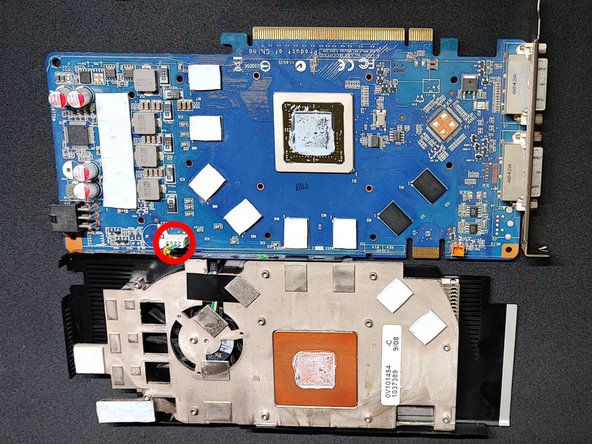
- Remove 12 screws joining the heatsink to the GPU (Phillips #1)
- It is reccomended to use a "star pattern" when unscrewing and tightening to evenly distribute pressure
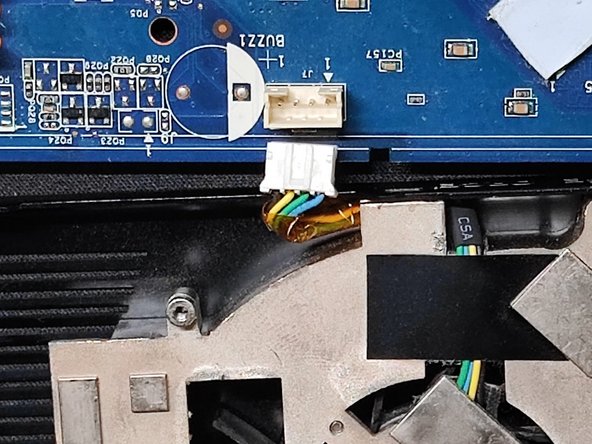
- Carefully "unfold" the heatsink as to not rip the fan connector
- Disconnect the fan
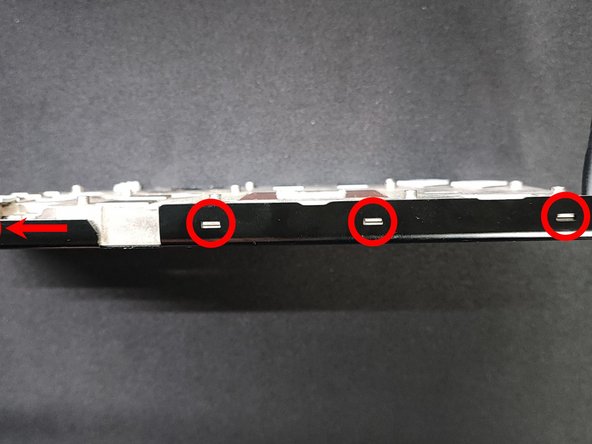
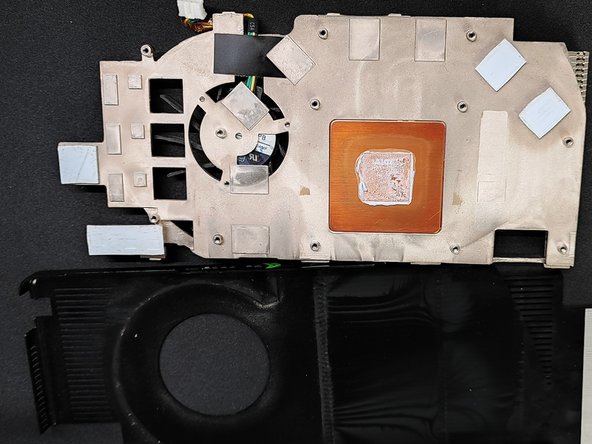
- Unclip the black cover from the heatsink by prying on it
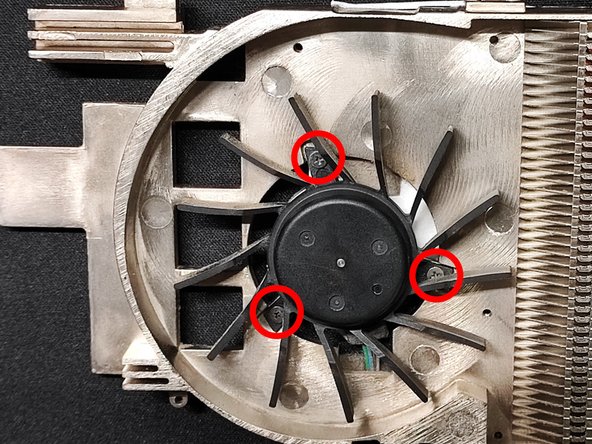
- Unscrew the 3 screws (Phillips #000)
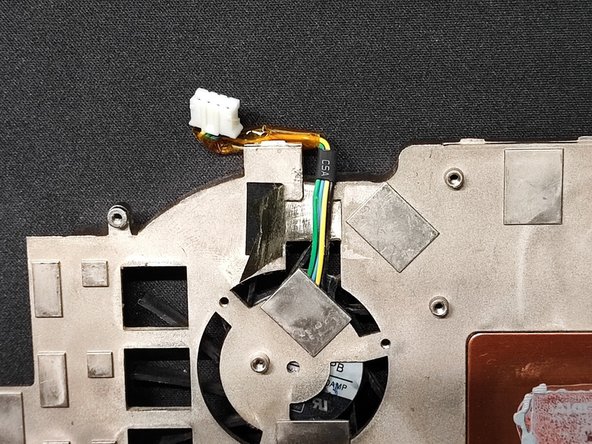
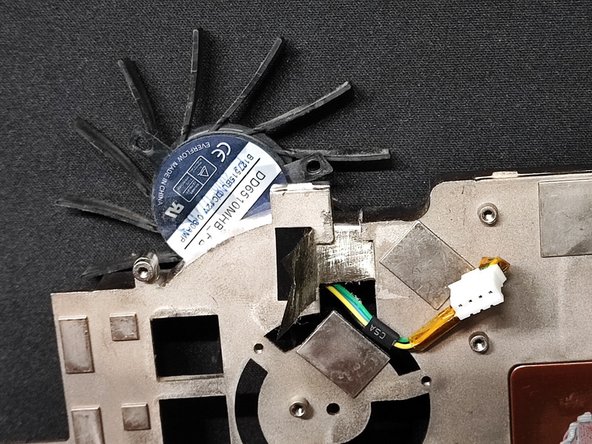
- Unpeel a piece of the tape that's holding down the cable
- Fish the connector through the hole
- Do everything you just did just in reverse order
- When reassembling and putting the fan cover back on don't forget to tuck the fan cable between the cover and the heatsink