fx-CP400 Teardown
ID: 169440
Description: This guide shows the steps for "fx-CP400...
Steps:
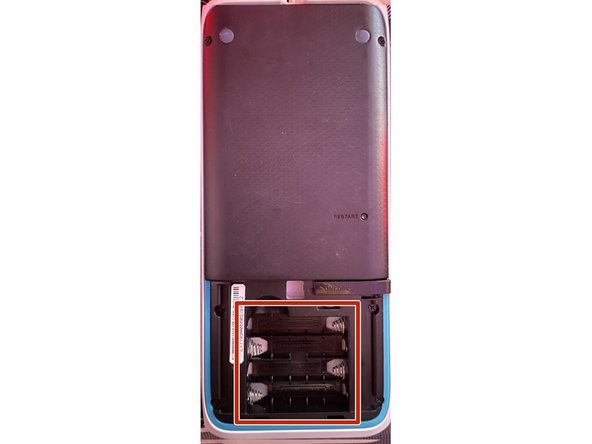
- Push the lever labeled "Unlock" to the side.
- Remove the battery compartment cover.
- Remove all 4 batteries.
- Release all 6 screws on the back
- Flip the calculator over to the front
- Use a flat tool to get under the blue plastic edge.
- Work your way around all sides with the tool to release the corresponding clips.
- Be careful not to damage the flex cable located on the top side.
- Lift the case out towards the bottom.
- When reassembling, ensure that the battery connectors on the motherboard connect properly with the case!
- This concludes the Teardown.
- Be very careful when moving the upper flex cable, as it tears easily.