Sony WH-H900n Earpad Cushion Replacement
ID: 169472
Description: This guide demonstrates how to replace the...
Steps:
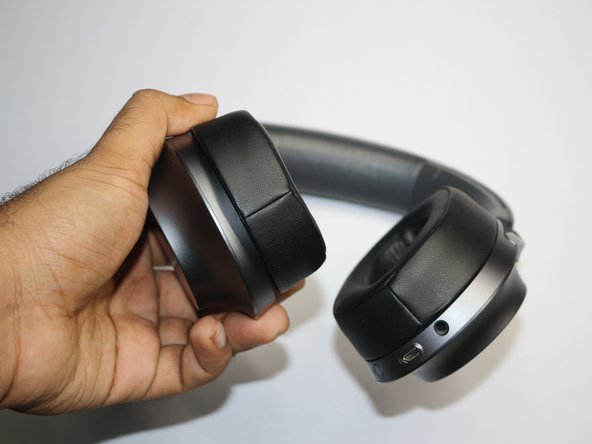
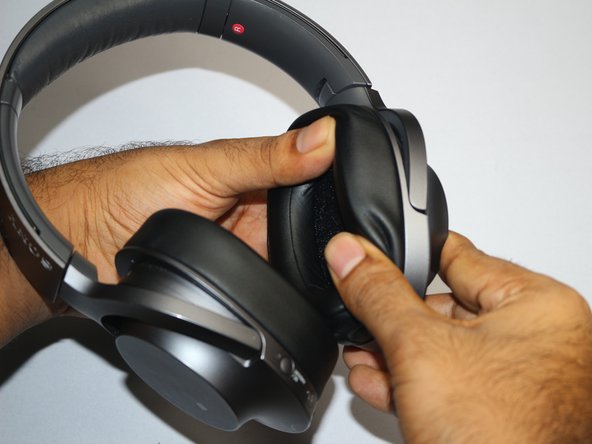
- Place the edge opening tool between the headphones and earpad cushion, gently pry upward to release the clips securing the earpads.
- Use the prying tool at different angles around the earpad.
- Avoid using too much force when prying.
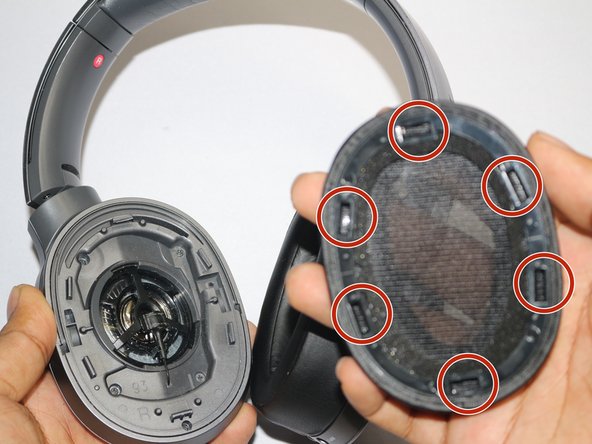
- Remove the earpad.
- Line up the back of the new earpad cushion with the six hooks on the inside of the headphone cup.
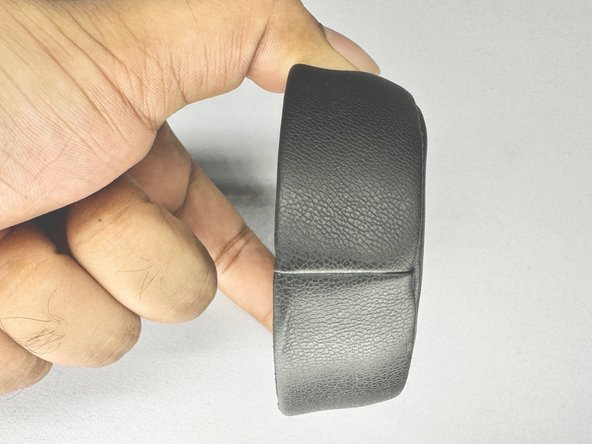
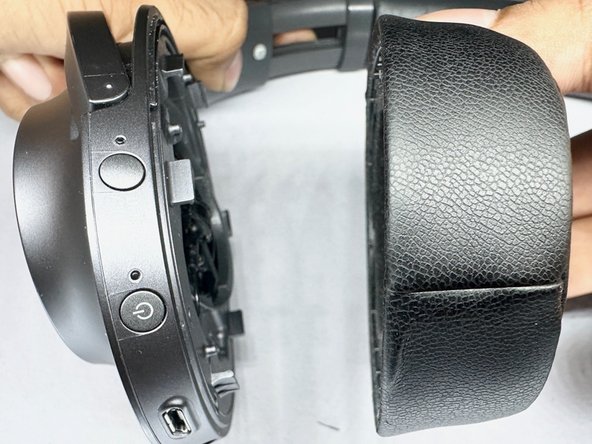
- Make sure the seam of the earpad is facing the bottom.
- Align the back of the earpad with the inside of the headphone cup.
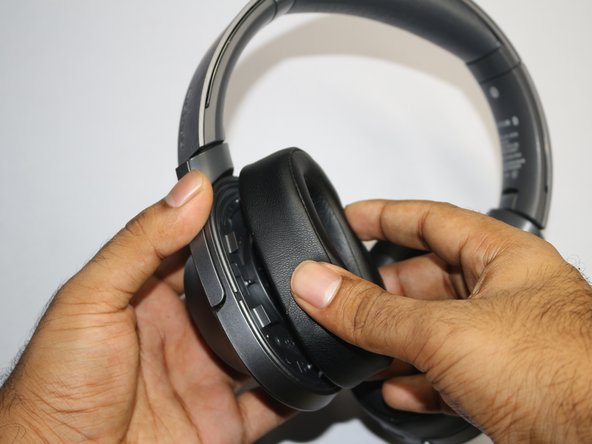
- Slide the earpad cushion onto the hooks in the ear cup.
- Hold the earpad cushion securely and press down until you hear a "click".
- Repeat the steps for the other side.