Brother DCP-L2550DW Toner Cartridge Replacement
ID: 169544
Description: Whether you manage a busy business or handle a...
Steps:
- Unplug your printer from the outlet. Identify your printer and the toner cartridge required.
- The printer recommends only two cartridges, TN-730 and TN-760.
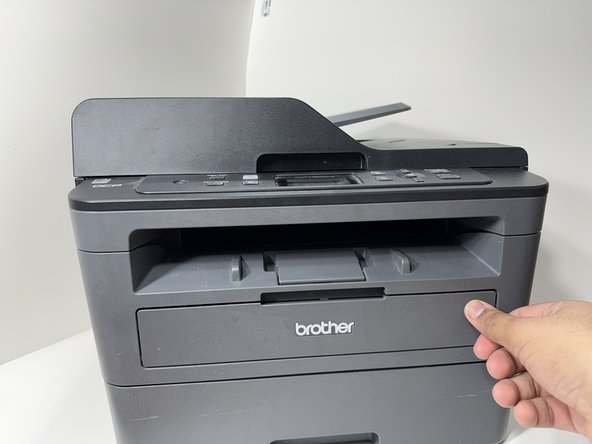
- Pull on the tab to open the front plate of your printer.
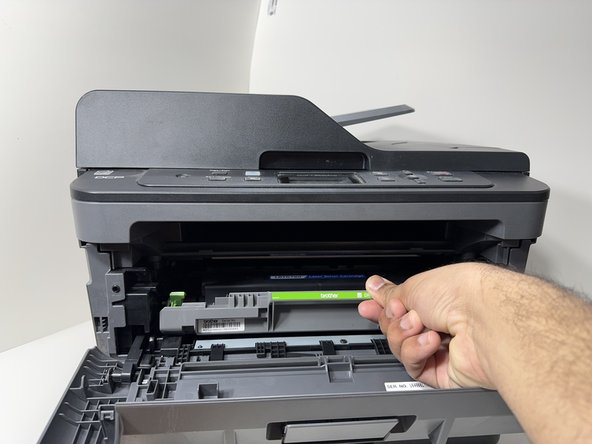
- Pull on the green handle to remove the drum unit of your printer.
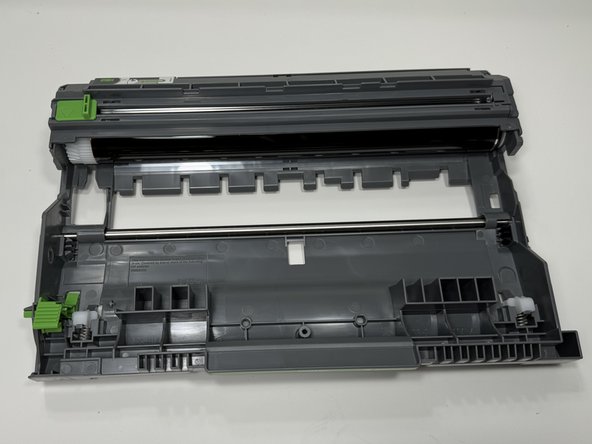
- Place the drum unit on a clean flat surface.
- Press down on the green button at the bottom left corner of the drum unit to unlock the toner cartridge.
- Remove the toner cartridge from the drum unit.
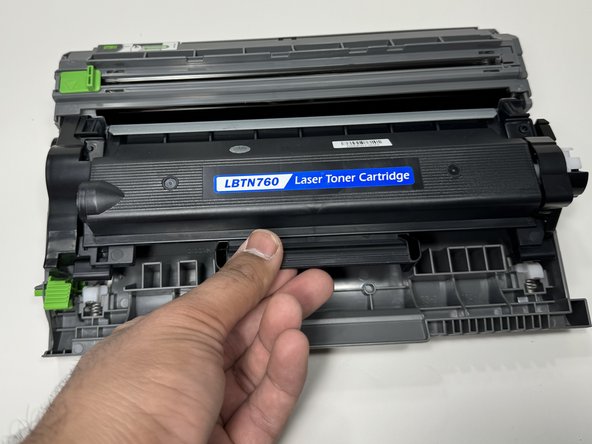
- Insert the new toner cartridge into the drum unit by placing it on top of the drum unit and pressing it down, ensuring it is in the locked position.
- Do not touch the ink roll of the cartridge. It can compromise the quality of the ink.
- Insert the drum unit back into the printer by placing it at the edge of the opening and sliding it inside until it locks in place.
- Close the front plate and ensure it is in the locked position.
- Replacement completed. Plug the printer back in the outlet and test it out. You can now use your printer.