TopMate C11 Fan Replacement
ID: 169577
Description: If one of the fans in your TopMate C11 laptop...
Steps:
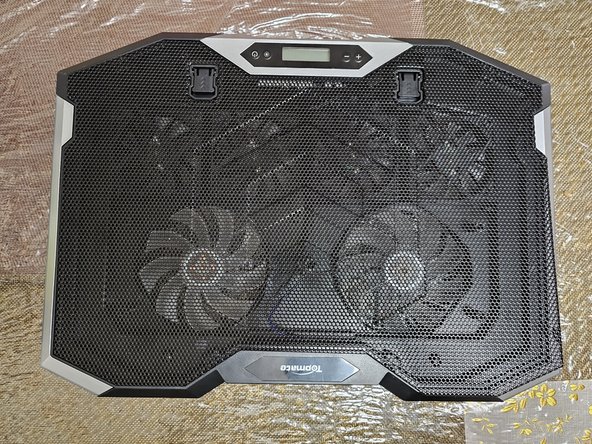
- Place the cooler on a flat surface.
- Flip the cooler upside down.
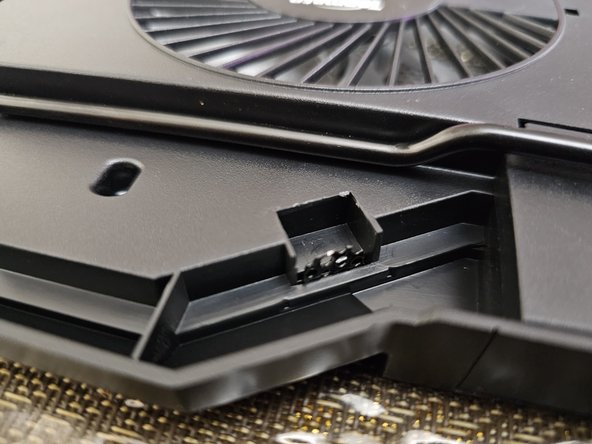
- Identify all 10 metal flaps.
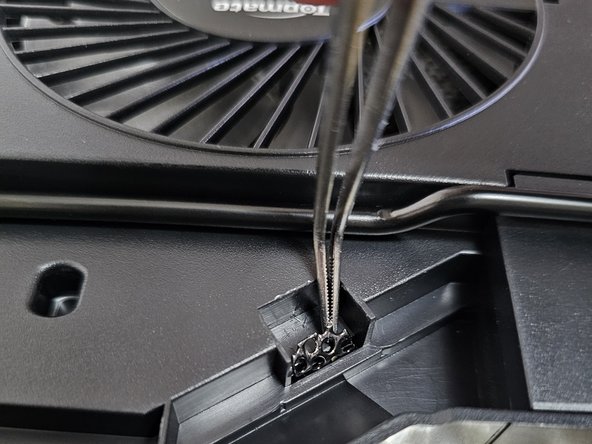
- Straighten all 10 metal flaps with tweezers.
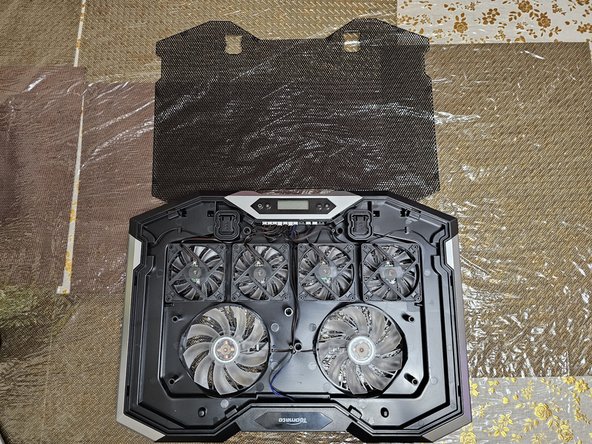
- Flip the cooler while securely holding the mesh grille cover.
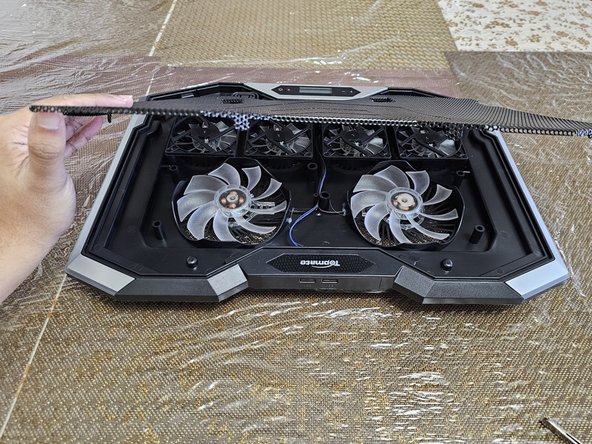
- Remove the mesh grille cover.
- WARNING: Be careful with the mesh grille cover, it has sharp edges.
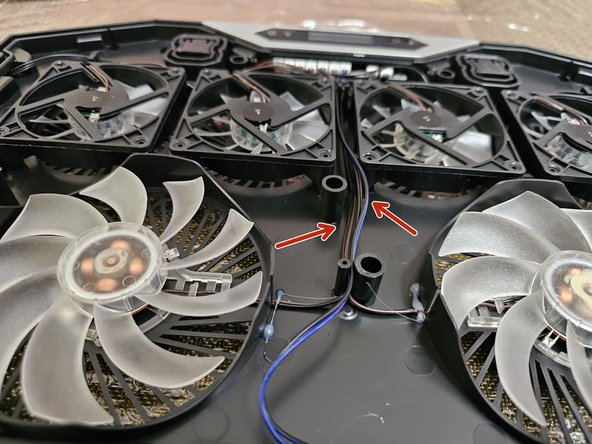
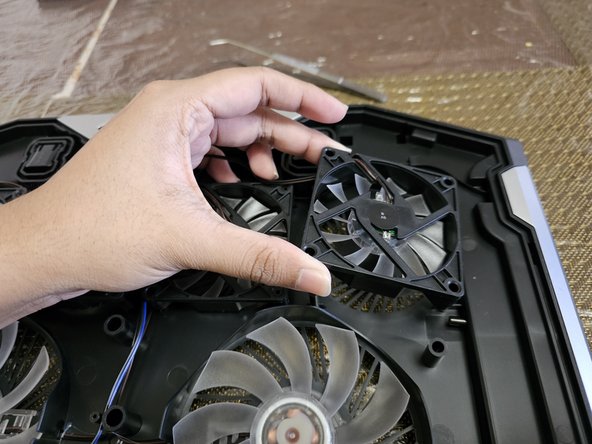
- Identify the broken fan.
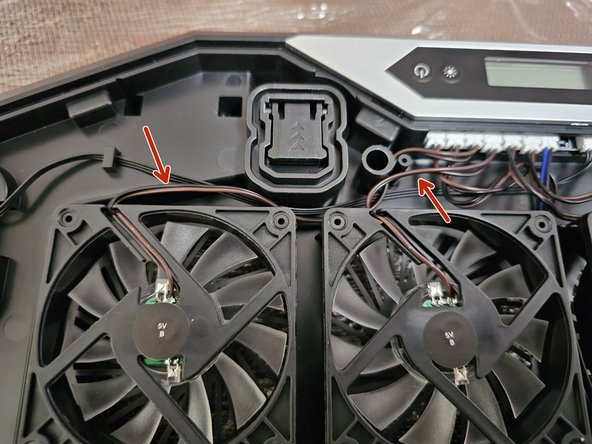
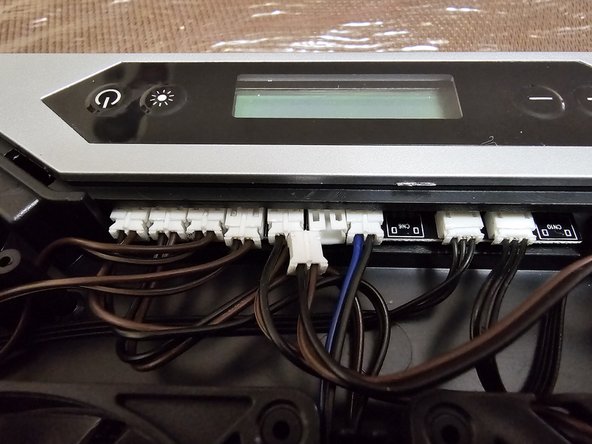
- Trace the wire from the broken fan to the controller board.
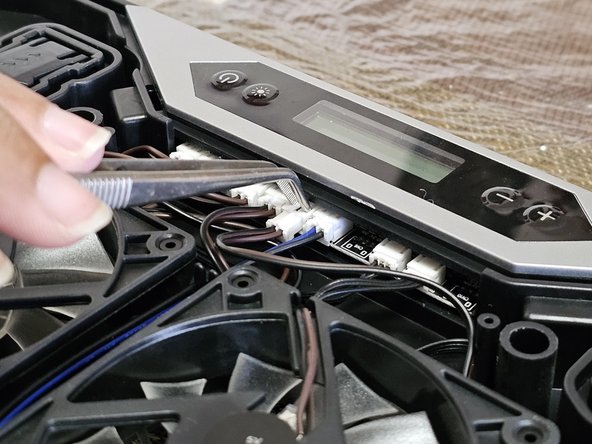
- Gently press two points on the top of the white plug with tweezers to disconnect the wire.
- Don't use excessive force. The wire is fragile.
- Replace the fan and connect the wire.
- Make sure to put the fan in the correct orientation.
- Make sure also the white connector is fully connected.