How to Replace the iwoly V600 Vacuum Filter
ID: 169578
Description: Regular maintenance of your vacuum cleaner is...
Steps:
- Before you begin, ensure the vacuum is unplugged from the power outlet.
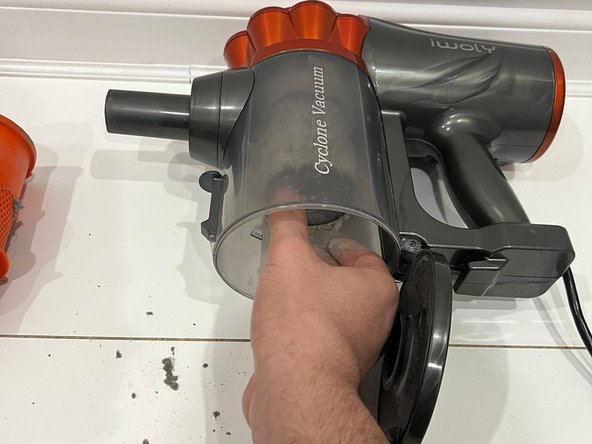
- Press down on the lever located on the front of the vacuum, beneath the attachment, to release the filter lid.
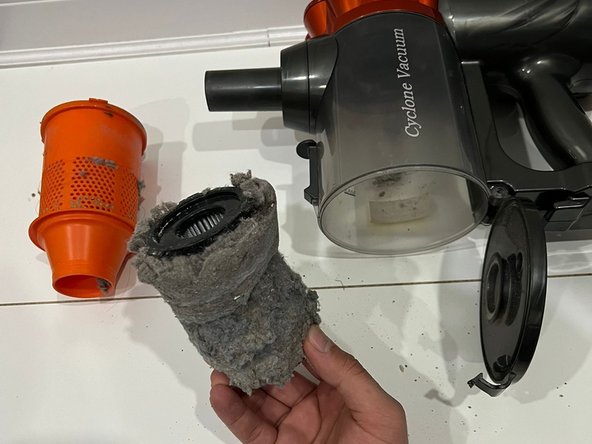
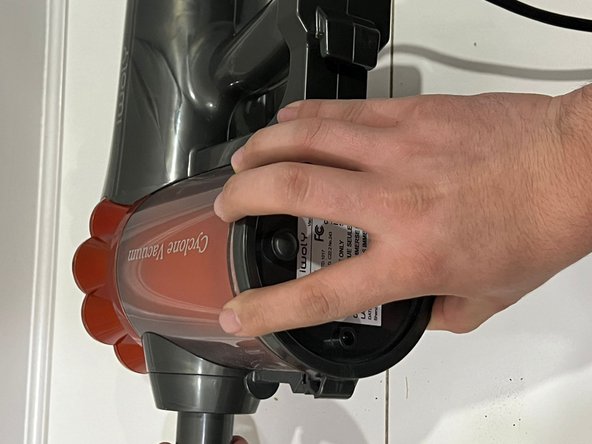
- Turn the orange filter cover counterclockwise to remove it and set it aside.
- Unscrew the filter and remove it from the vacuum.
- Verify that you have the correct filter designed for the iwoly V600 vacuum cleaner.
- Ensure the new filter is correctly positioned.
- Screw it in securely.
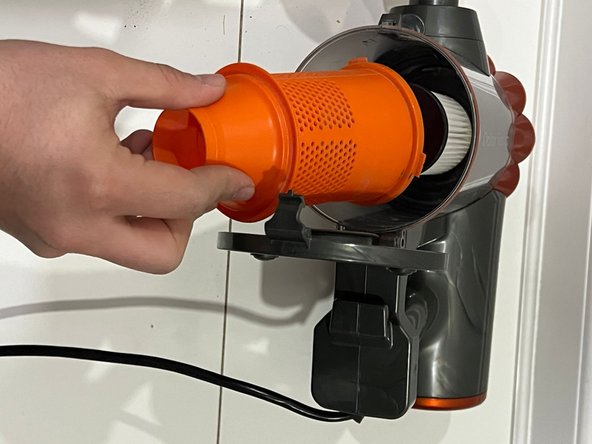
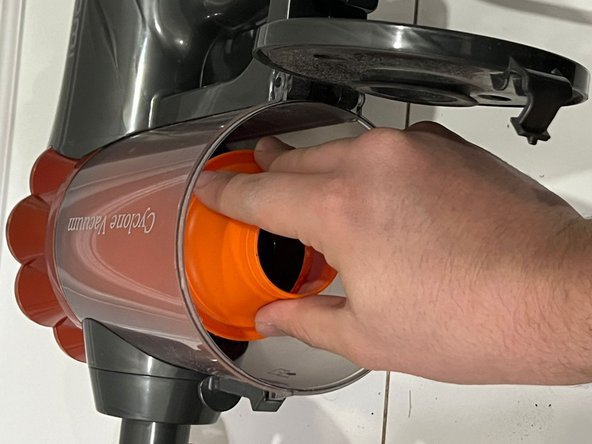
- Replace the orange filter cover.
- Rotate it clockwise to ensure a proper seal.
- Close the vacuum filter lid securely.
- Your task is complete. Happy vacuuming!